All appsScreensFlowsUI elements
PricingGlossary
AllScreensFlowsUI elements

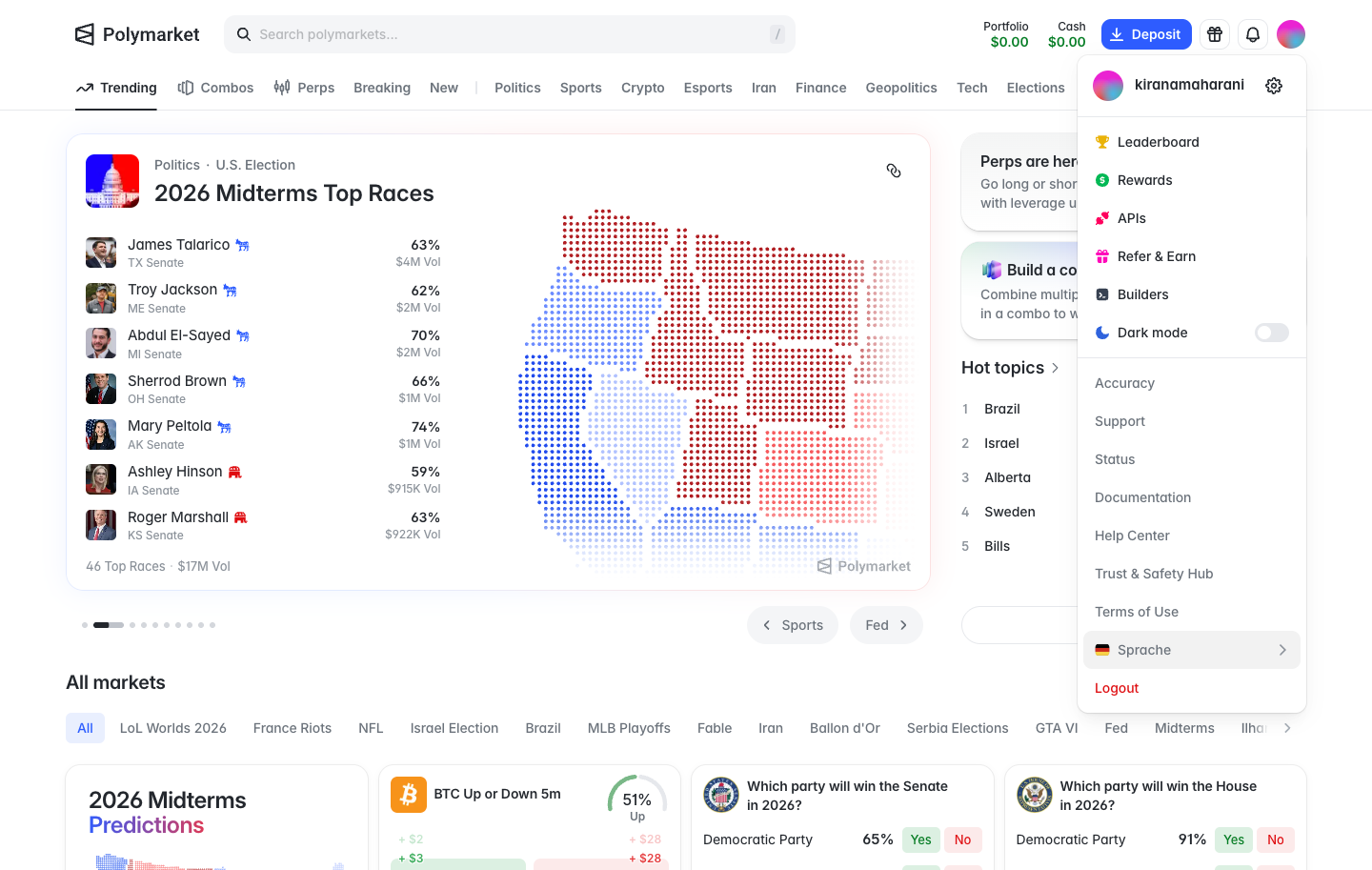
Account menu in Polymarket

Step 2 of 3 in Your profilePlay
Account menu

Account menu

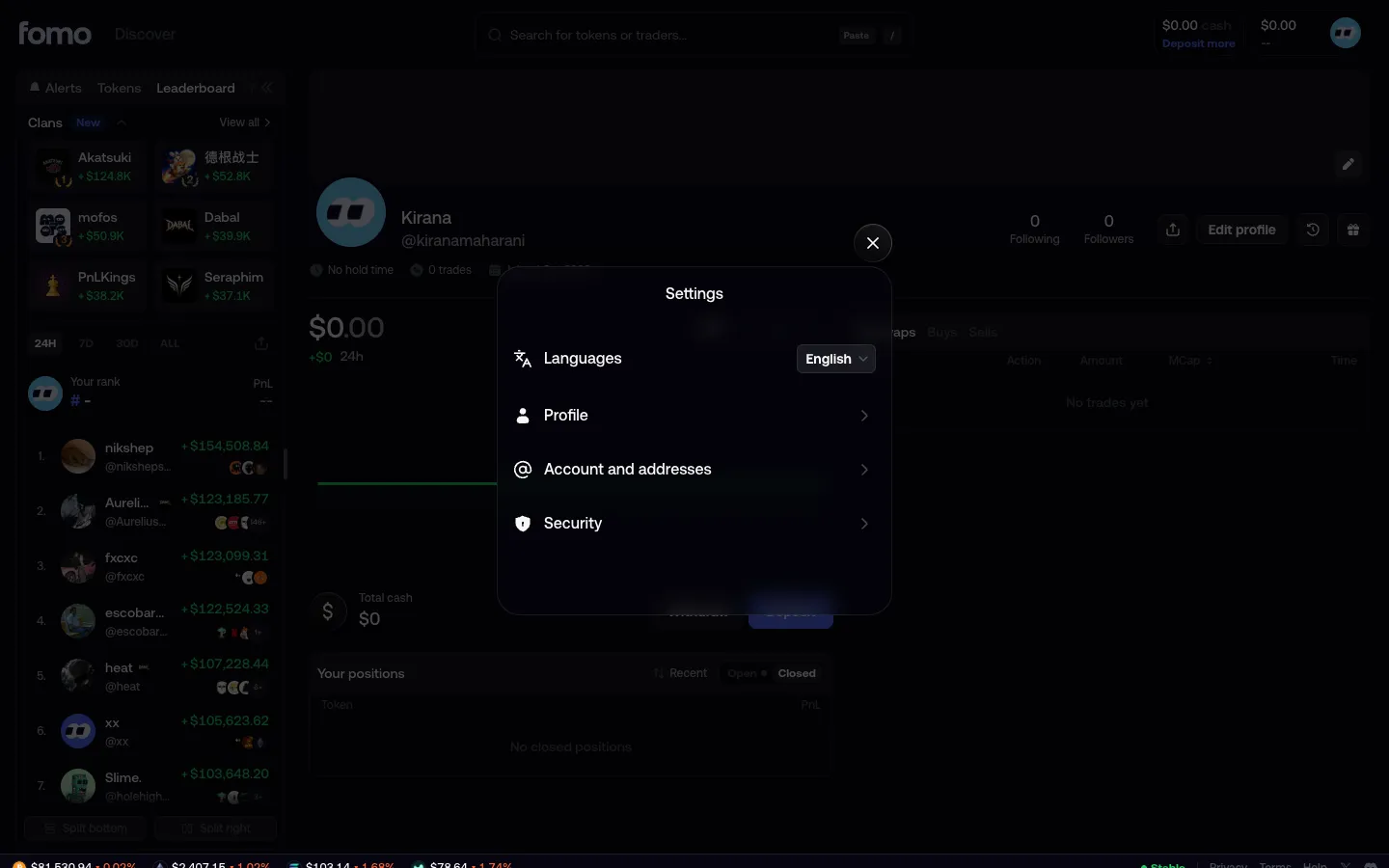
Settings

Screen typeSettings
StateIdle
CapturedOct 2026
UI elementsAvatarDropdown MenuIcon
In the flowYour profile
SizeDesktop, 1440 by 913
Open the flowOpen original

Similar screens in other apps

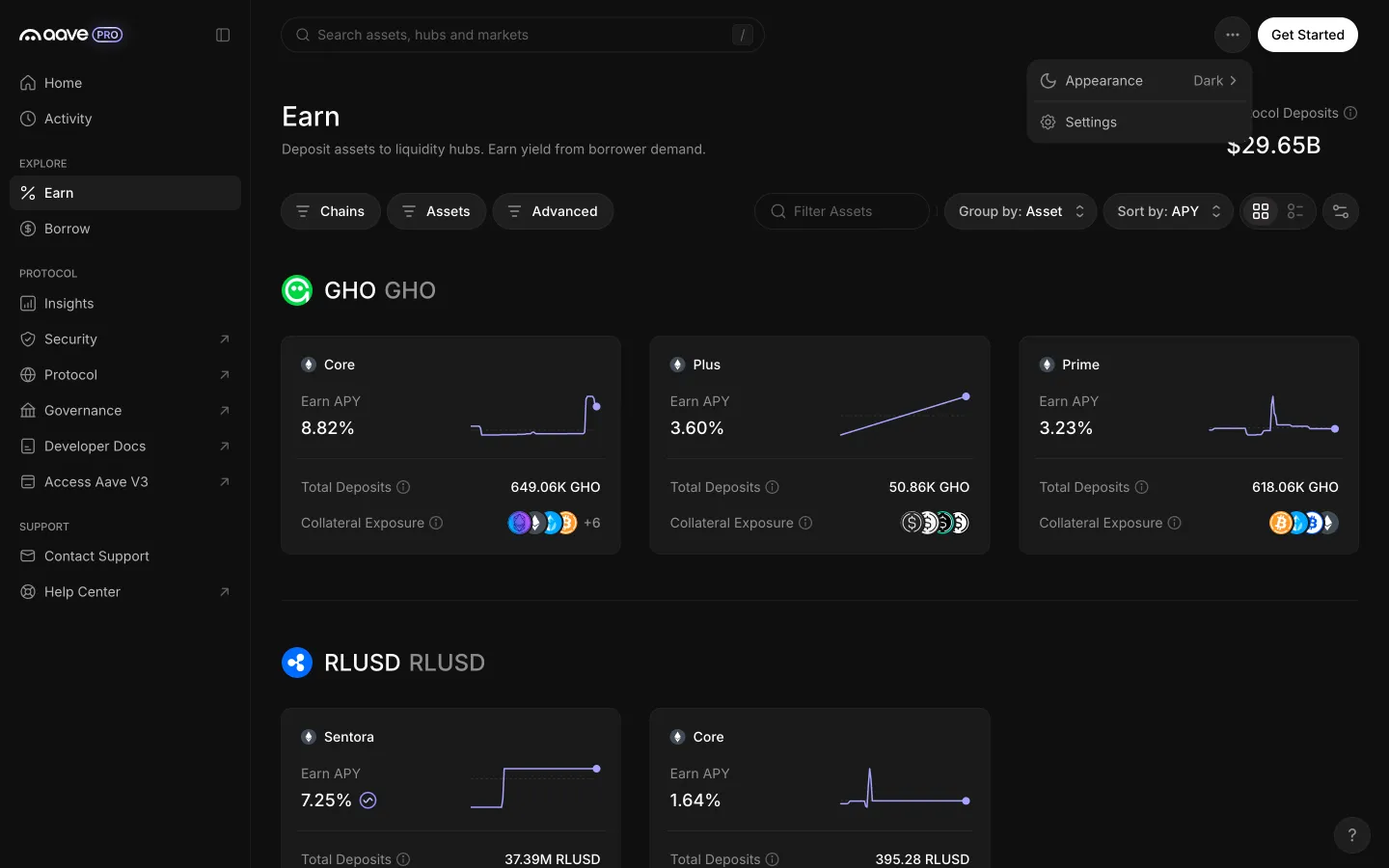
More menu offers appearance and settingsAave ProMore menu offers appearance and settings
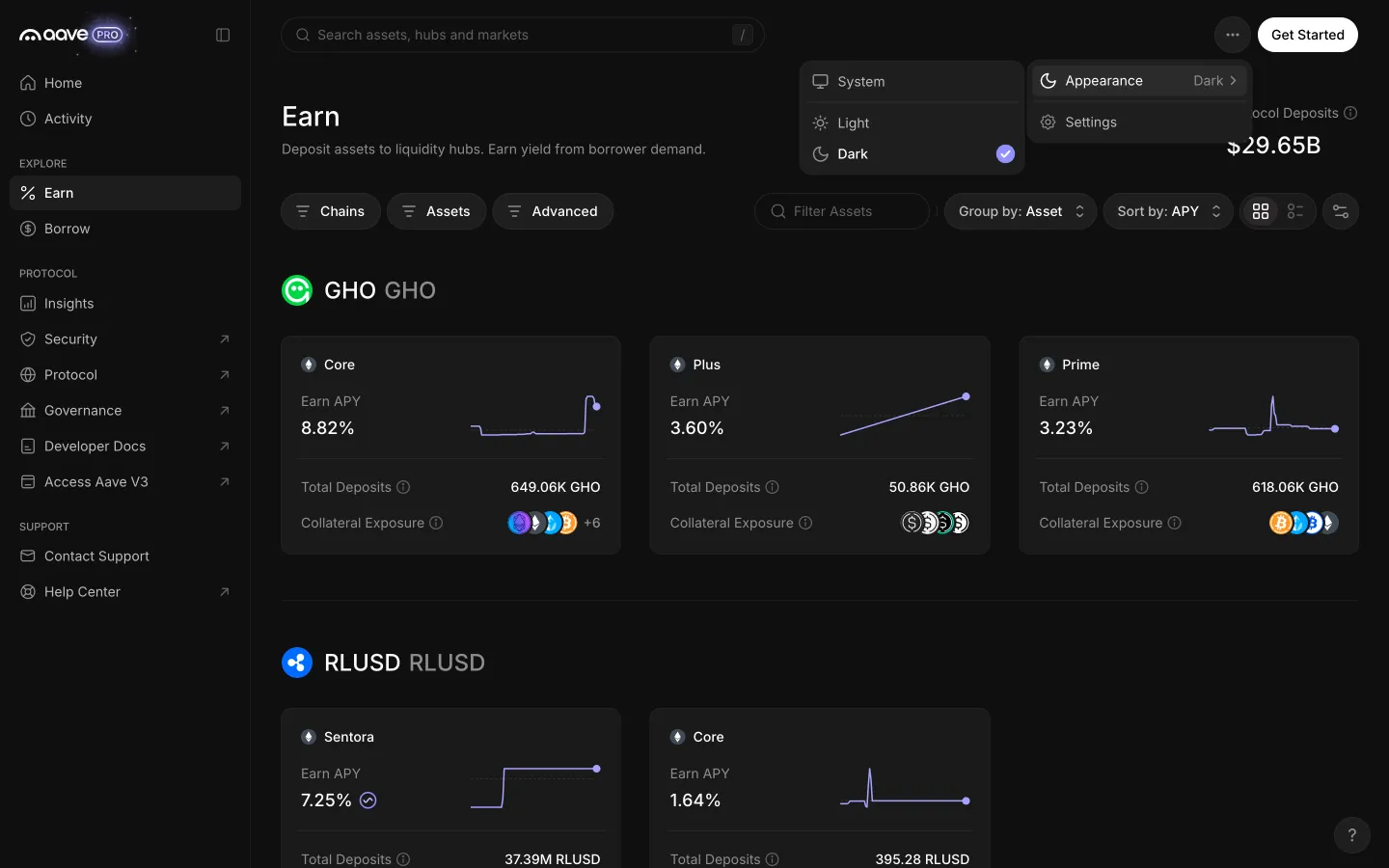
Appearance offers system, light and darkAave ProAppearance offers system, light and dark
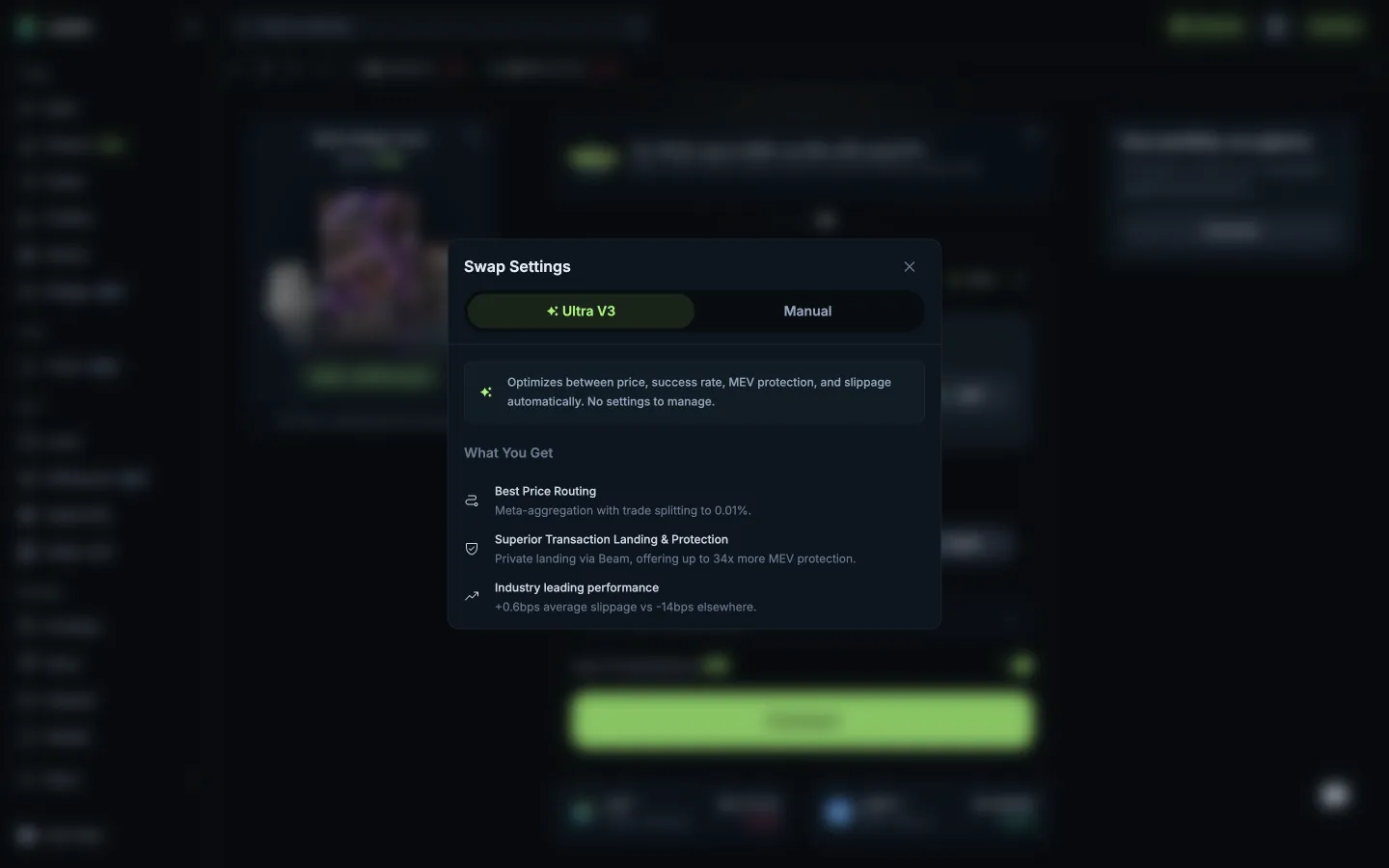
Ultra V3 profile, nothing to setJupiterUltra V3 profile, nothing to set
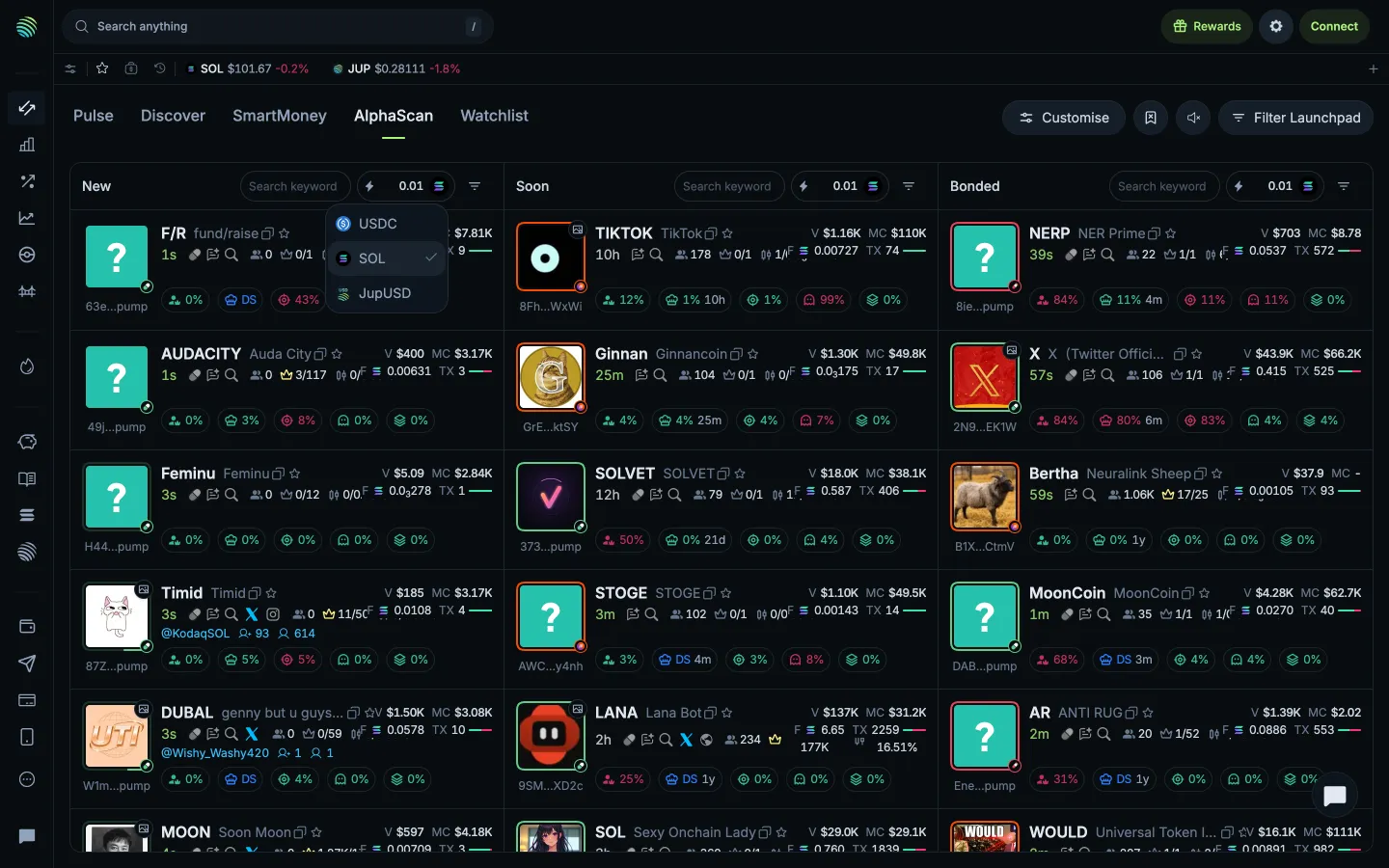
Quick buy currency choicesJupiterQuick buy currency choices
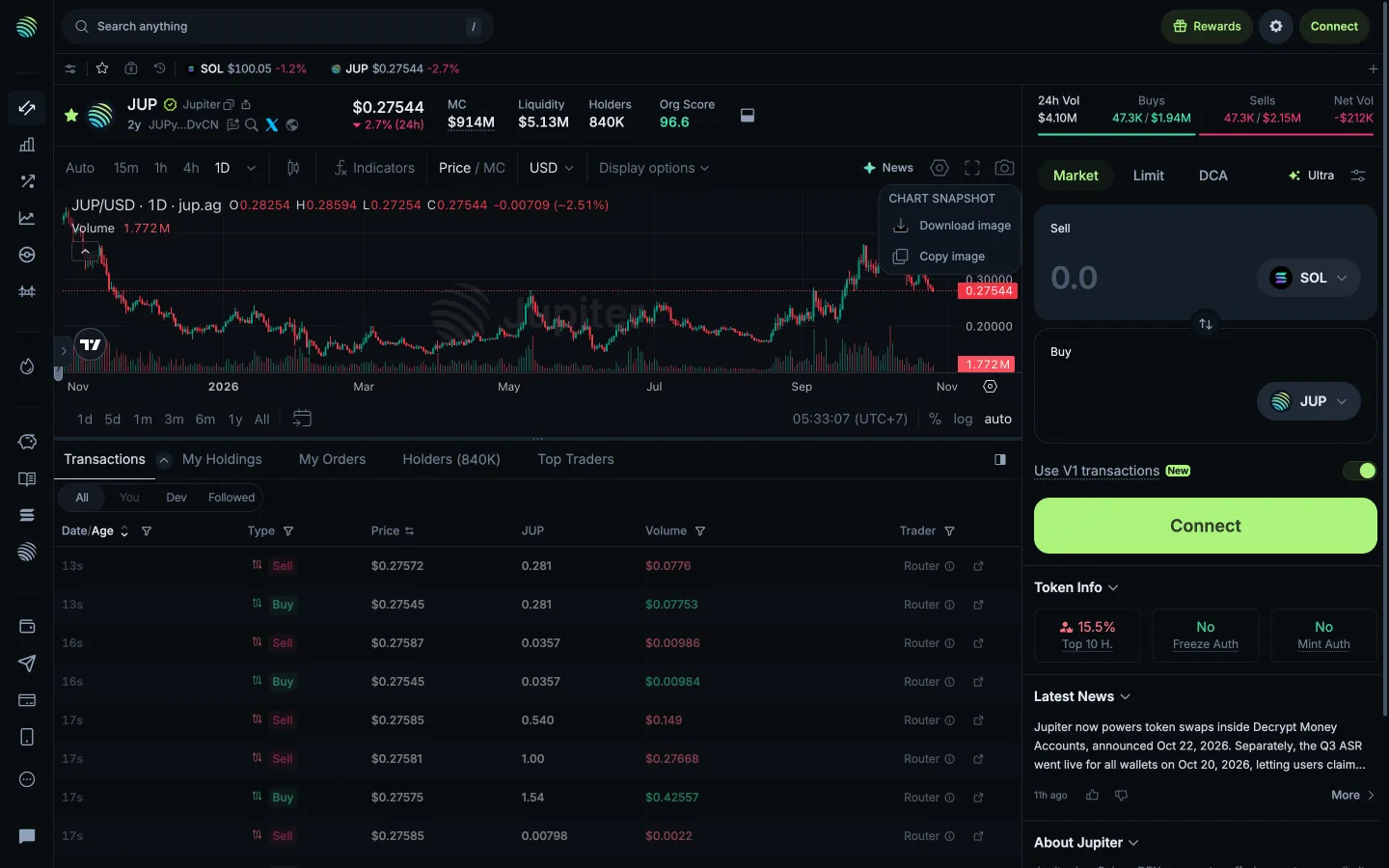
Download or copy the chart imageJupiterDownload or copy the chart image
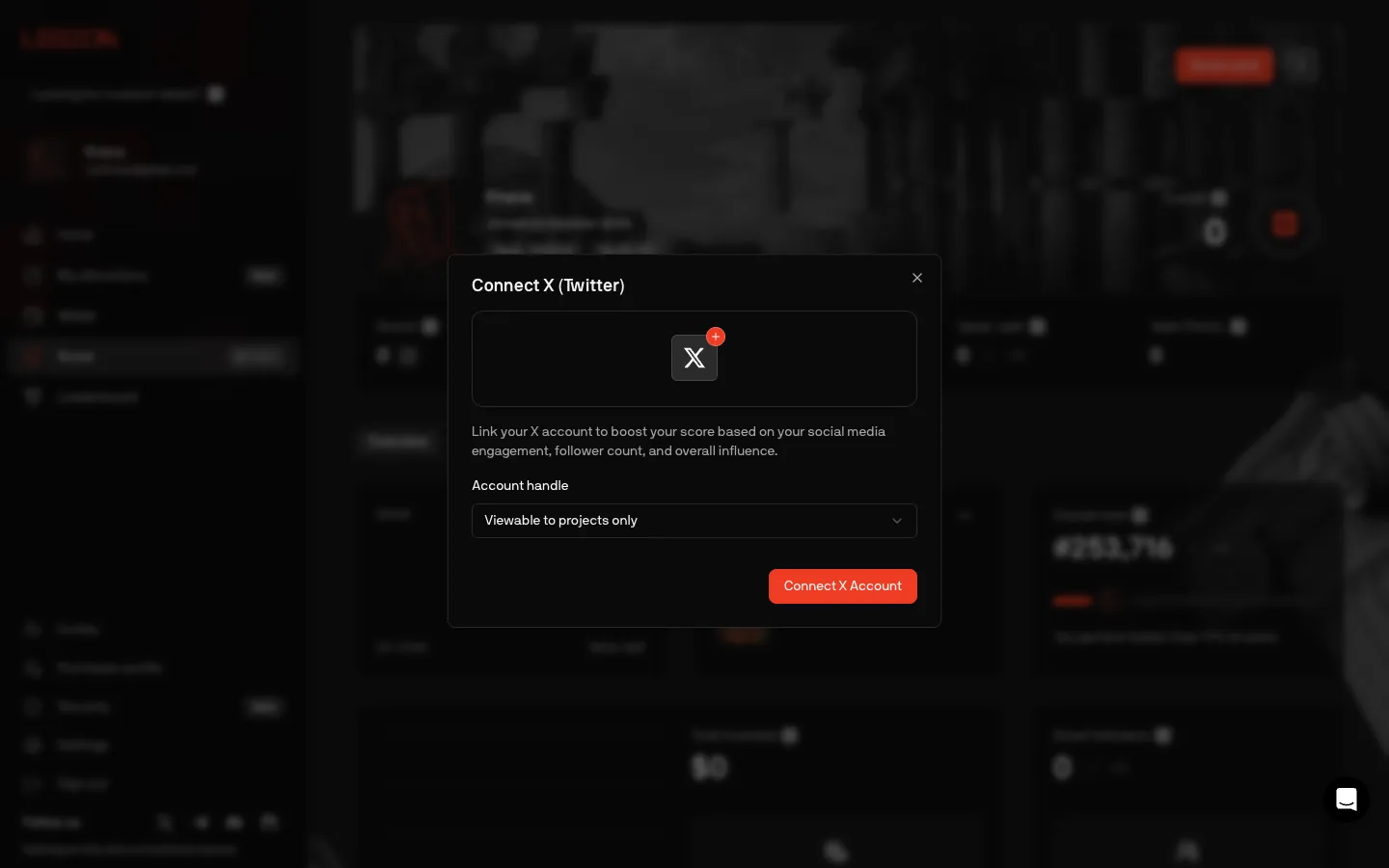
Connect X, choose who sees the handleLegionConnect X, choose who sees the handle
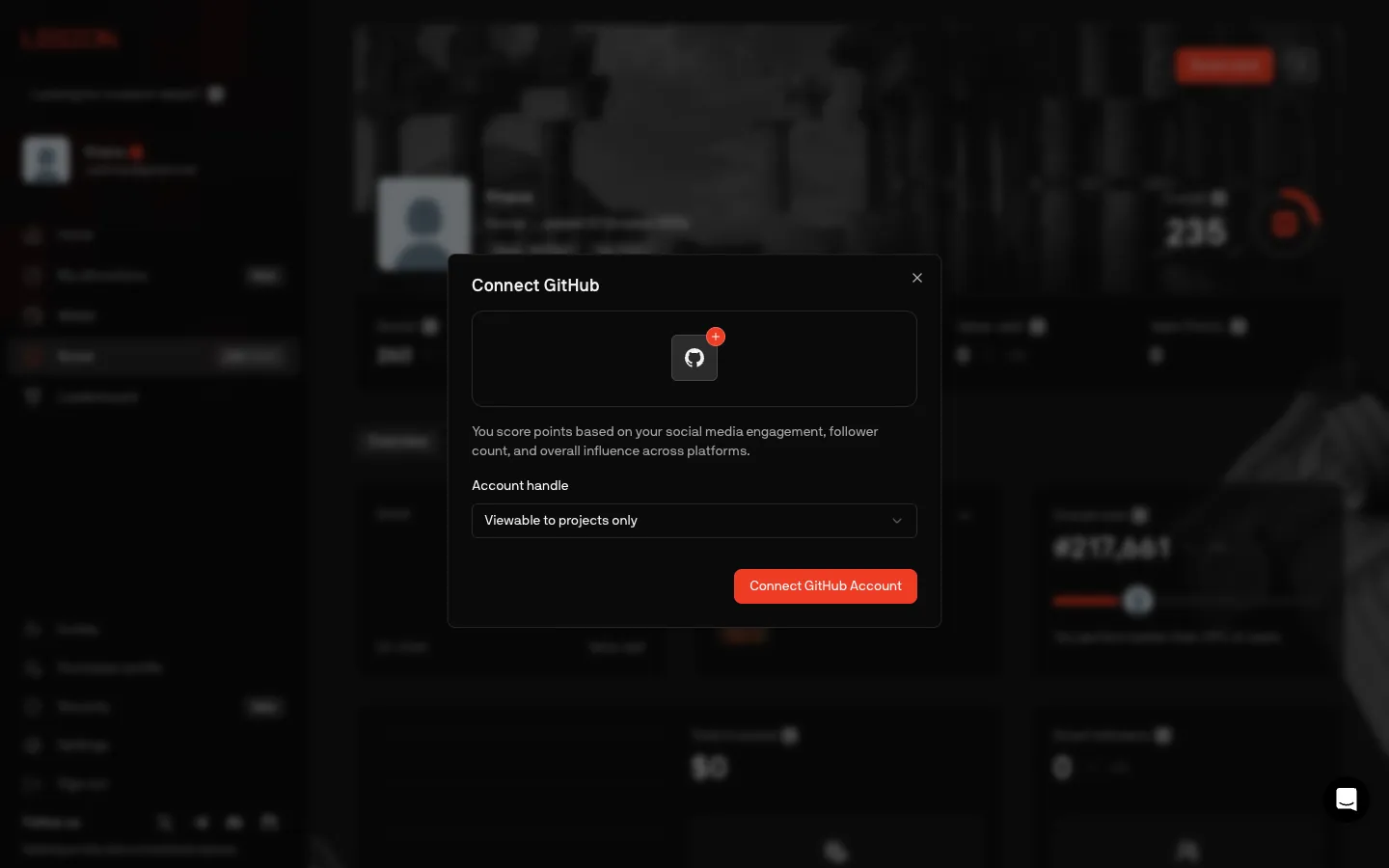
Connect GitHub, copy still talks about followersLegionConnect GitHub, copy still talks about followers
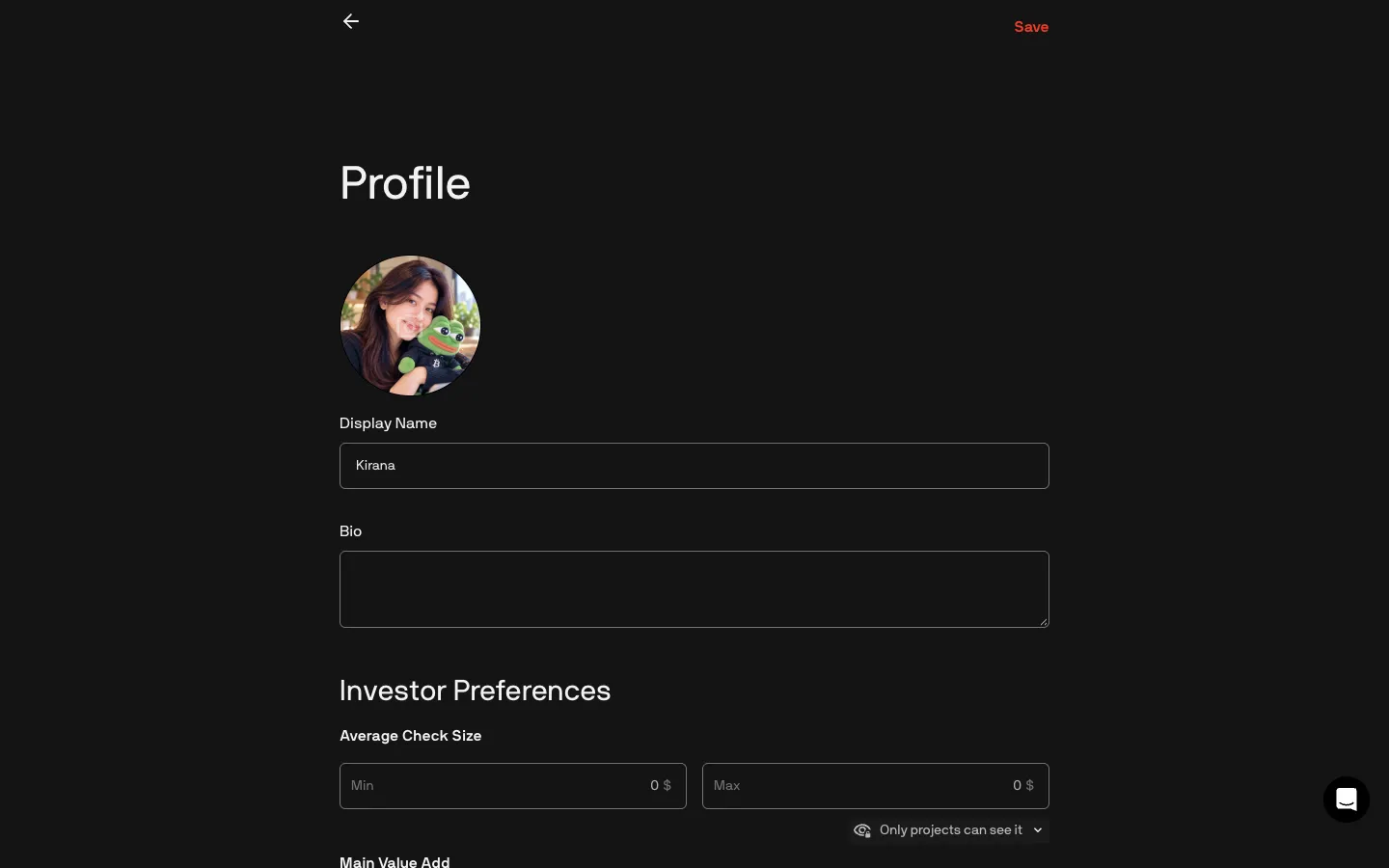
New picture previews before savingLegionNew picture previews before saving
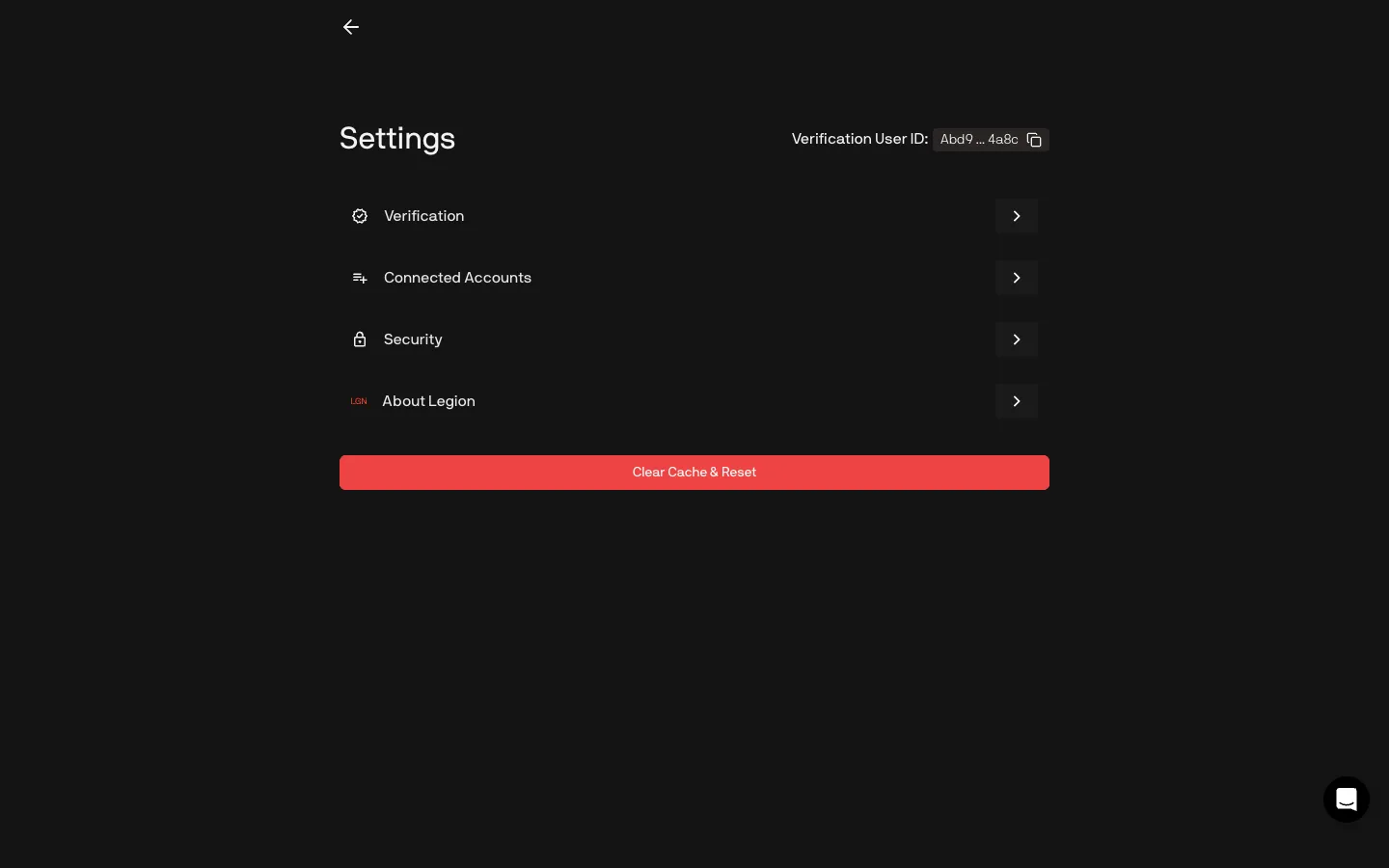
Settings, verification, accounts, security, aboutLegionSettings, verification, accounts, security, about
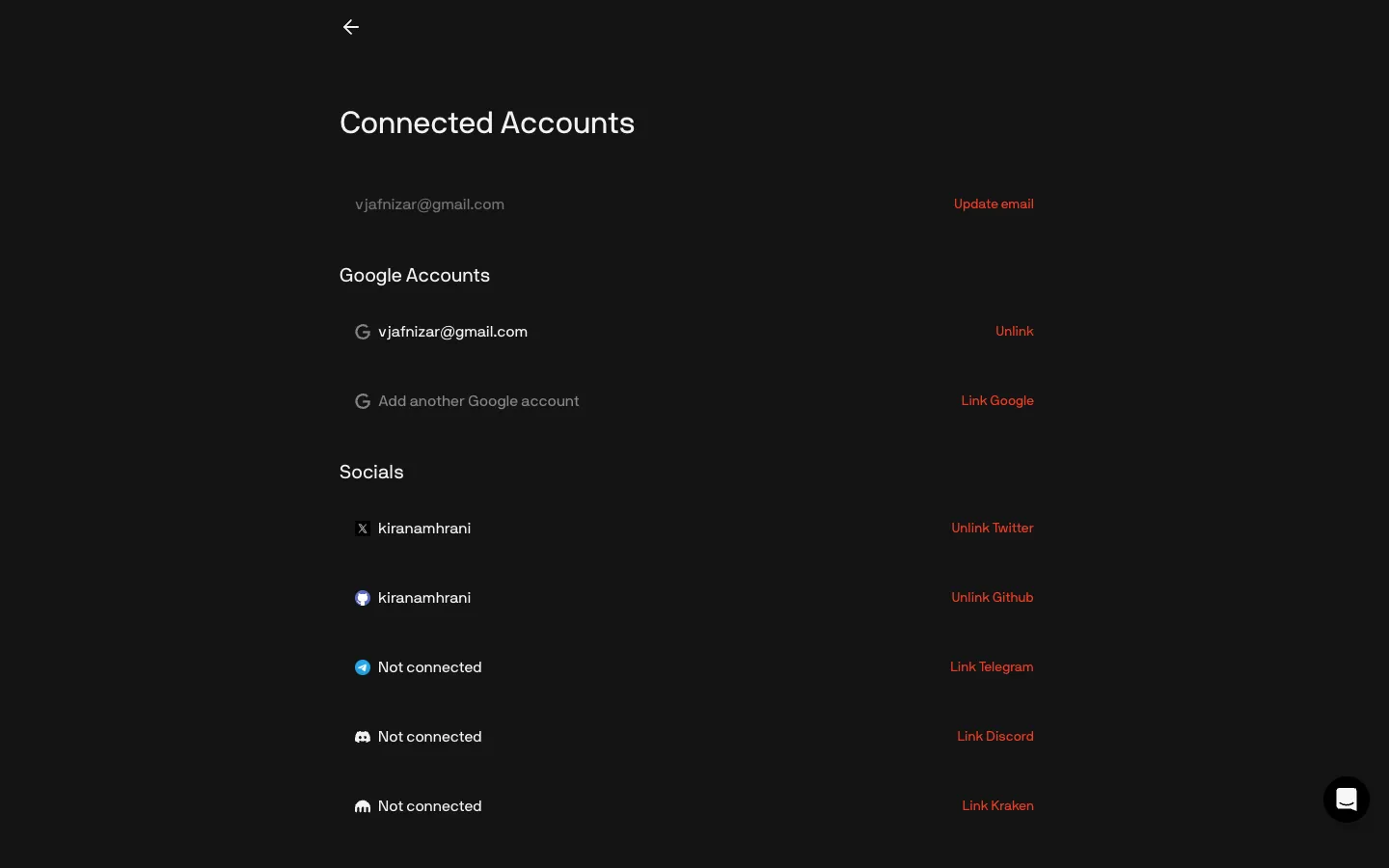
Email, Google, socials, Kraken and wallets in one listLegionEmail, Google, socials, Kraken and wallets in one list
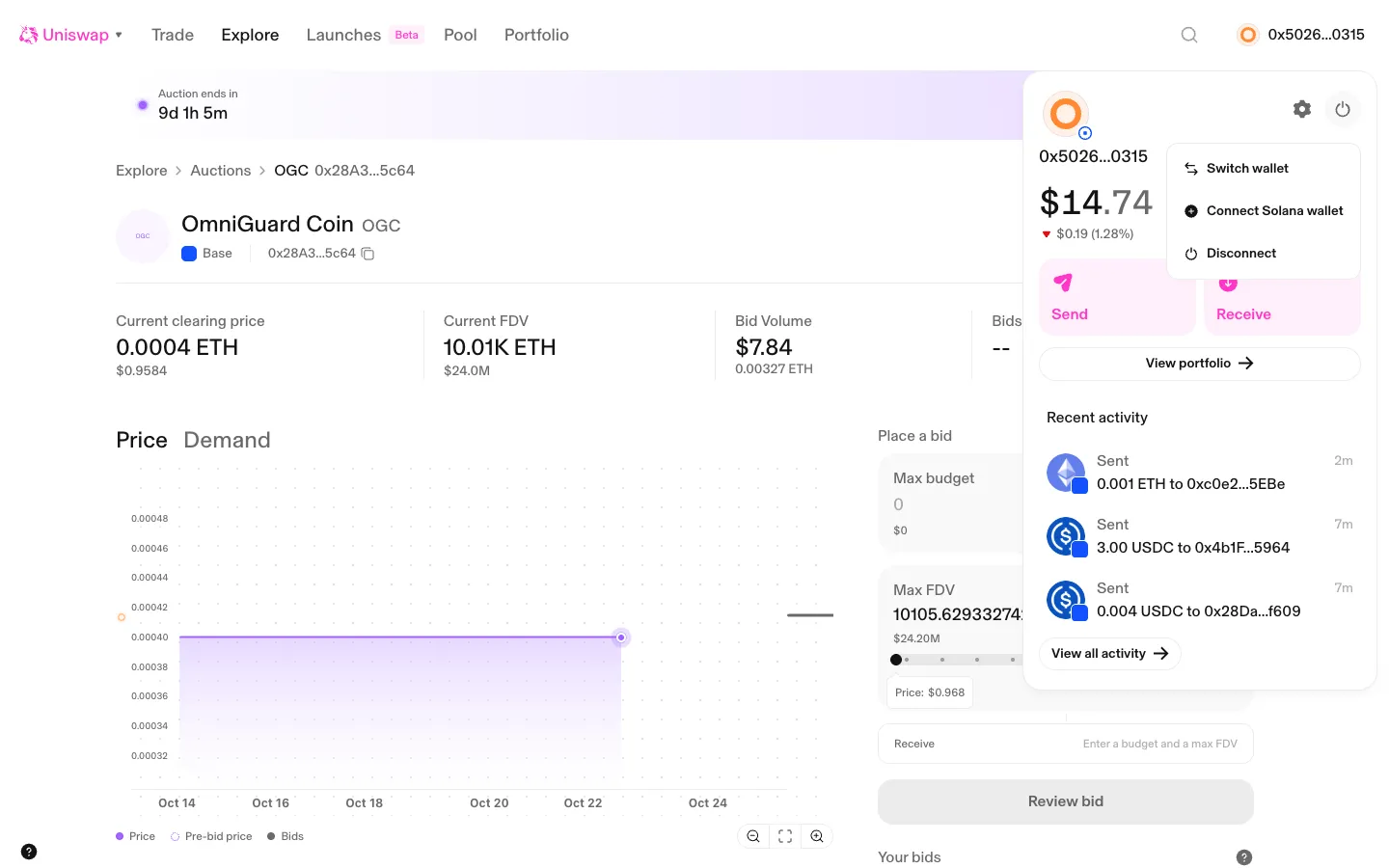
Power menu, switch, add Solana or disconnectUniswapPower menu, switch, add Solana or disconnect
Settings openfomoSettings open

Screens, flows and sites from real crypto and web3 apps.

© 2026 MoonoPrivacyTerms

Apps

  • All apps
  • Screens
  • Flows
  • UI elements

Sites

  • All sites
  • Sections

Learn

  • Glossary

Product

  • Pricing
  • MCPNew

© 2026 MoonoPrivacyTerms