Apps
All apps
Screens
Flows
UI elements
Pricing
Glossary
Get started
All
Screens
Flows
UI elements
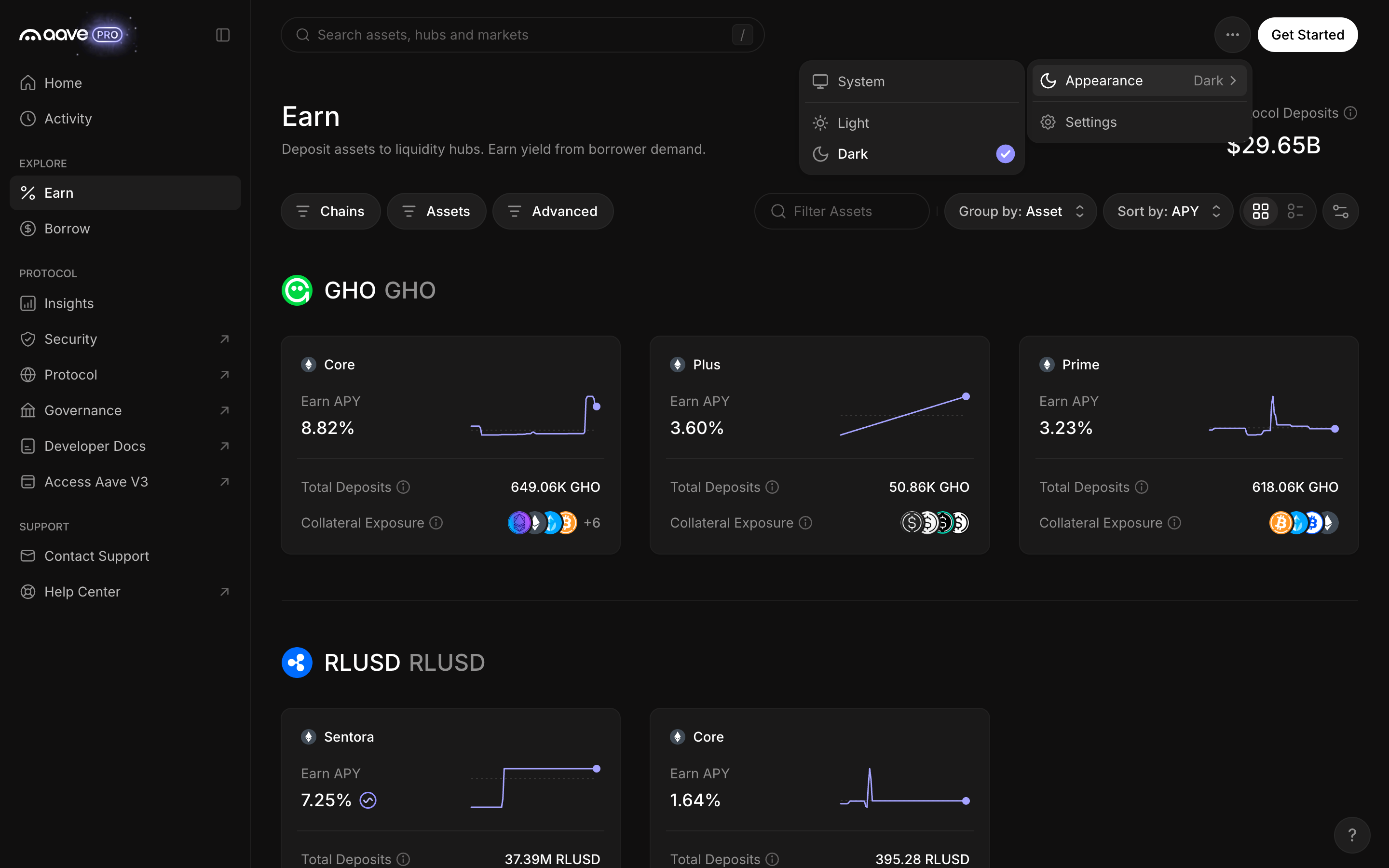
Appearance offers system, light and dark
in
Aave Pro
Step 3 of 3 in Preferences
Play
Appearance offers system, light and dark
Settings
Similar screens in other apps
Jupiter
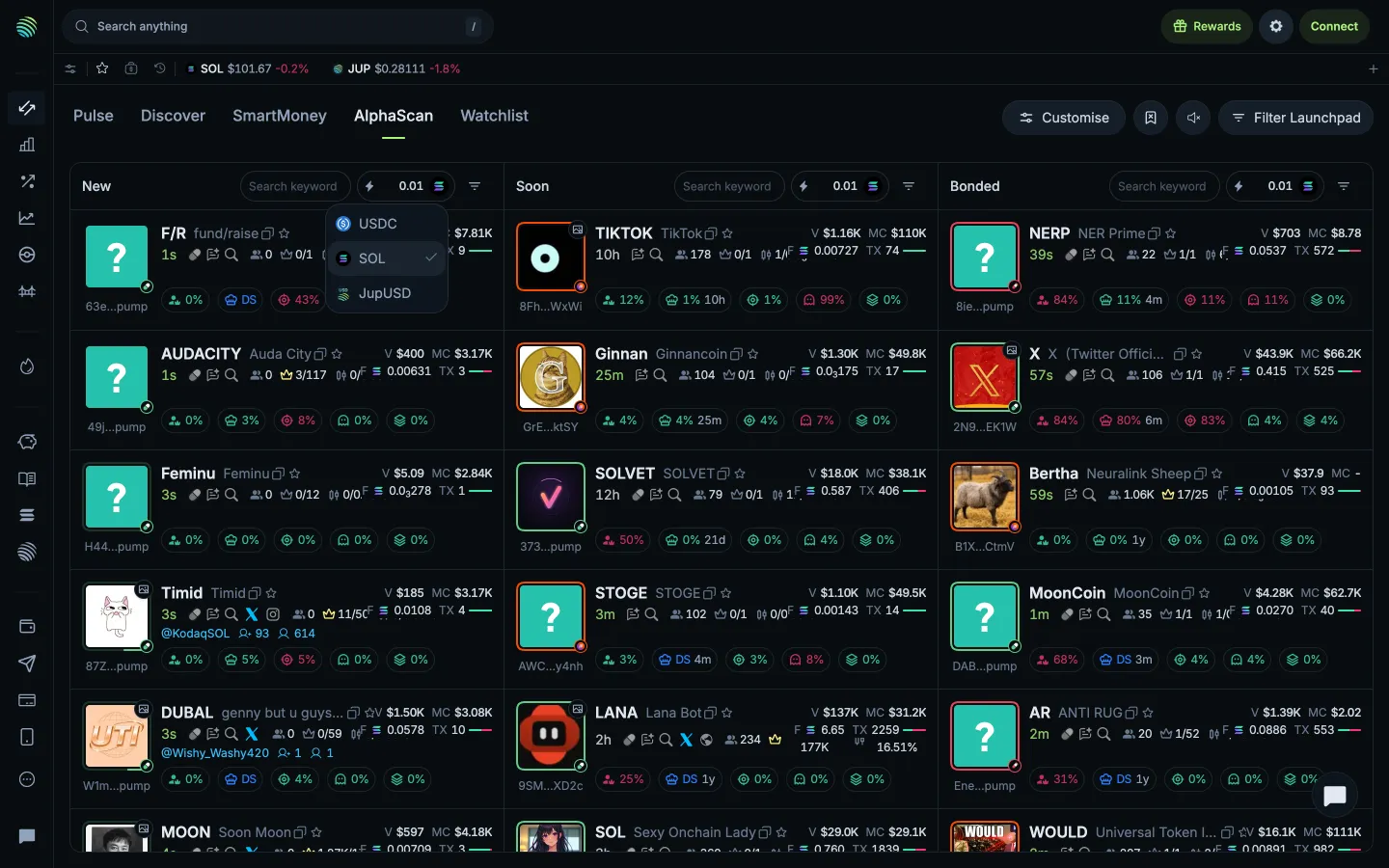
Quick buy currency choices
Jupiter
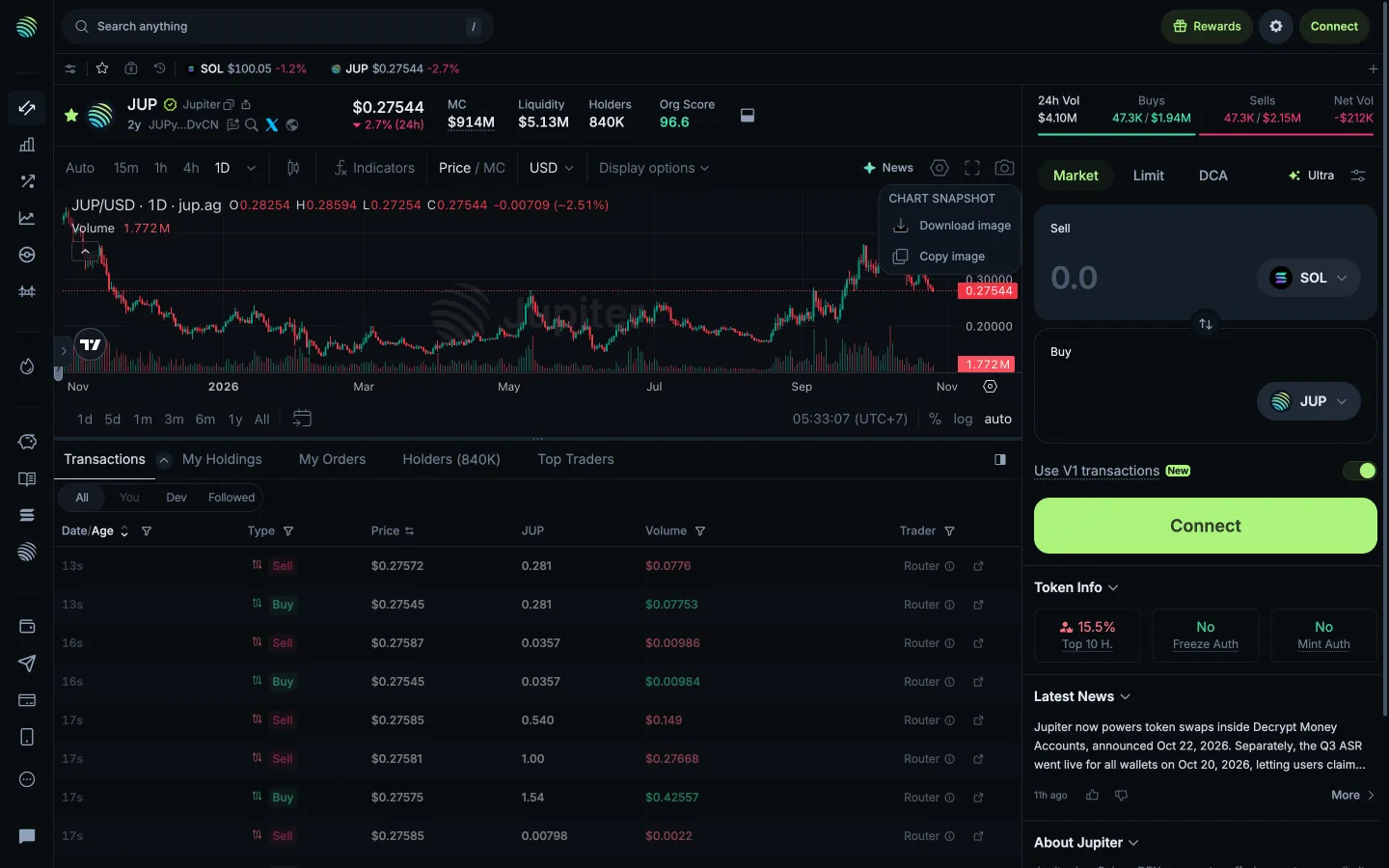
Download or copy the chart image
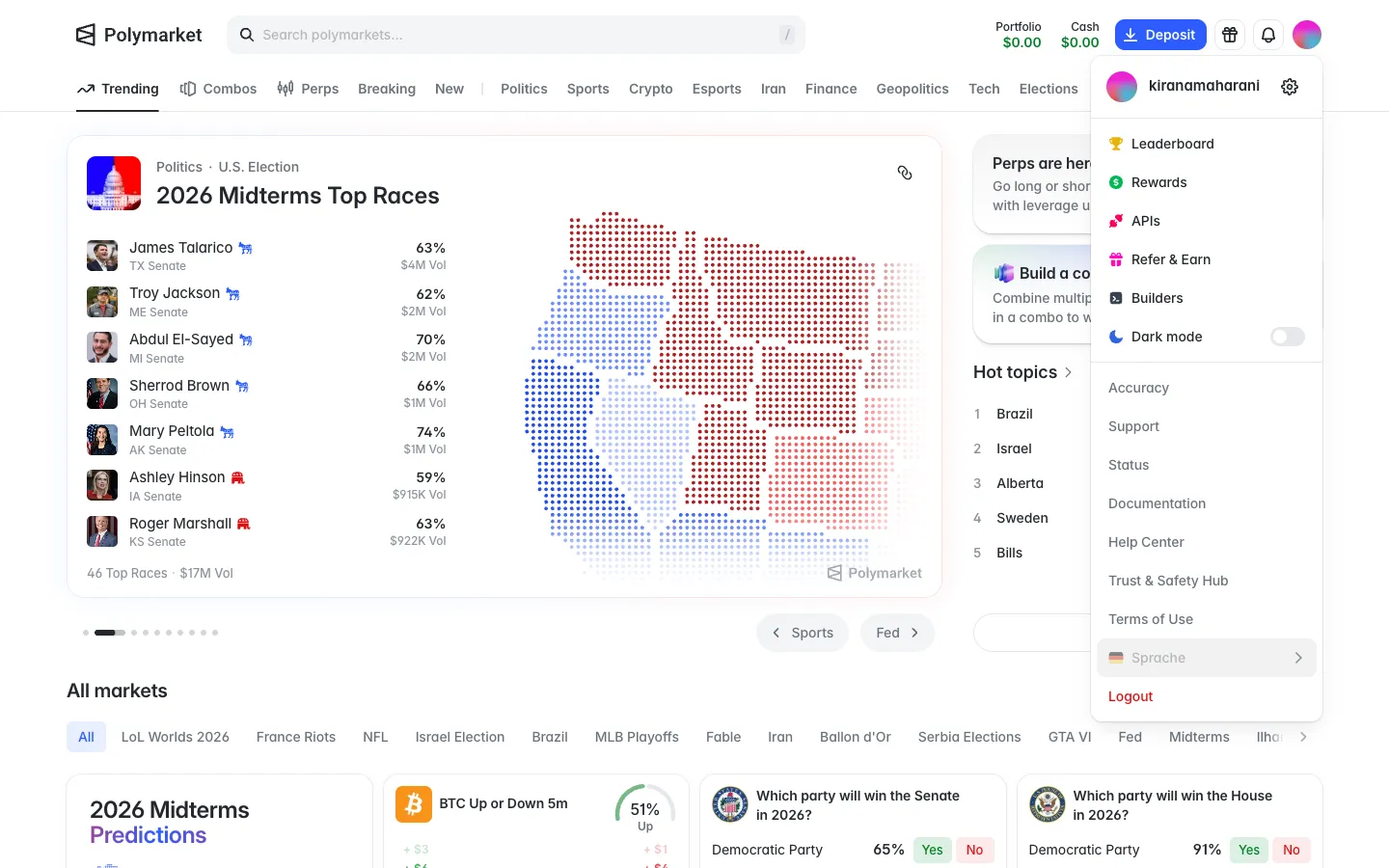
Polymarket
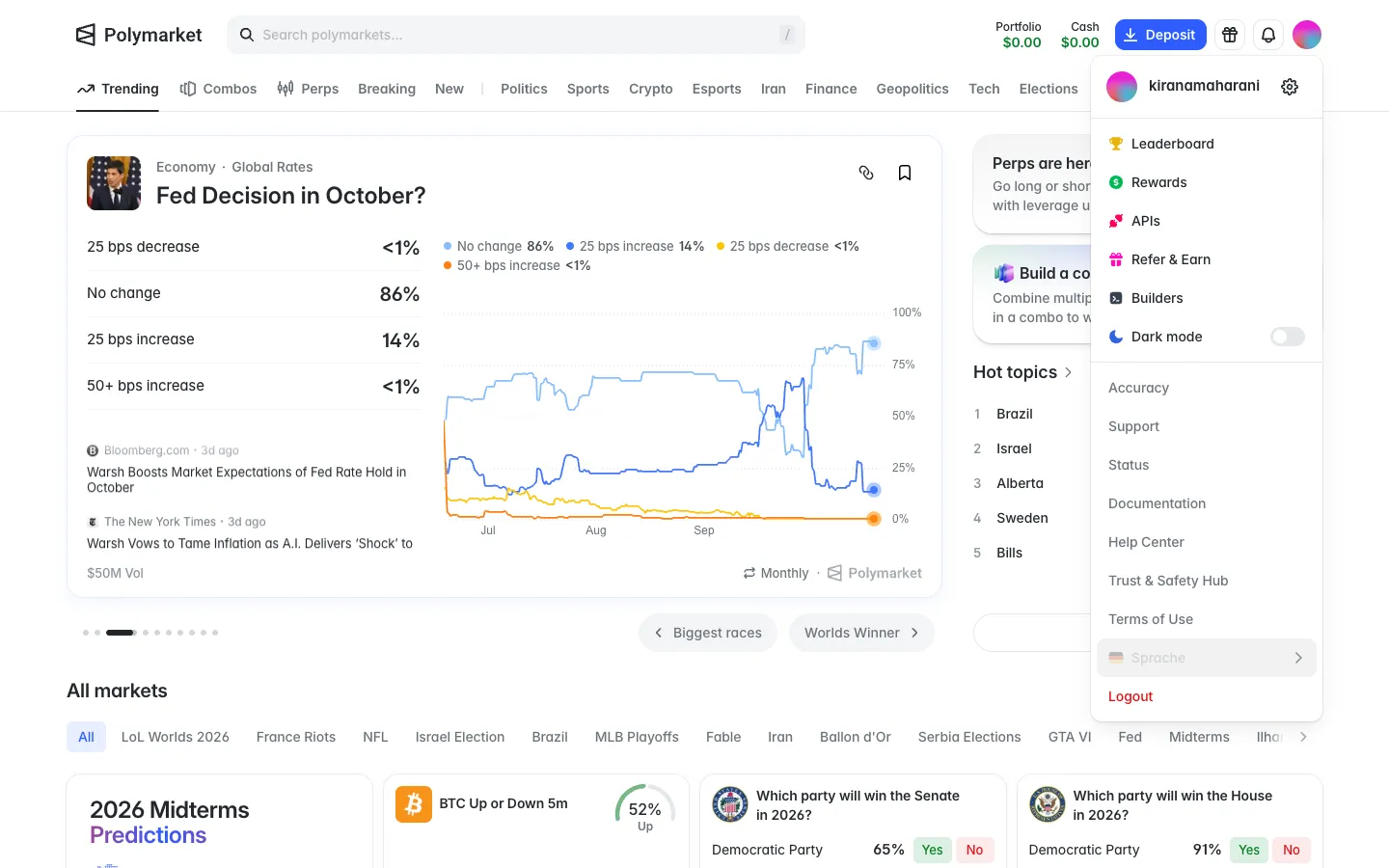
Account menu with username, settings and logout
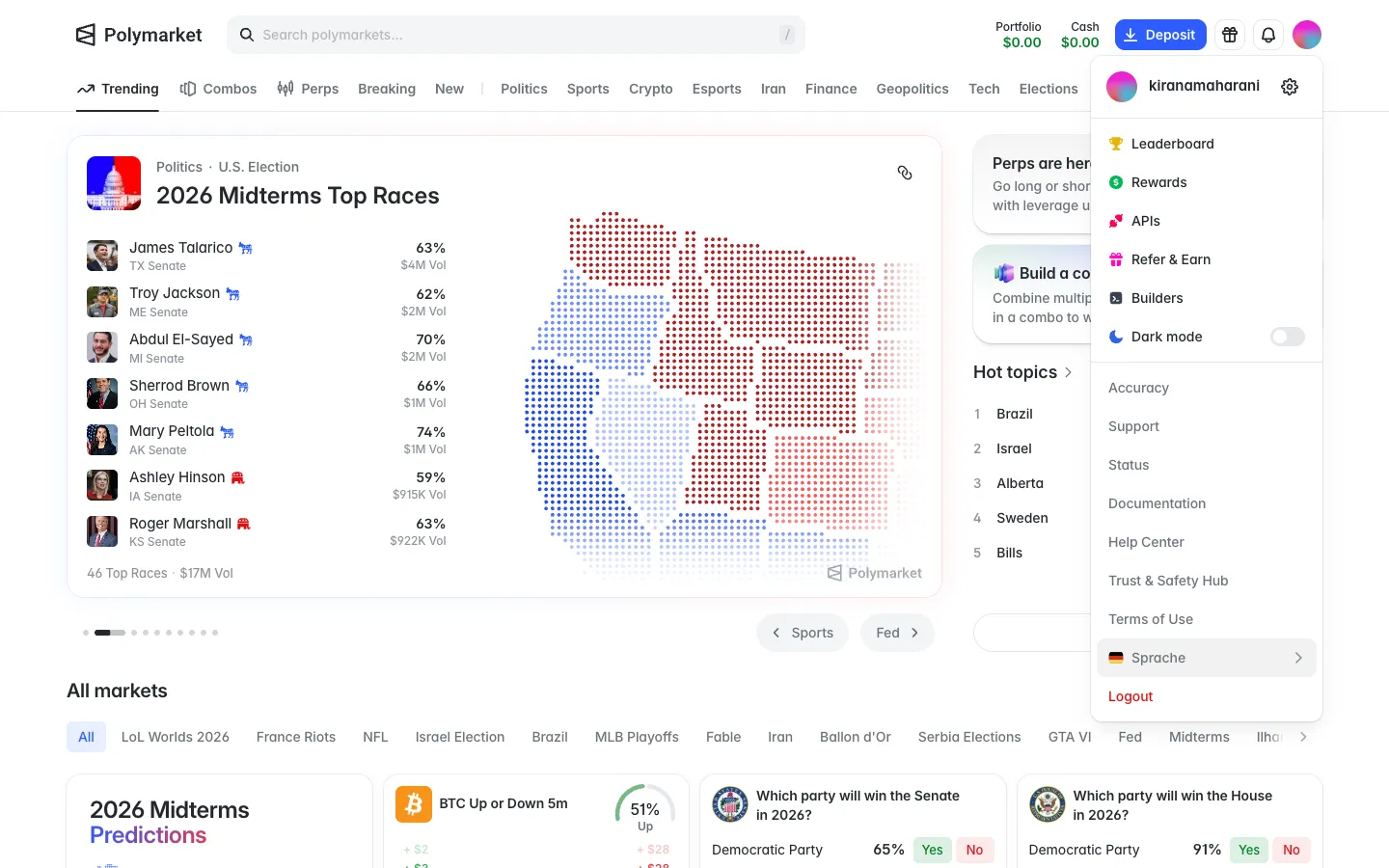
Polymarket
Account menu
Polymarket
Account menu
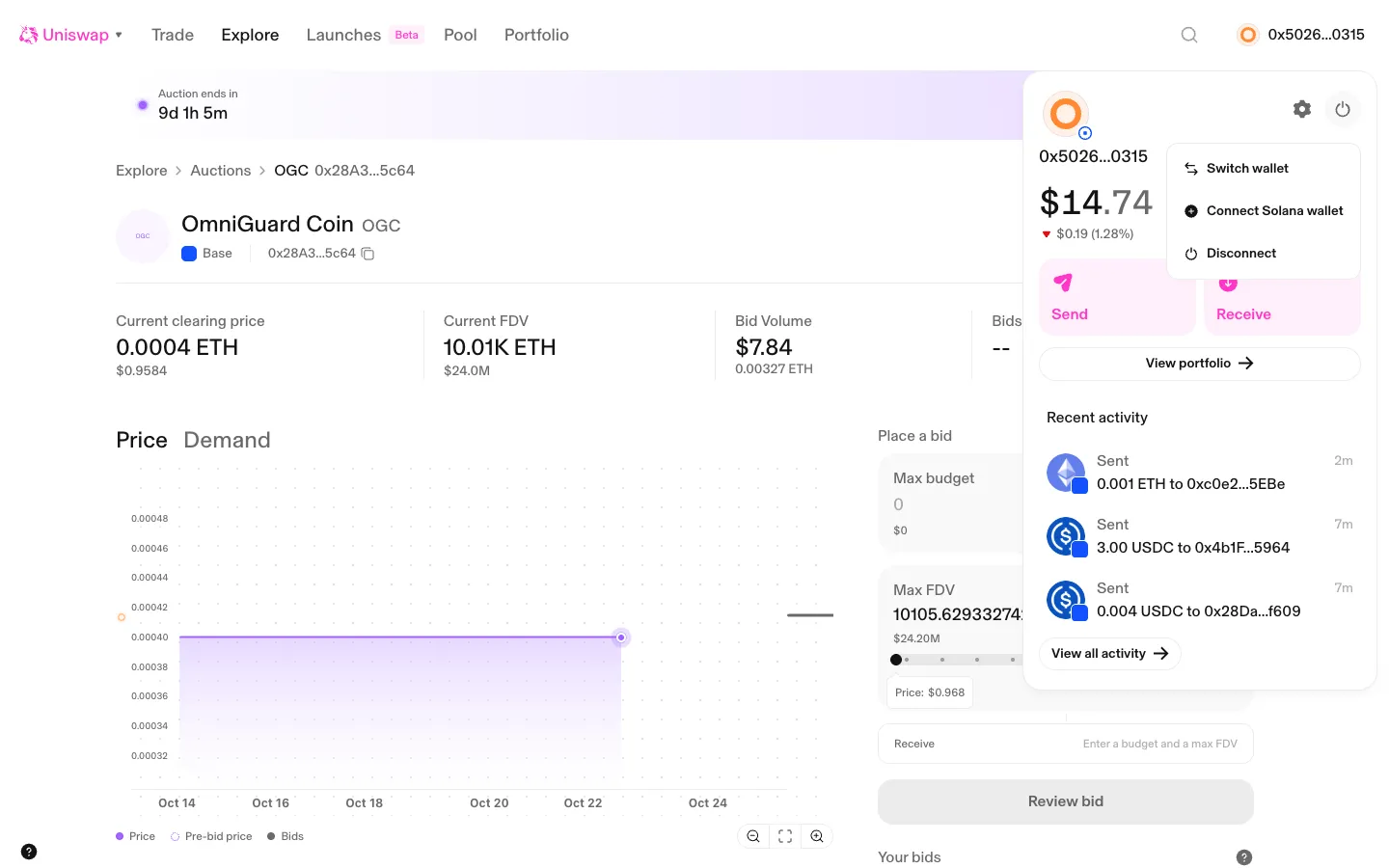
Uniswap
Power menu, switch, add Solana or disconnect
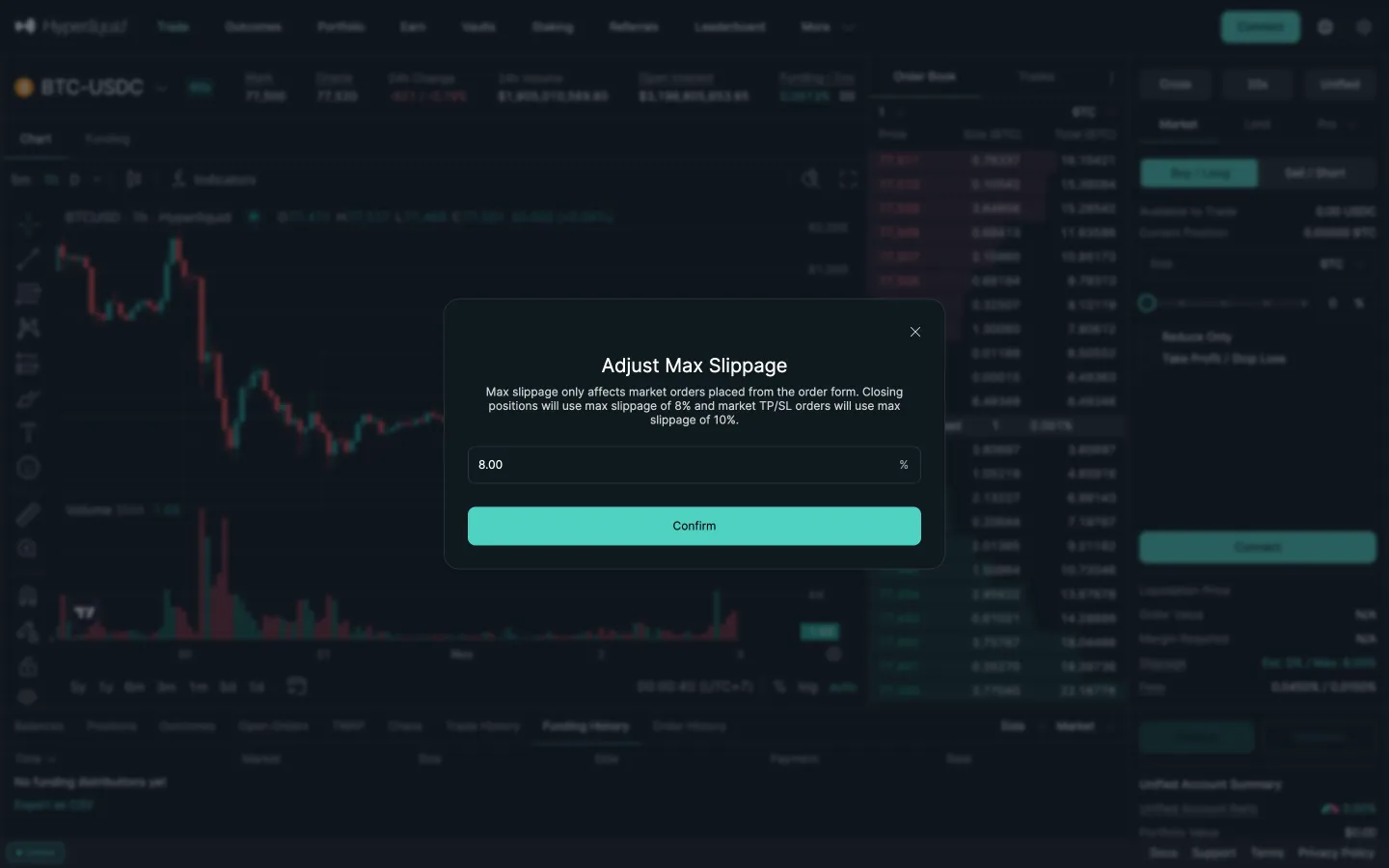
Hyperliquid
Adjust max slippage, 8 percent
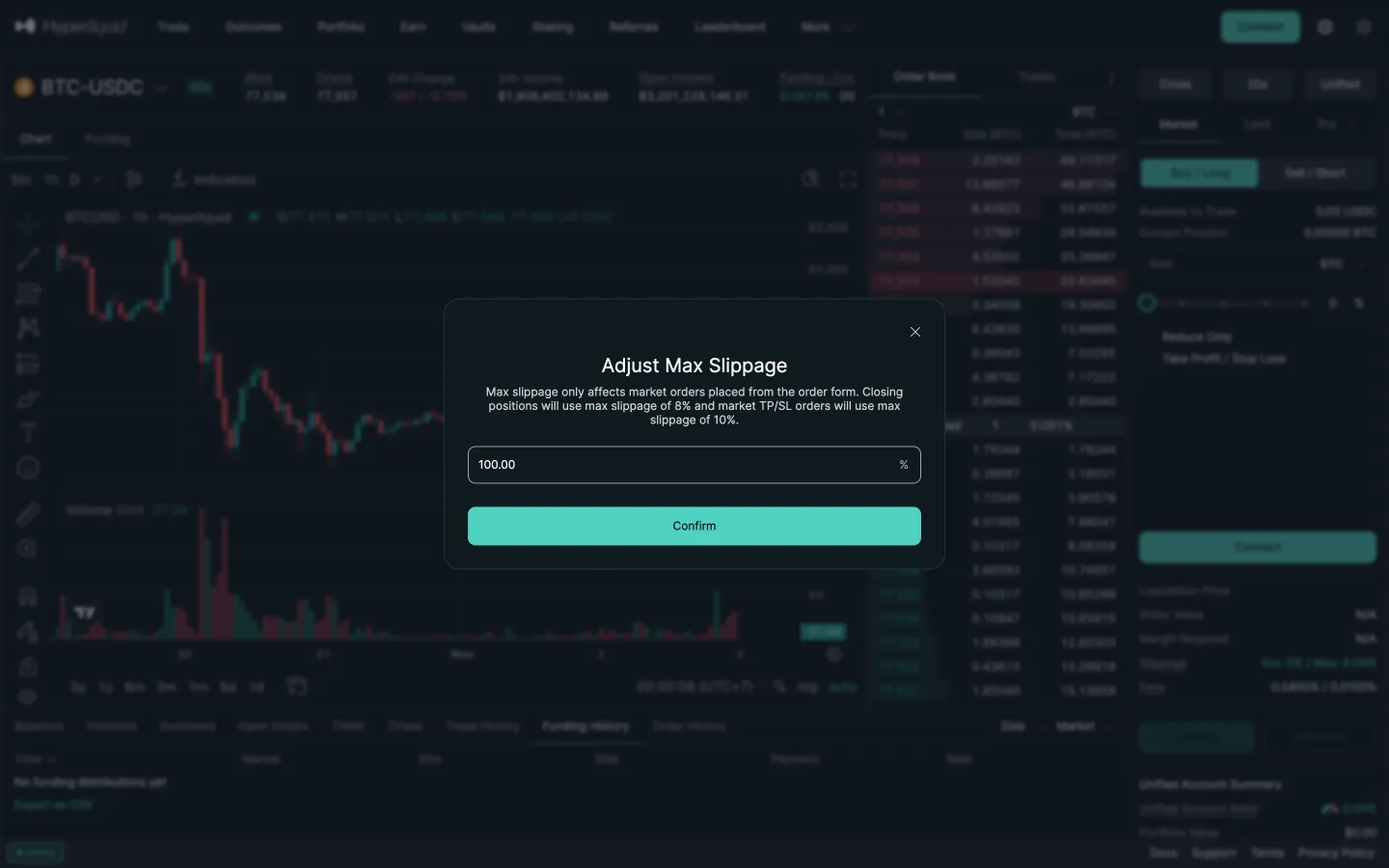
Hyperliquid
Typed 50 becomes 100
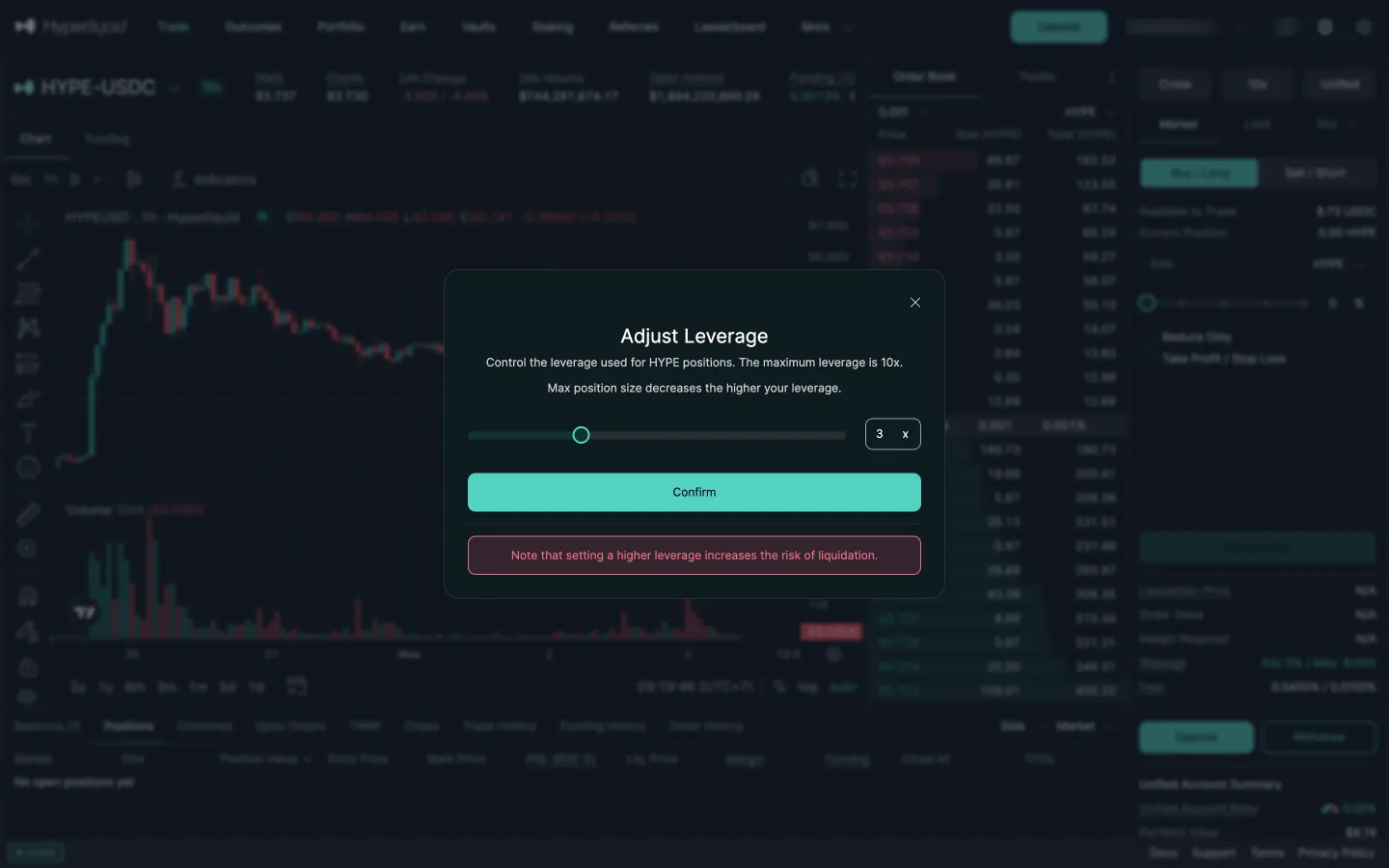
Hyperliquid
Adjust leverage
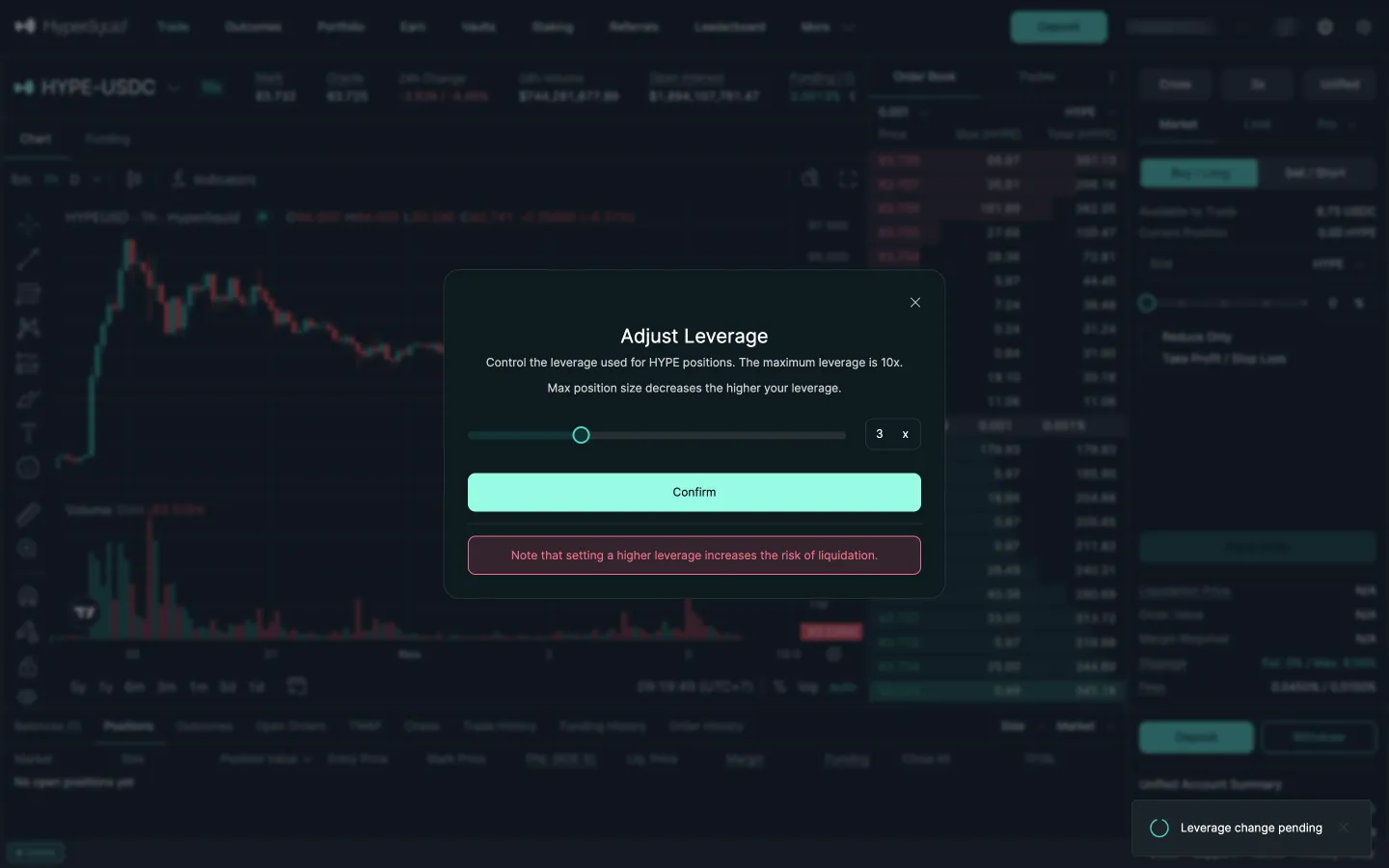
Hyperliquid
Leverage change pending
Jupiter
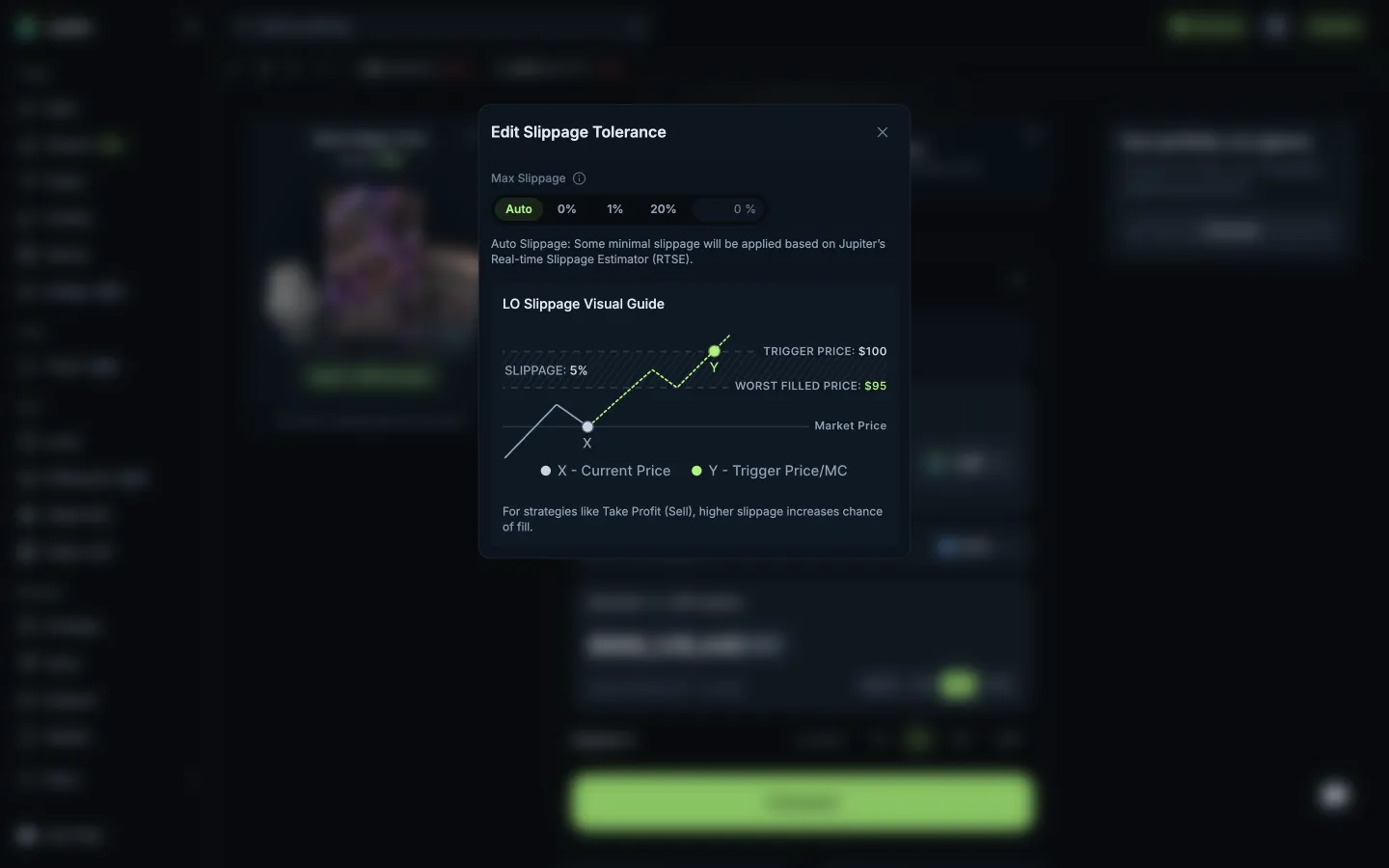
Slippage with a visual guide to the worst fill
Jupiter
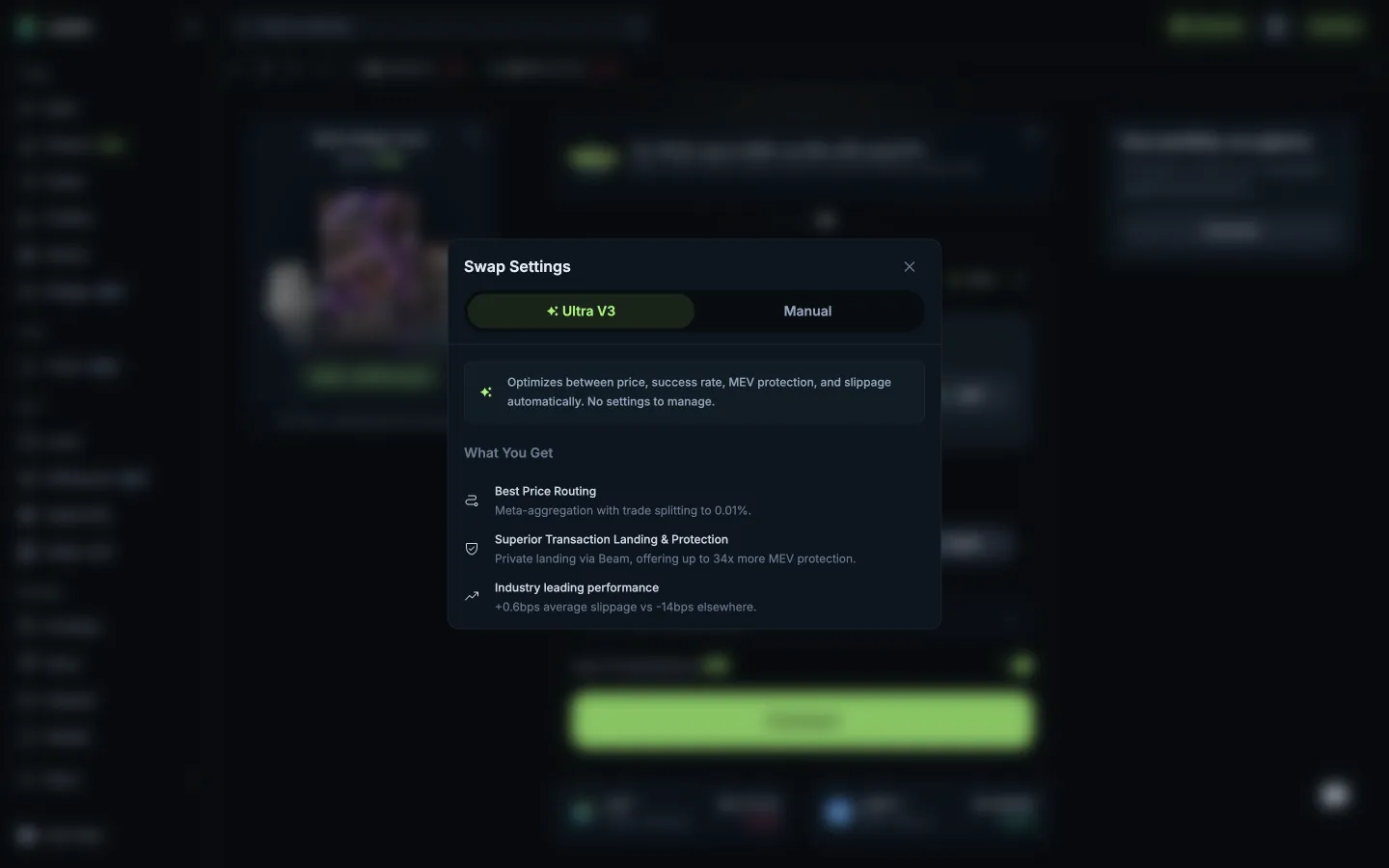
Ultra V3 profile, nothing to set
 Aave Pro