All appsScreensFlowsUI elements
PricingGlossary
AllScreensFlowsUI elements

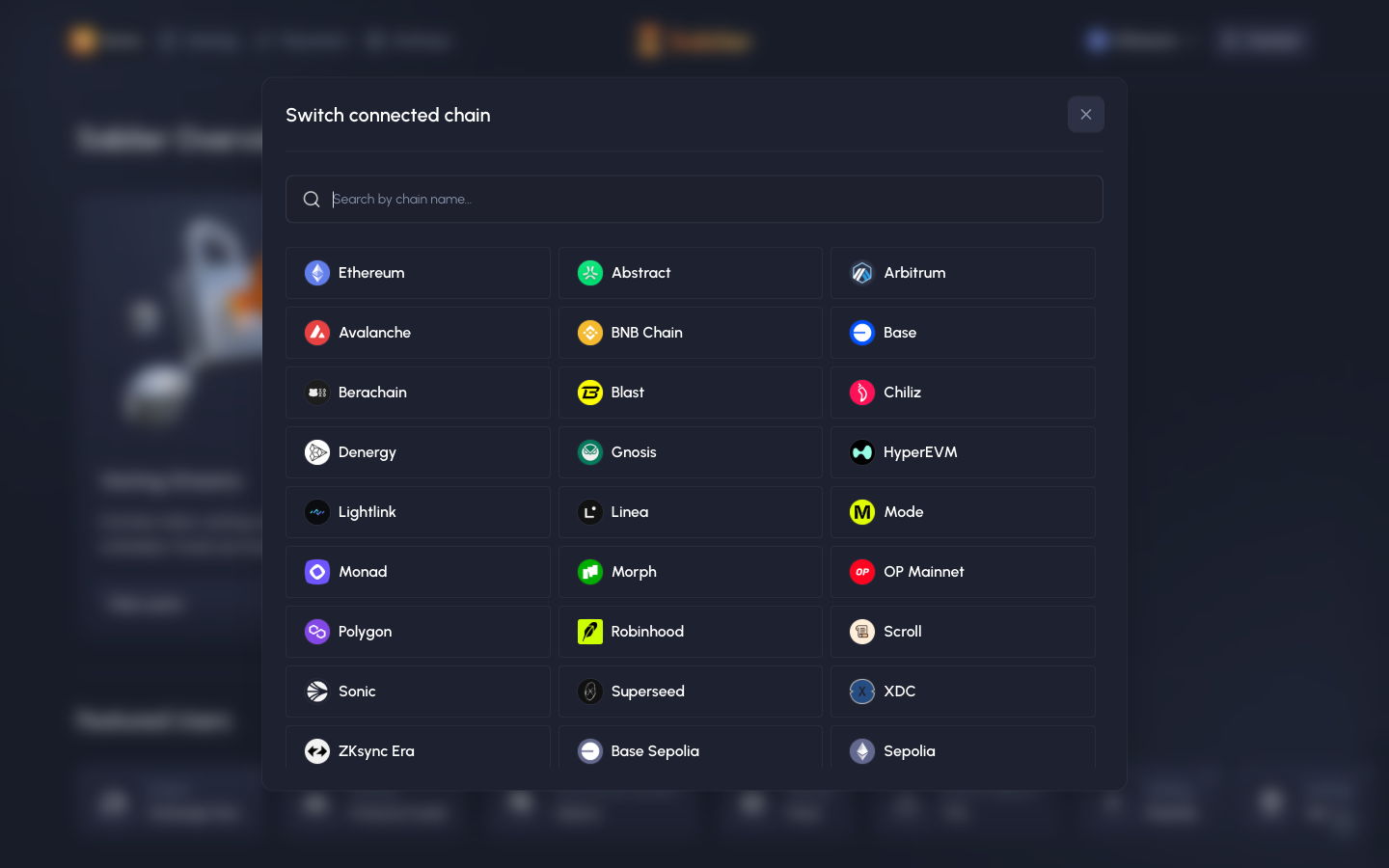
Switch chain, all chains in Sablier

Step 2 of 3 in Choosing a chainPlay
Switch chain, all chains

Switch chain, all chains

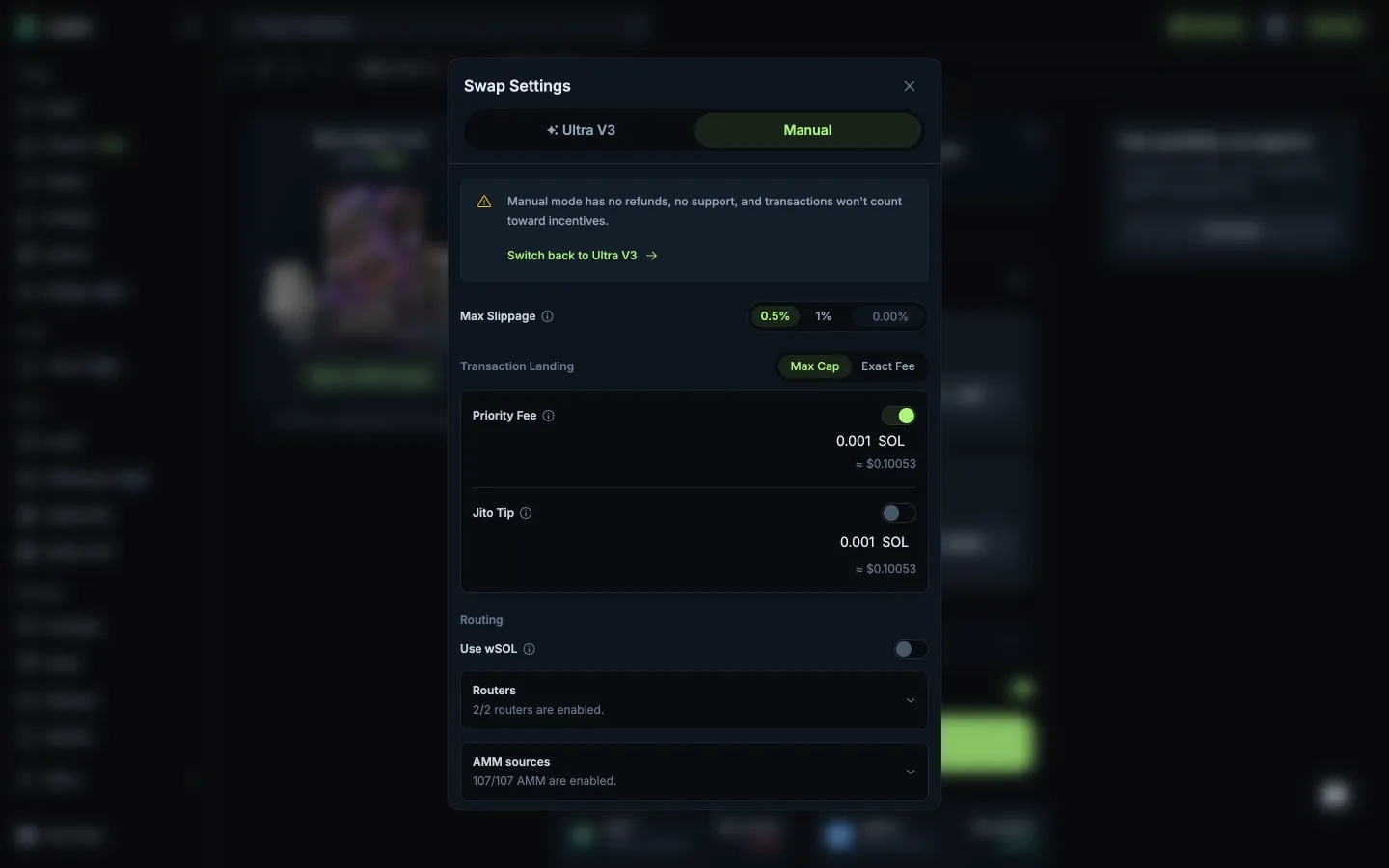
Settings

Screen typeSettings
StateInput
CapturedOct 2026
UI elementsDialogGrid ListSearch BarToken Icon
In the flowChoosing a chain
SizeDesktop, 1440 by 900
Open the flowOpen original

Similar screens in other apps

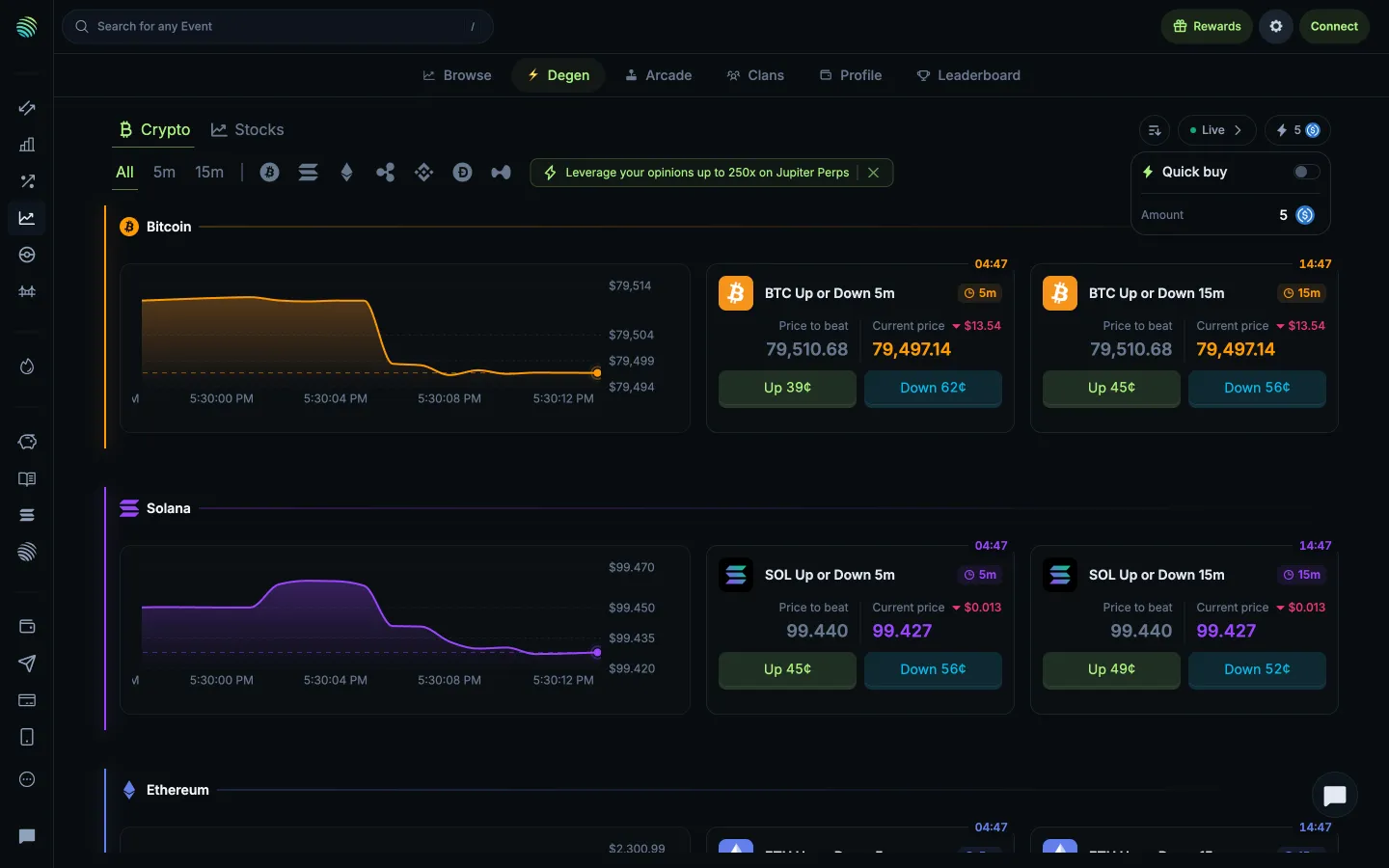
Quick buy toggle and amountJupiterQuick buy toggle and amount
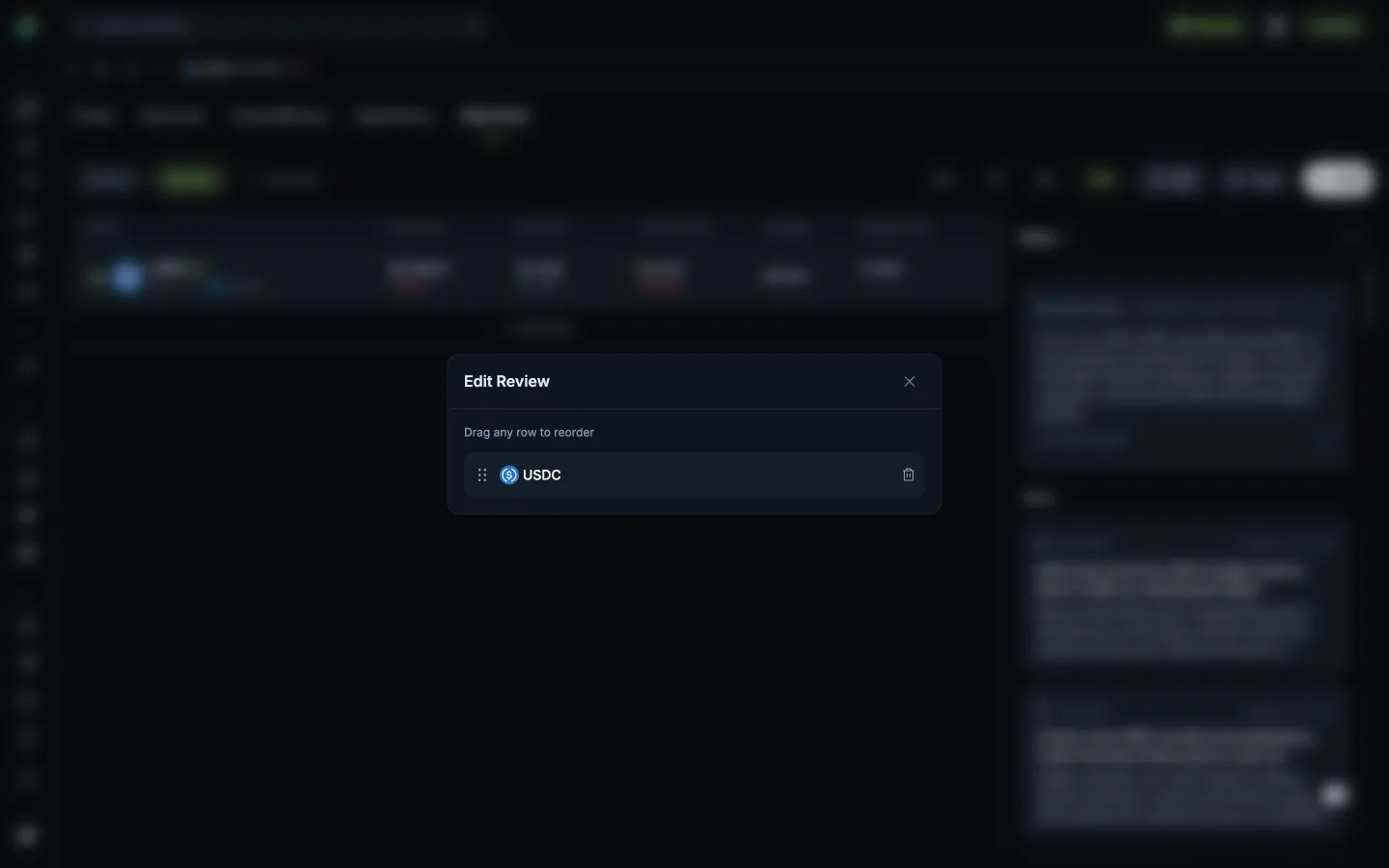
Reorder or remove followed tokensJupiterReorder or remove followed tokens
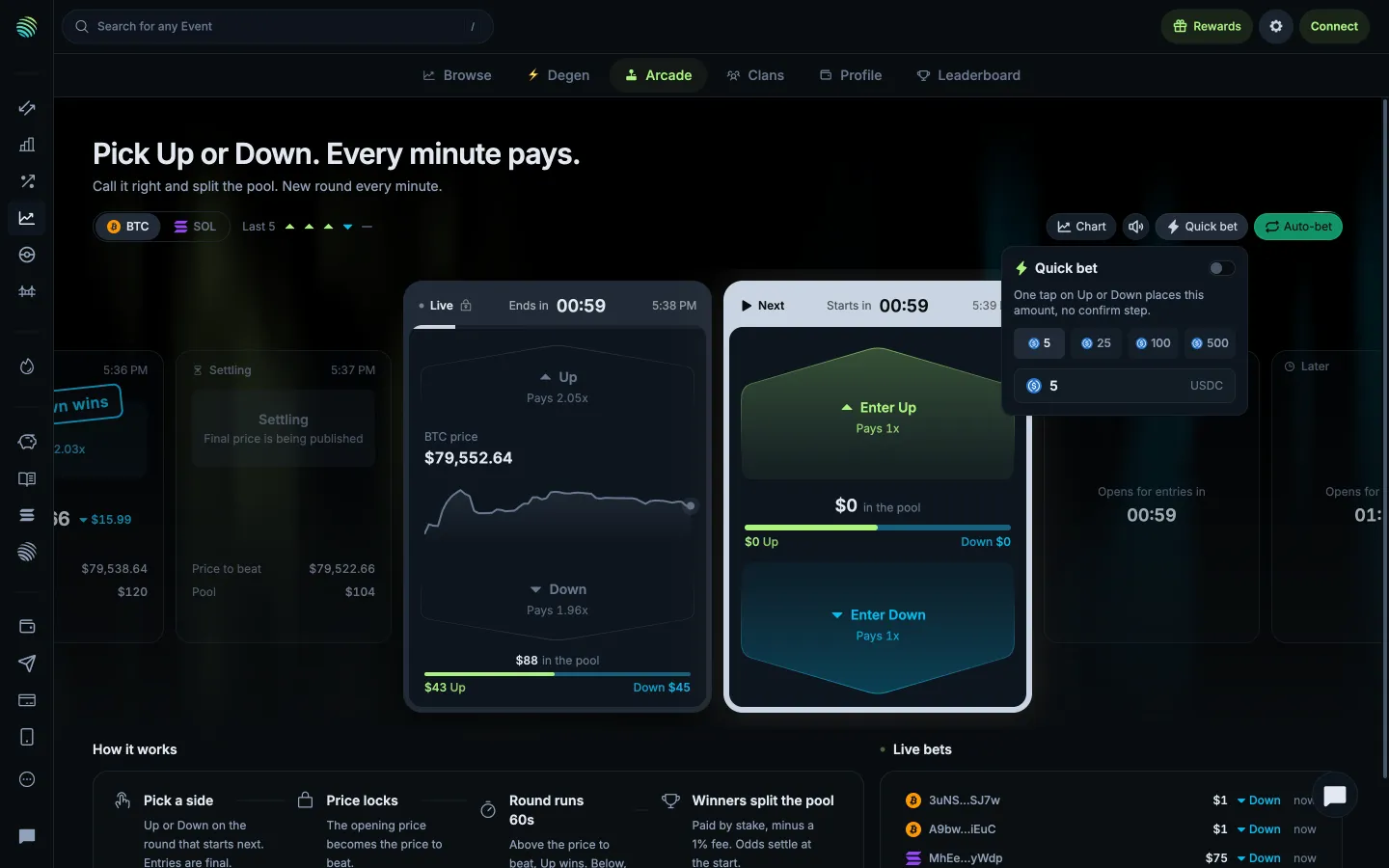
Quick bet skips confirmation for the chosen amountJupiterQuick bet skips confirmation for the chosen amount
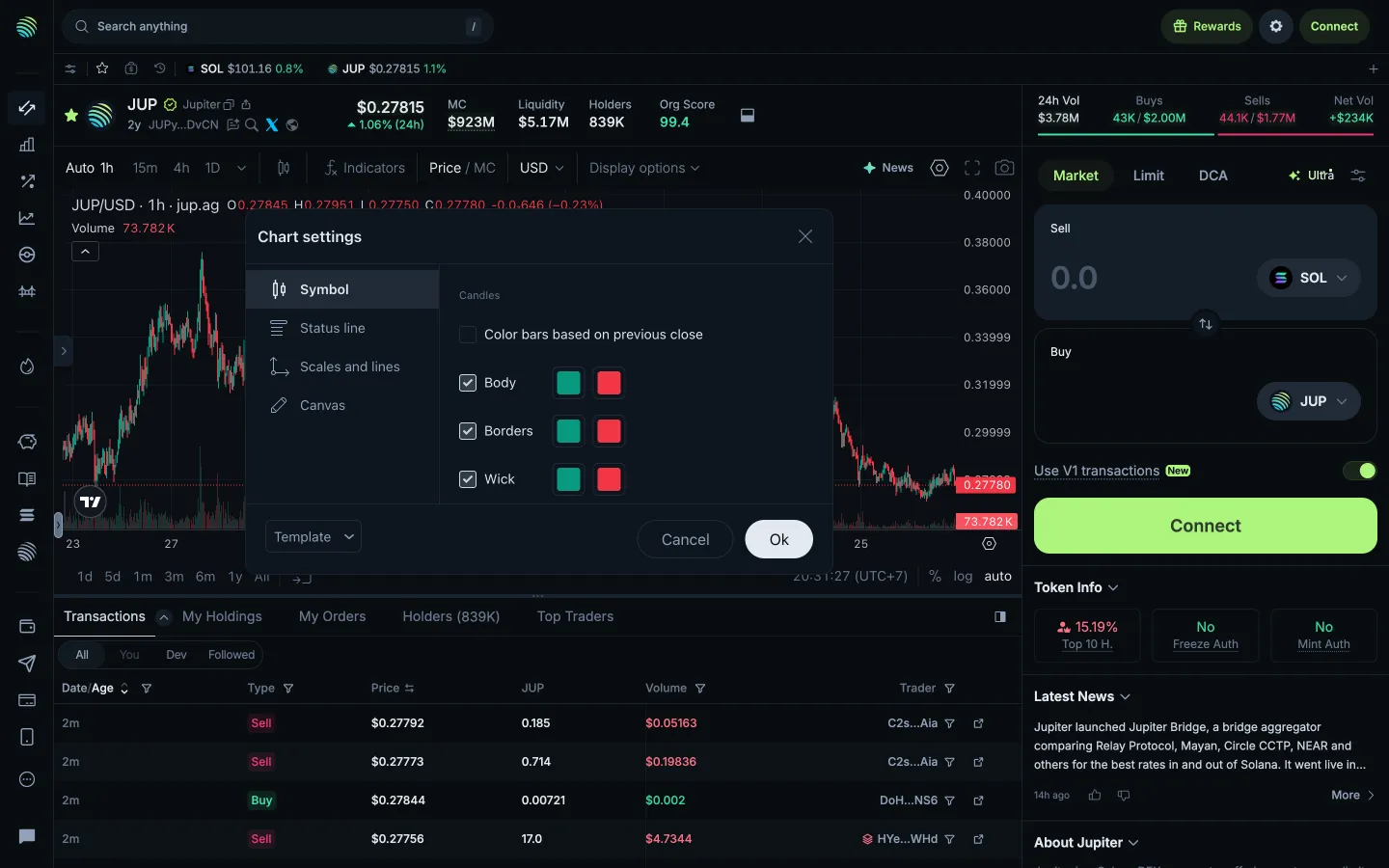
Review symbol appearanceJupiterReview symbol appearance
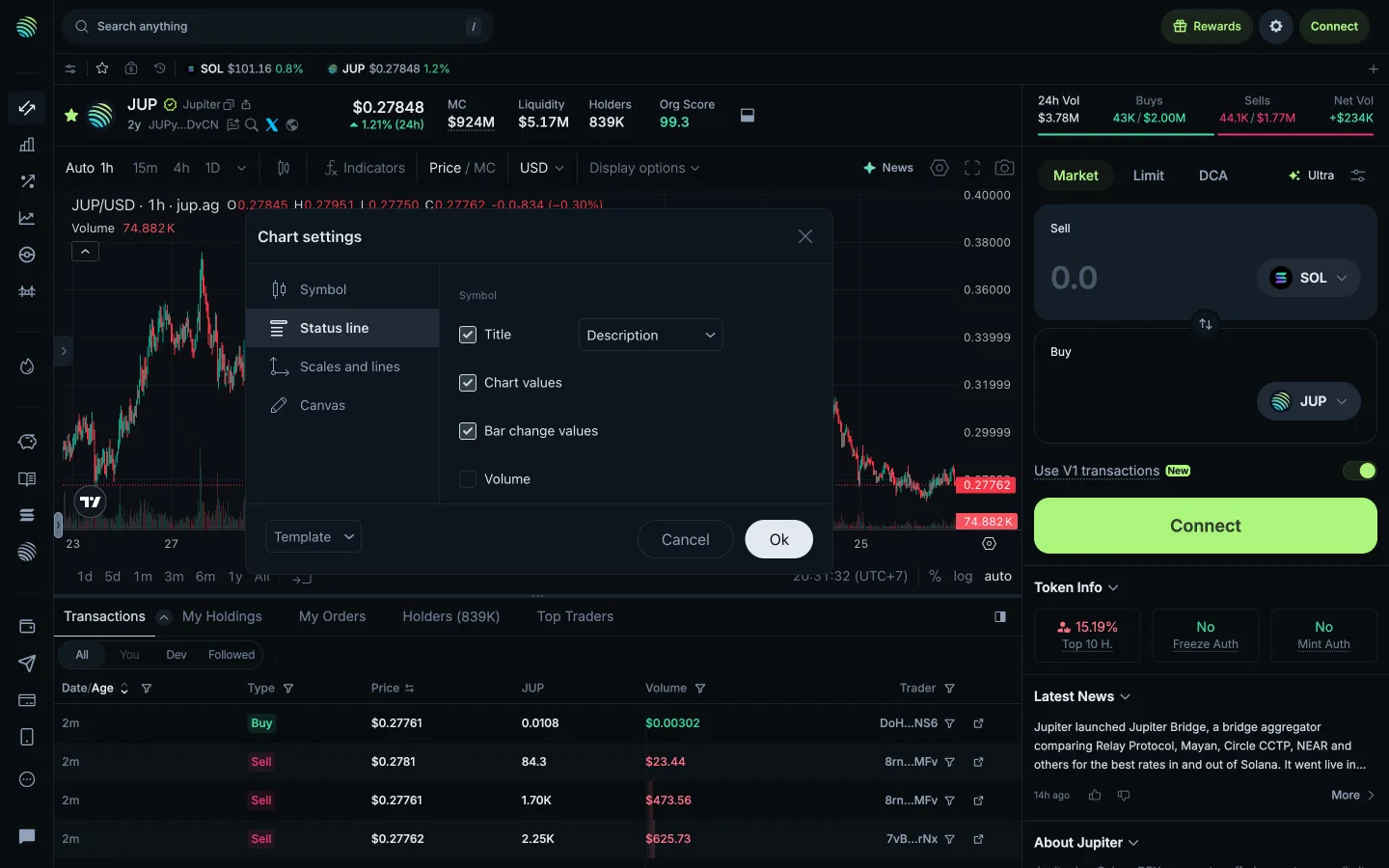
Review status line settingsJupiterReview status line settings
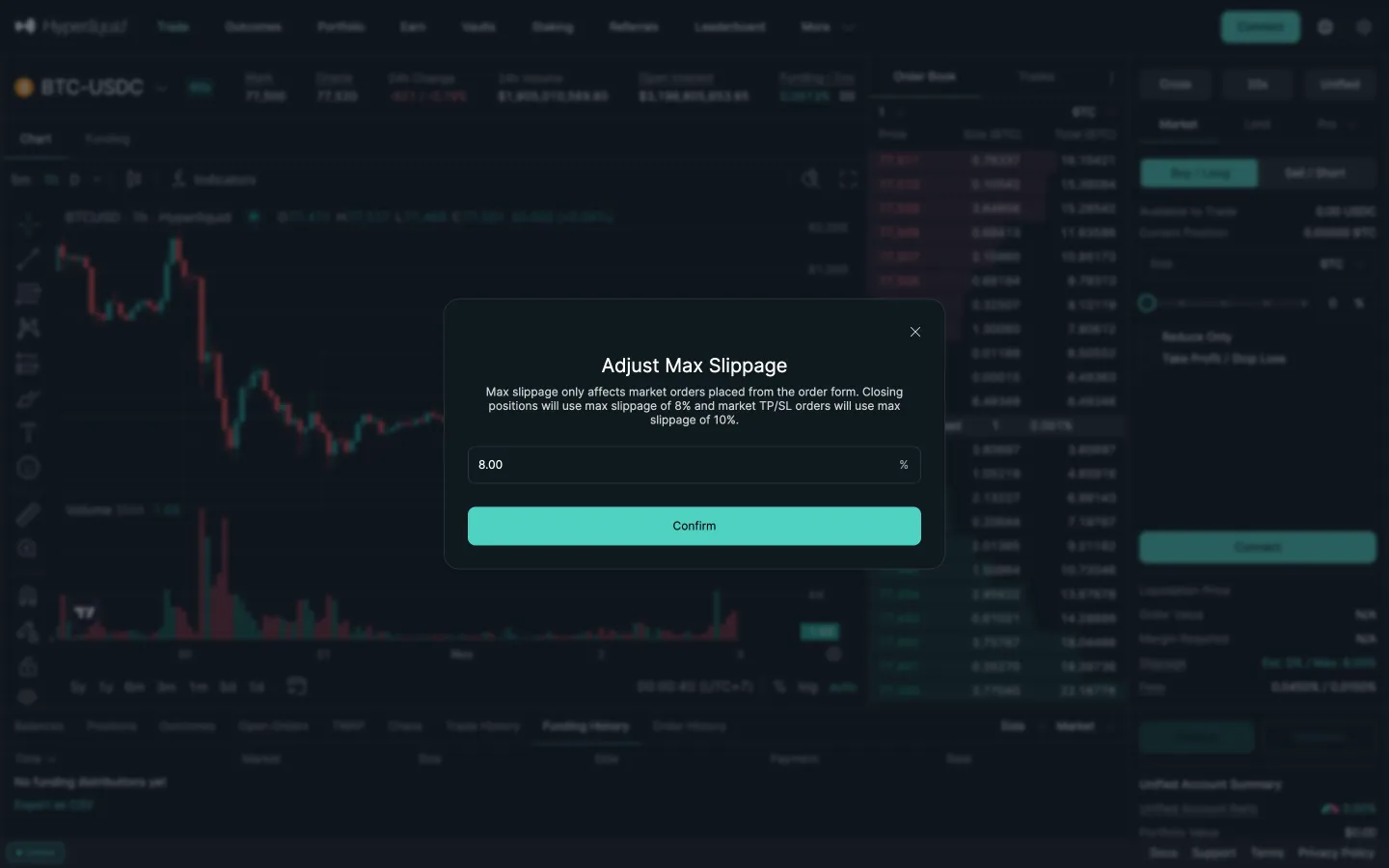
Adjust max slippage, 8 percentHyperliquidAdjust max slippage, 8 percent
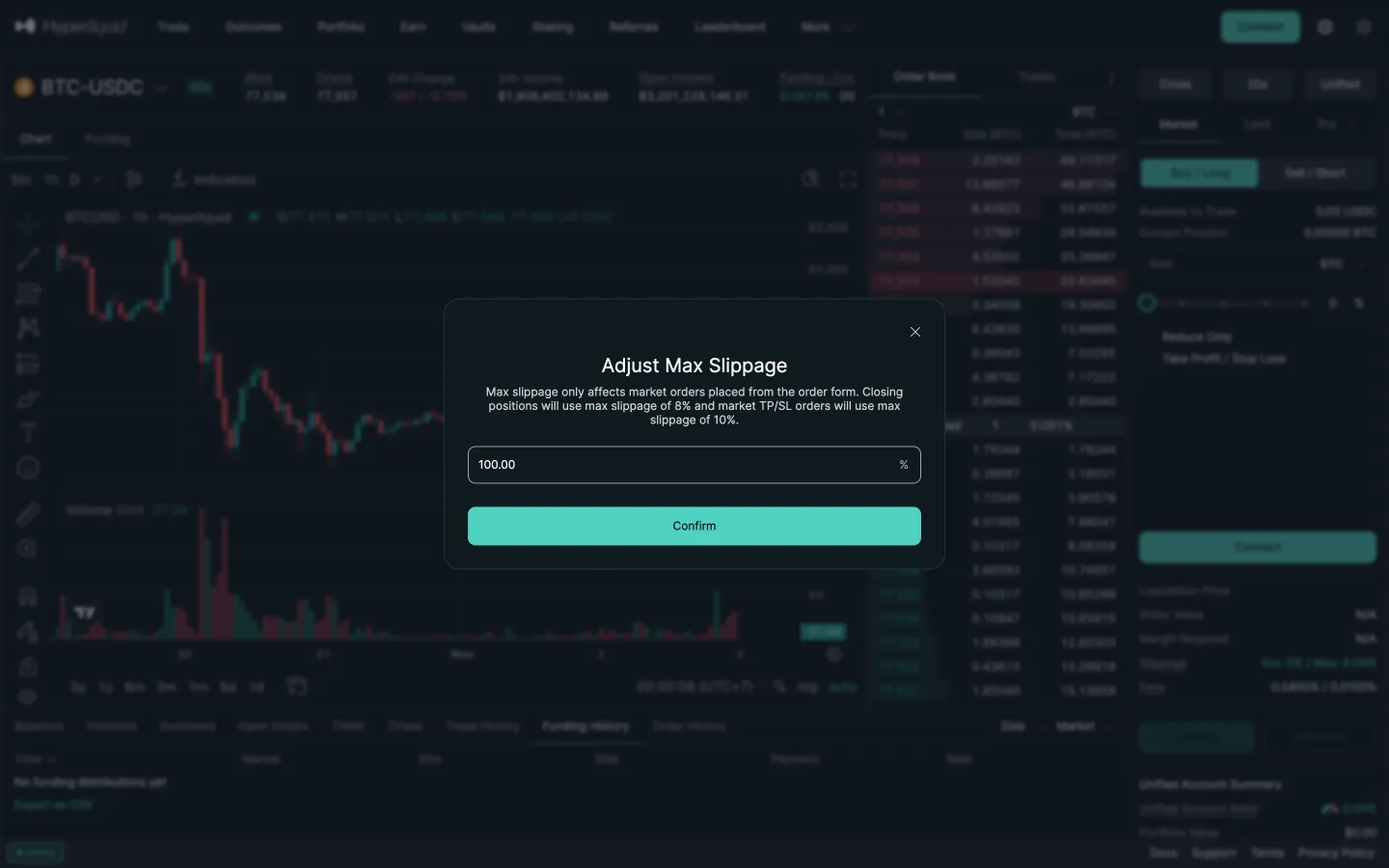
Typed 50 becomes 100HyperliquidTyped 50 becomes 100
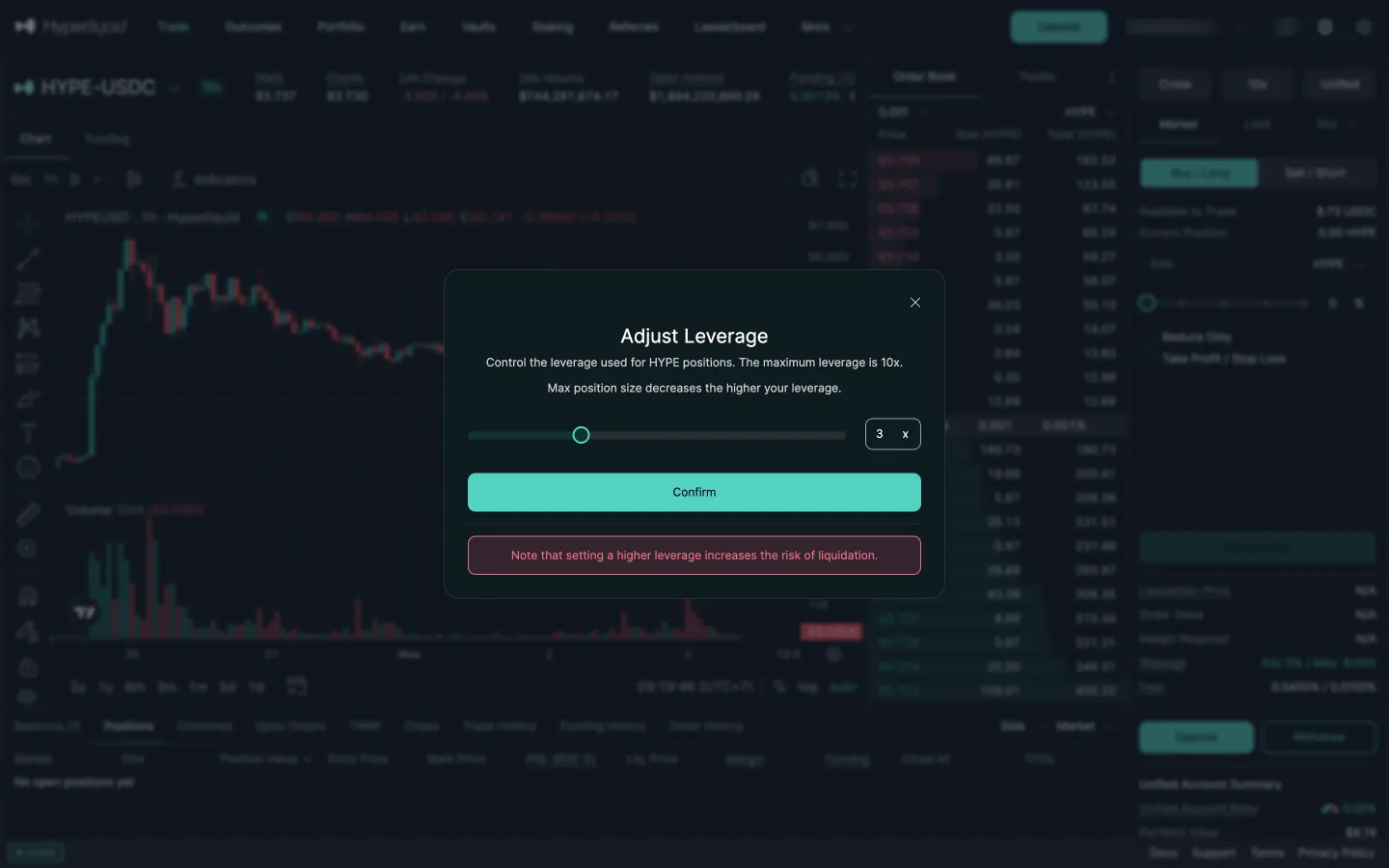
Adjust leverageHyperliquidAdjust leverage
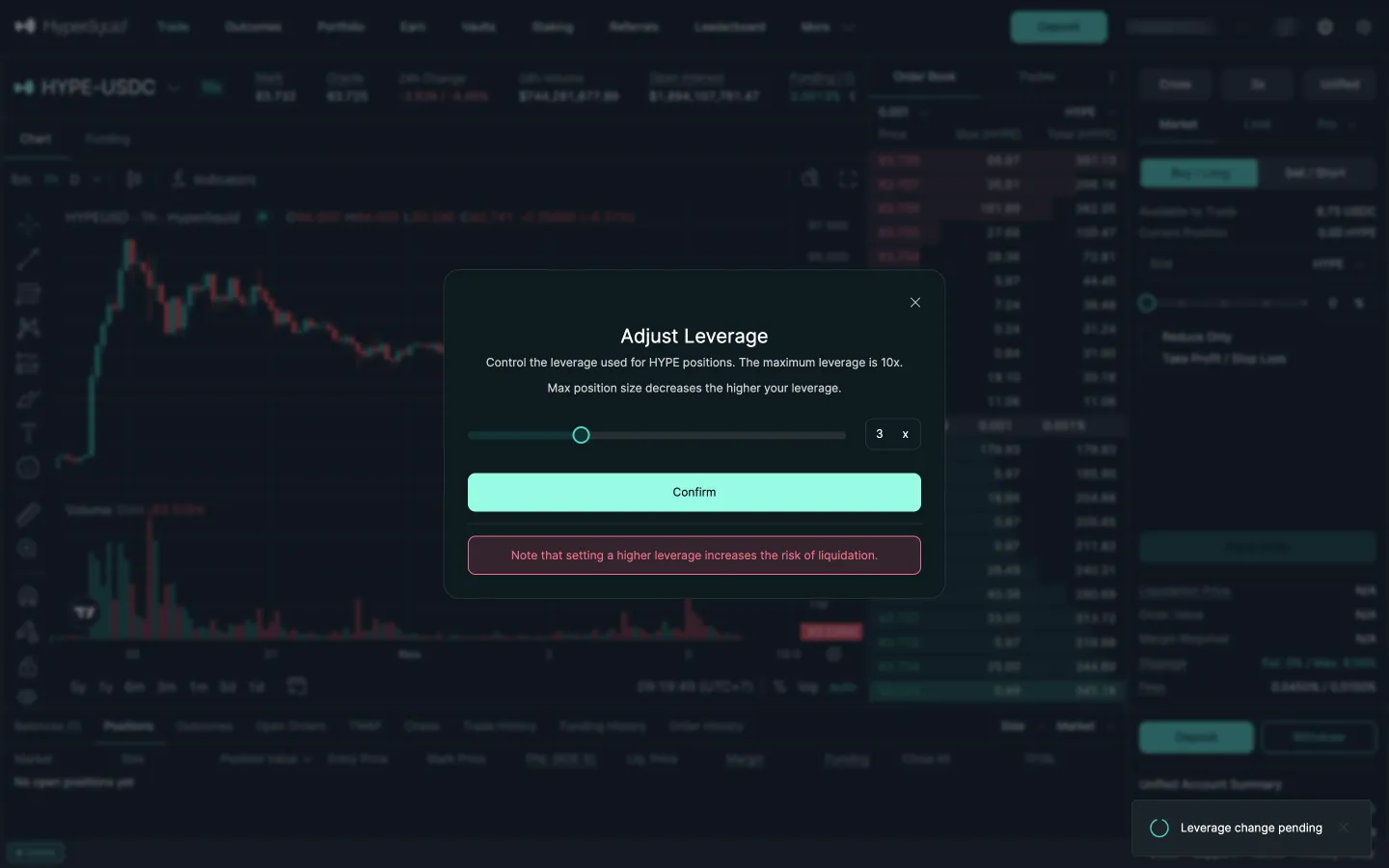
Leverage change pendingHyperliquidLeverage change pending
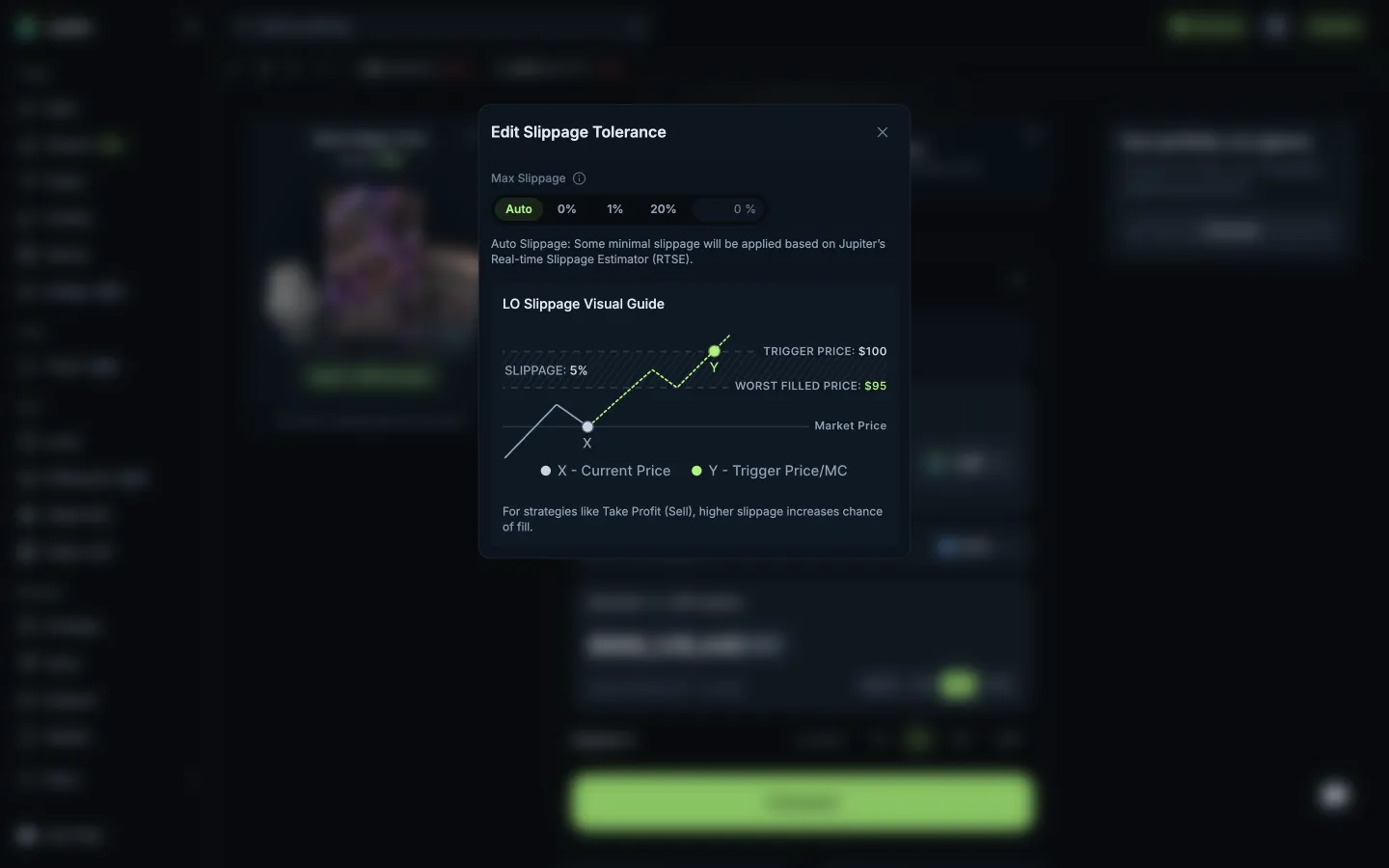
Slippage with a visual guide to the worst fillJupiterSlippage with a visual guide to the worst fill
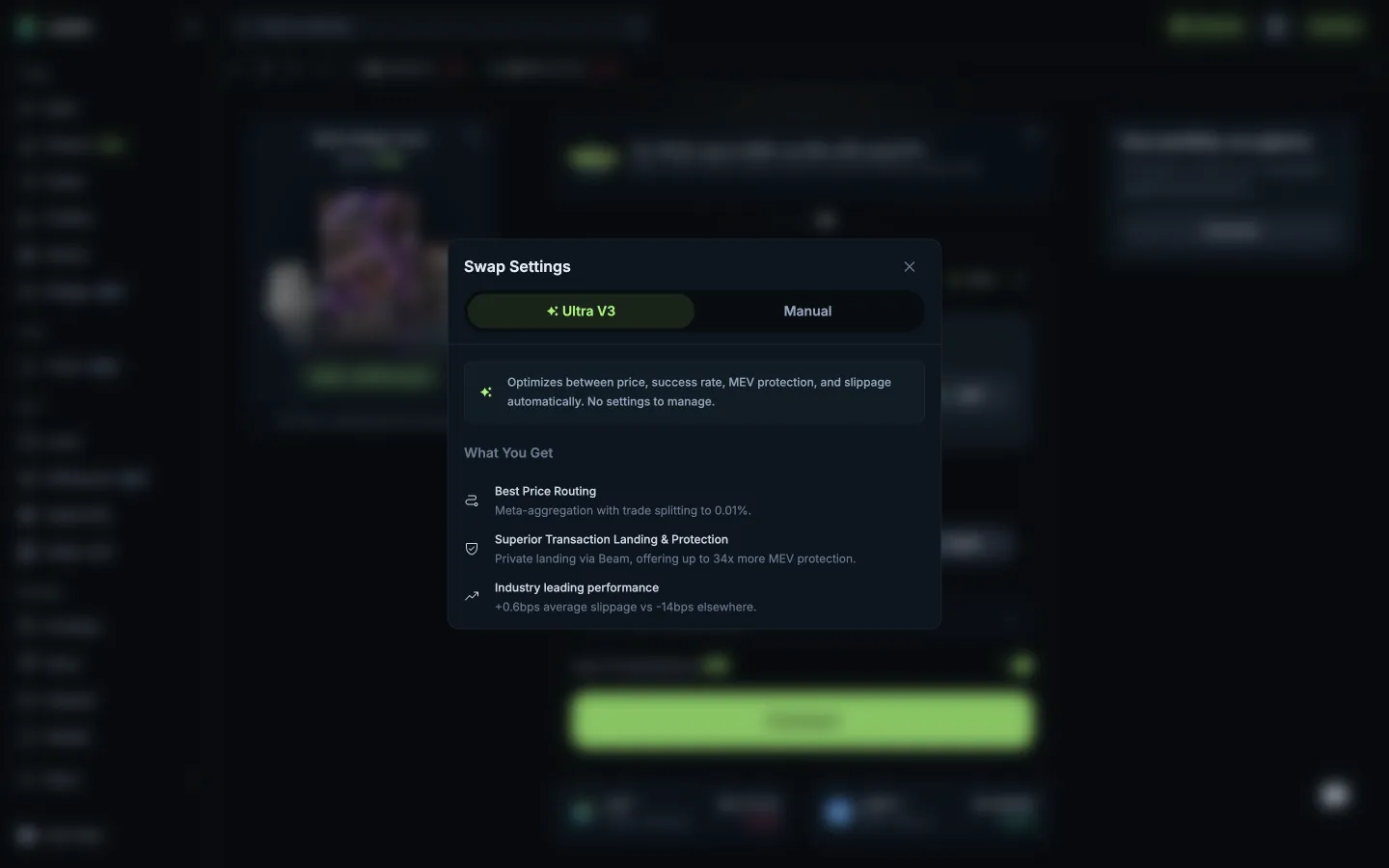
Ultra V3 profile, nothing to setJupiterUltra V3 profile, nothing to set
Manual mode warns no refunds or supportJupiterManual mode warns no refunds or support

Screens, flows and sites from real crypto and web3 apps.

© 2026 MoonoPrivacyTerms

Apps

  • All apps
  • Screens
  • Flows
  • UI elements

Sites

  • All sites
  • Sections

Learn

  • Glossary

Product

  • Pricing
  • MCPNew

© 2026 MoonoPrivacyTerms