Apps
All apps
Screens
Flows
UI elements
Pricing
Glossary
Get started
All
Screens
Flows
UI elements
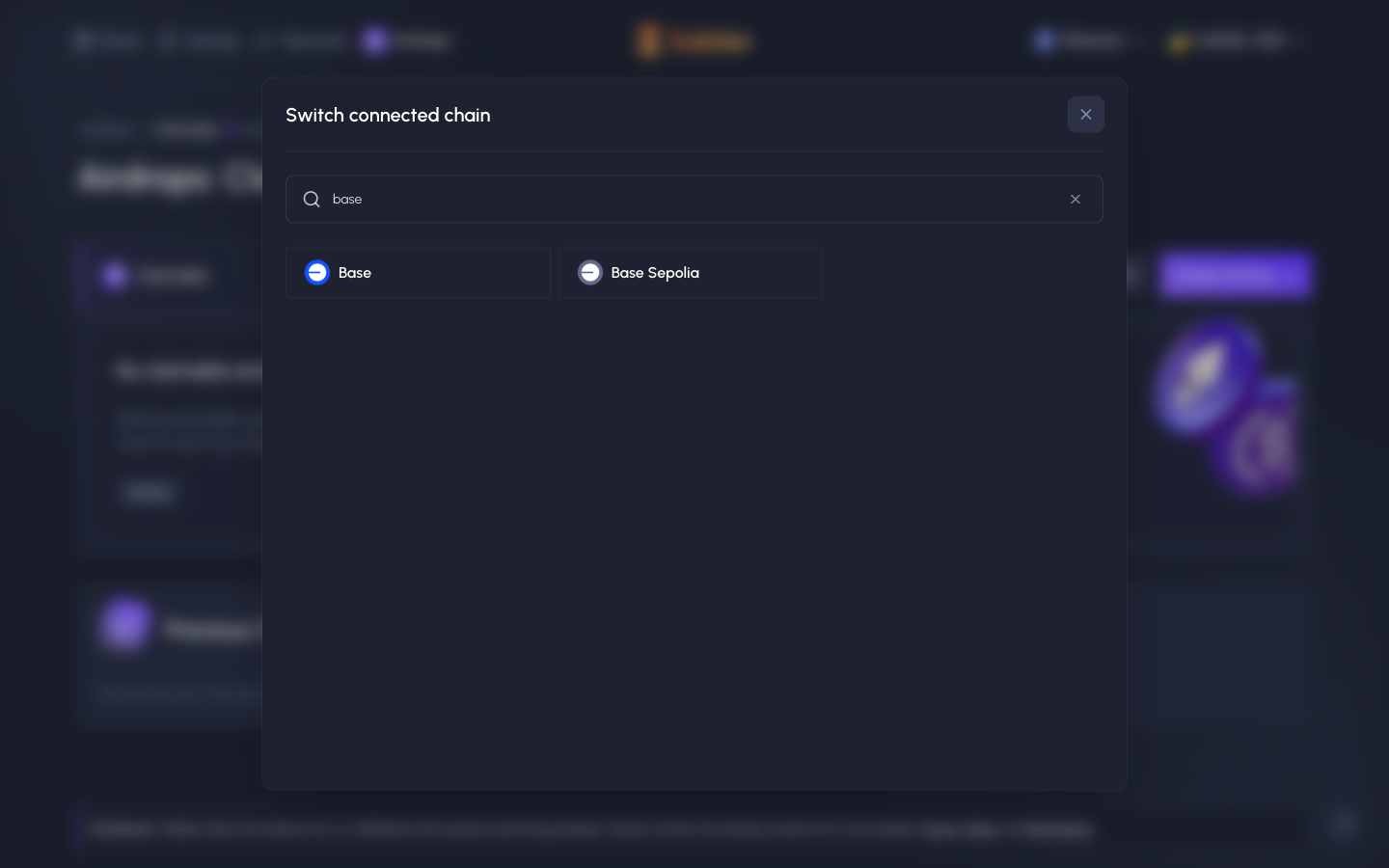
Switch connected chain, search Base
in
Sablier
Step 2 of 3 in Switching to Base while connected
Play
Switch connected chain, search Base
Settings
Similar screens in other apps
Jupiter
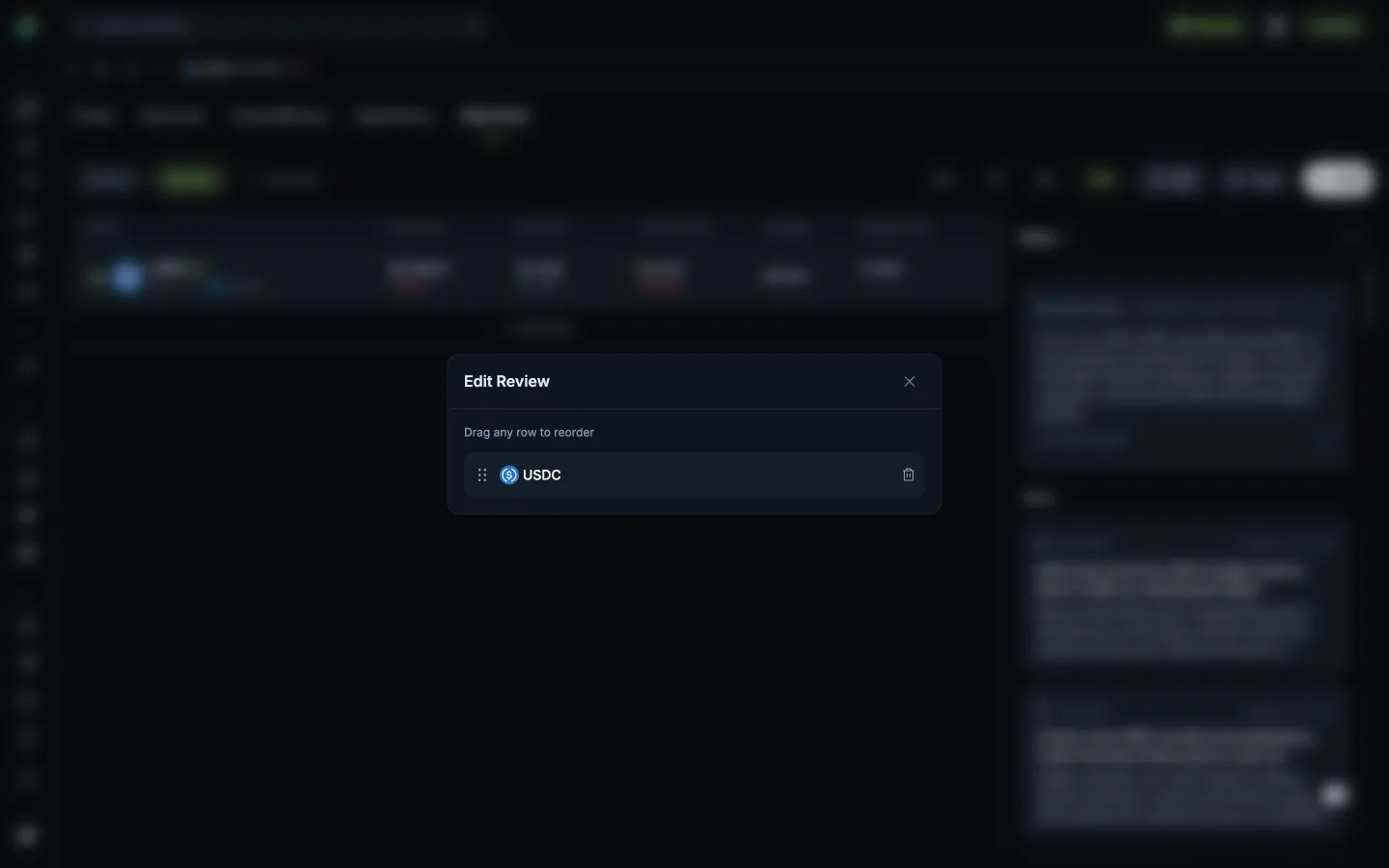
Reorder or remove followed tokens
Jupiter
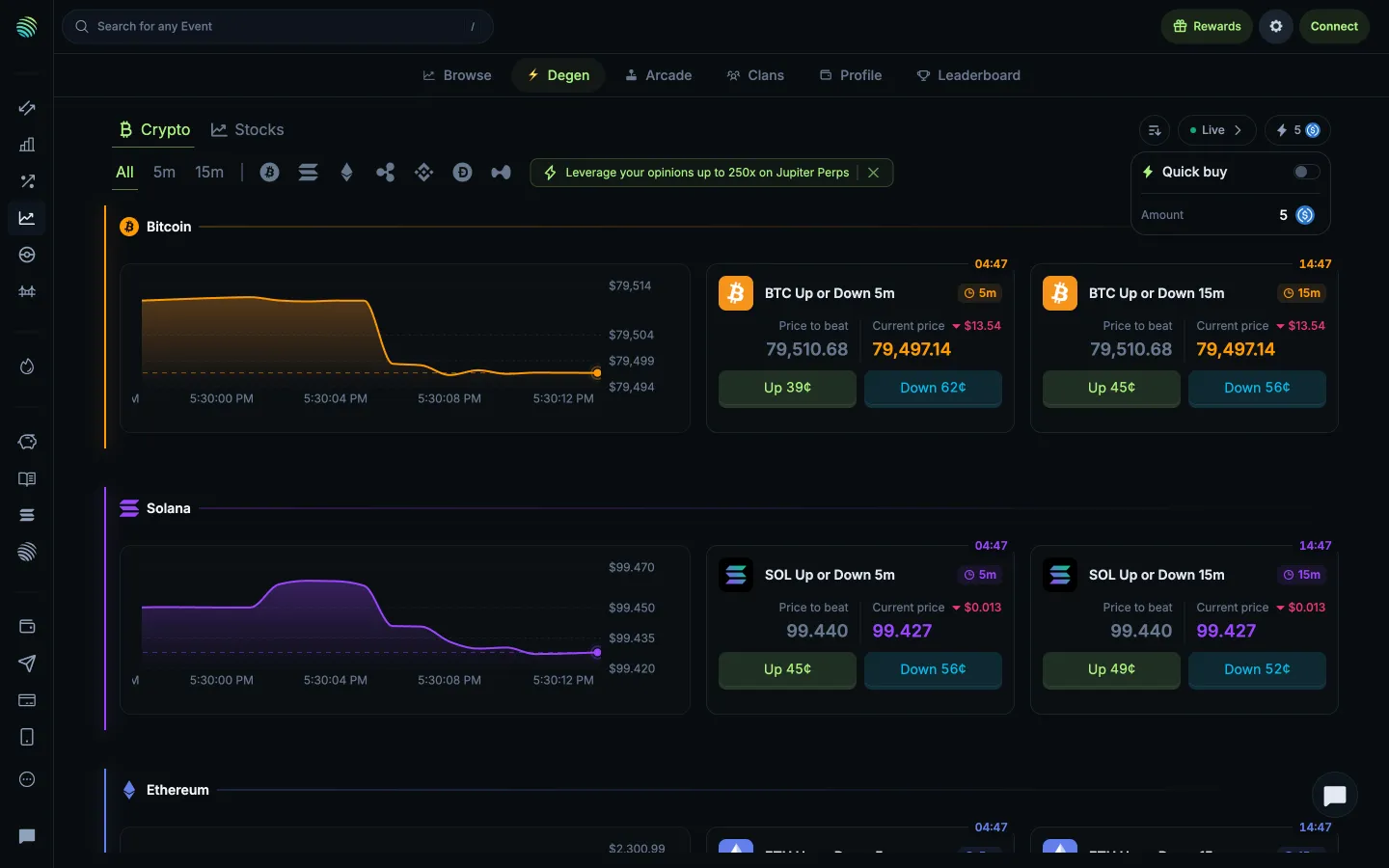
Quick buy toggle and amount
Jupiter
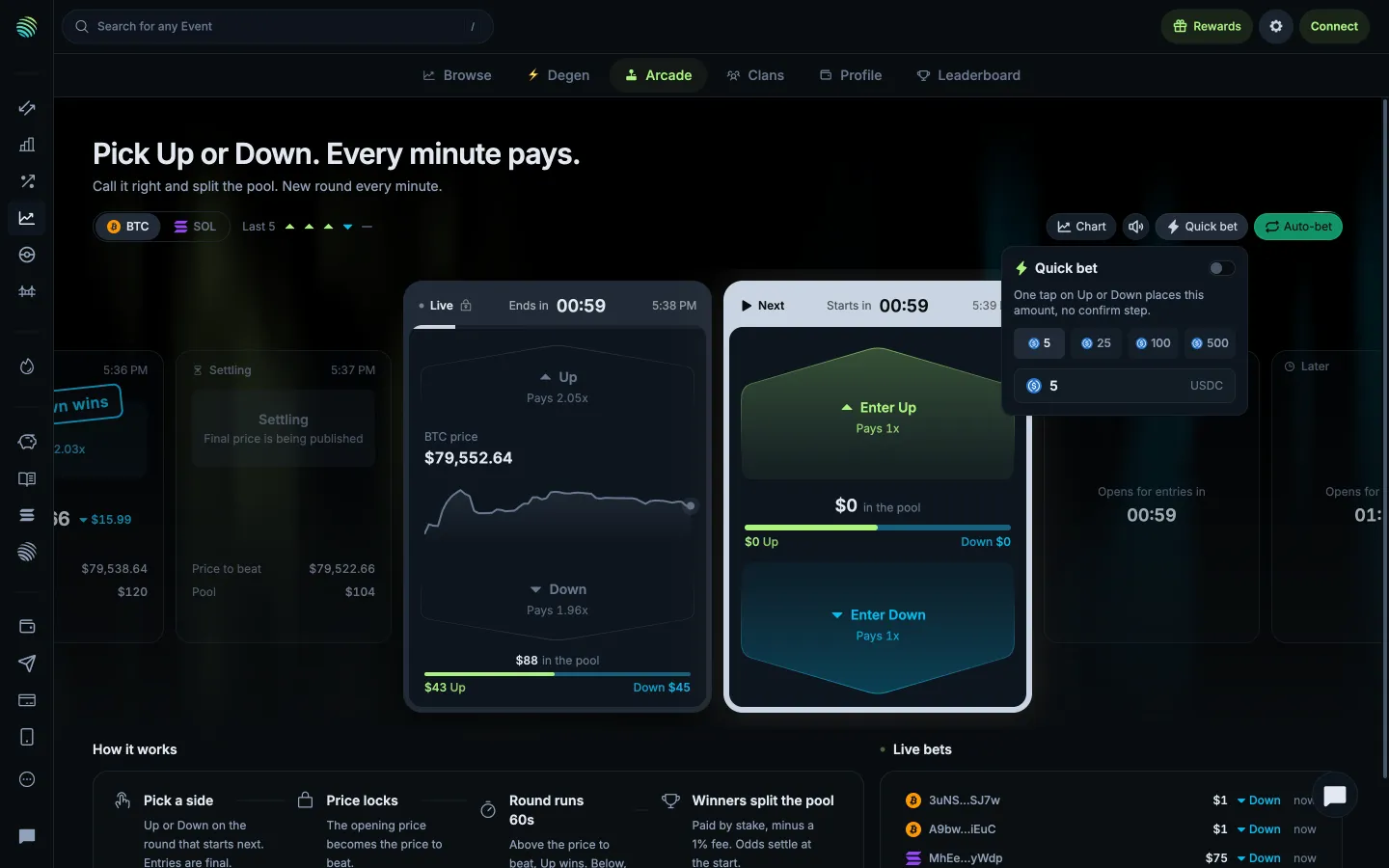
Quick bet skips confirmation for the chosen amount
Jupiter
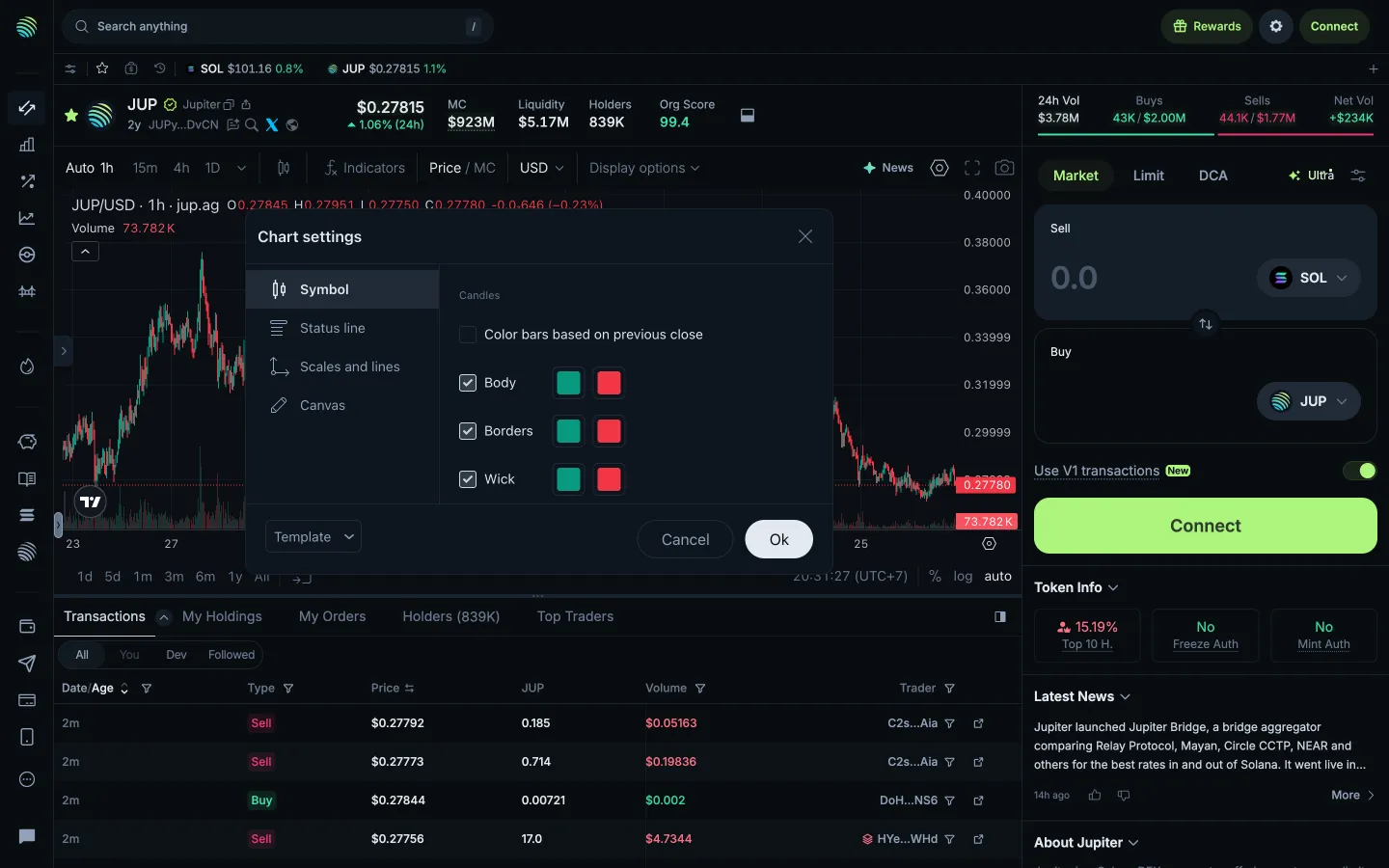
Review symbol appearance
Jupiter
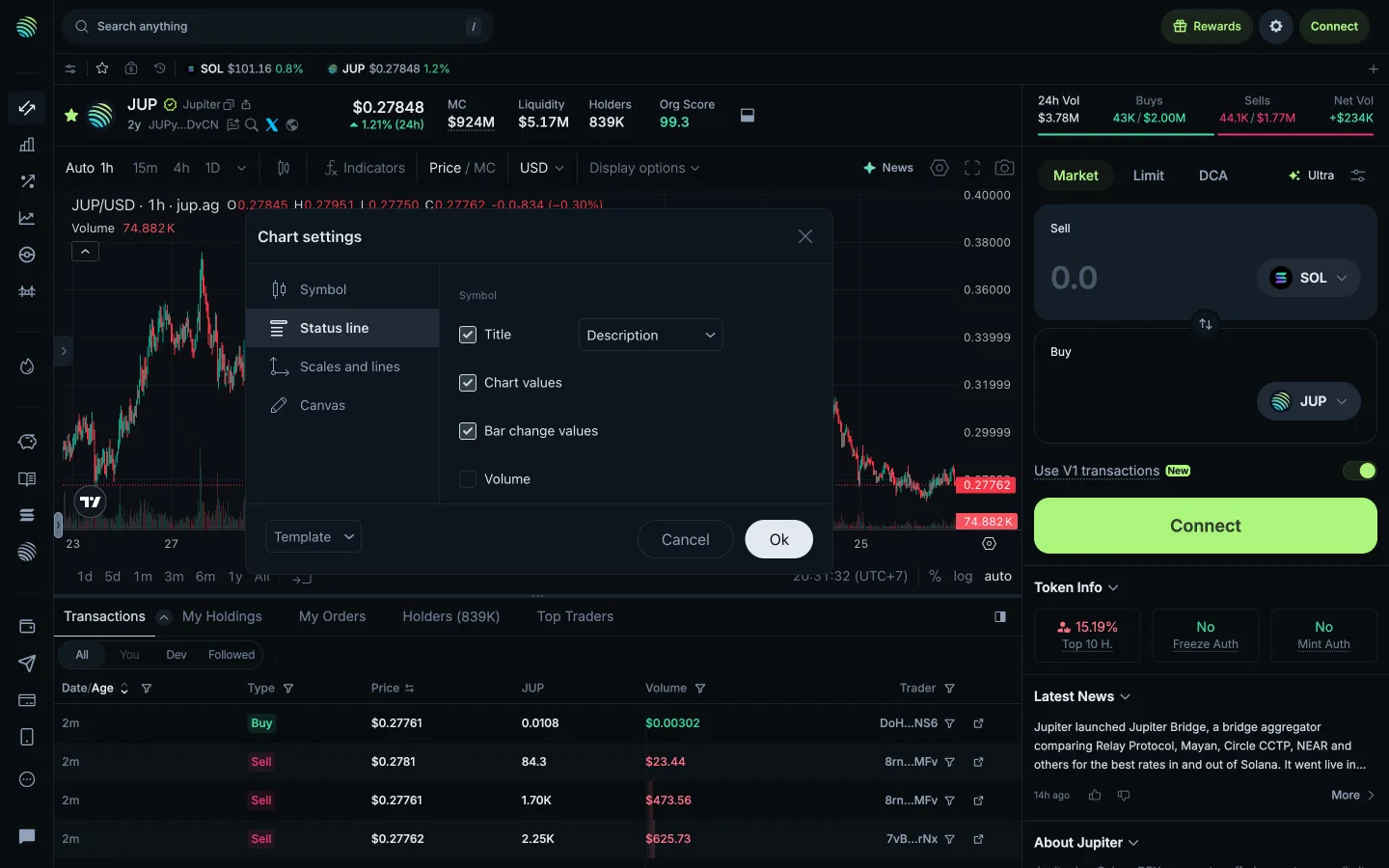
Review status line settings
Hyperliquid
Adjust max slippage, 8 percent
Hyperliquid
Typed 50 becomes 100
Hyperliquid
Adjust leverage
Hyperliquid
Leverage change pending
Jupiter
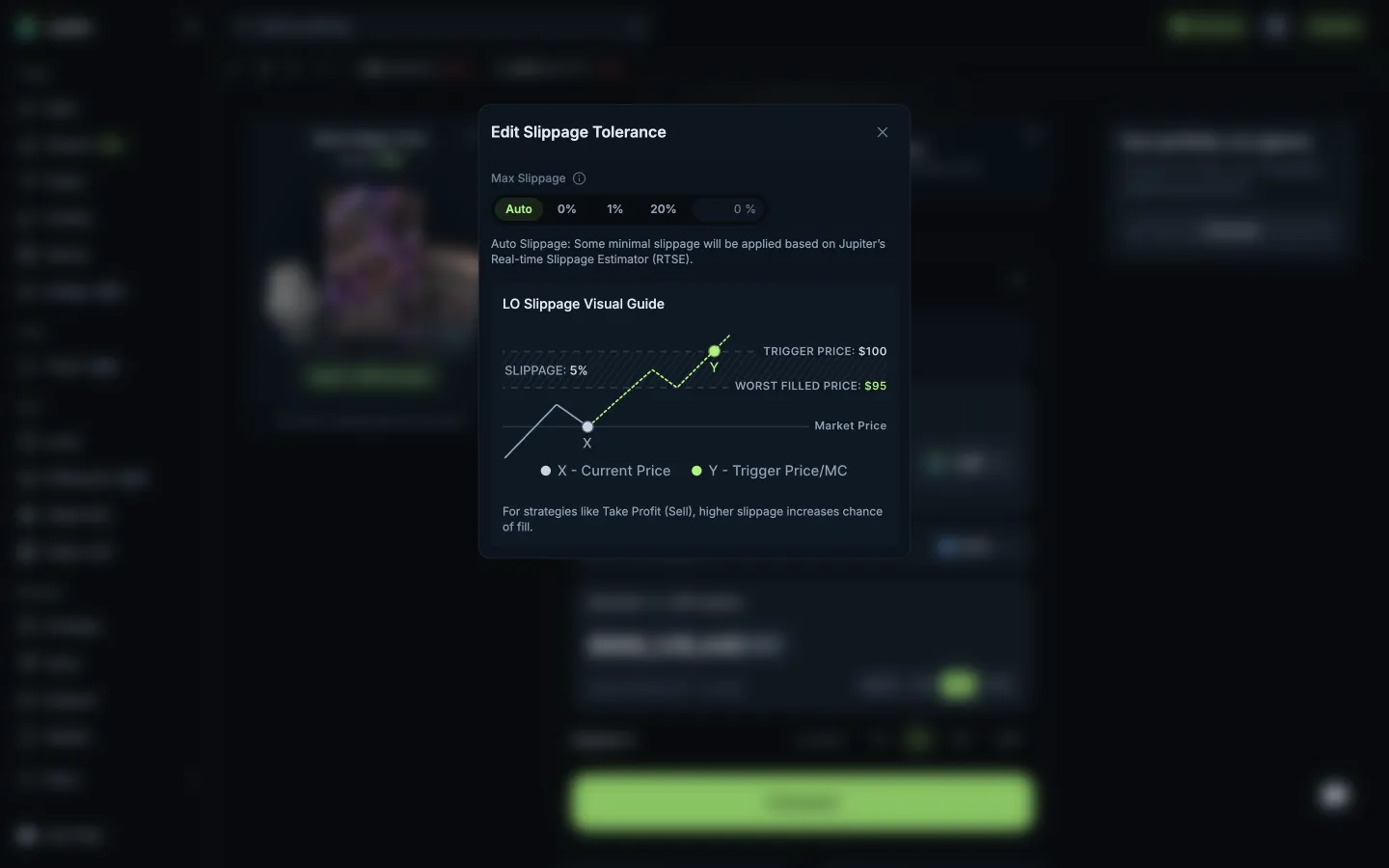
Slippage with a visual guide to the worst fill
Jupiter
Ultra V3 profile, nothing to set
Jupiter
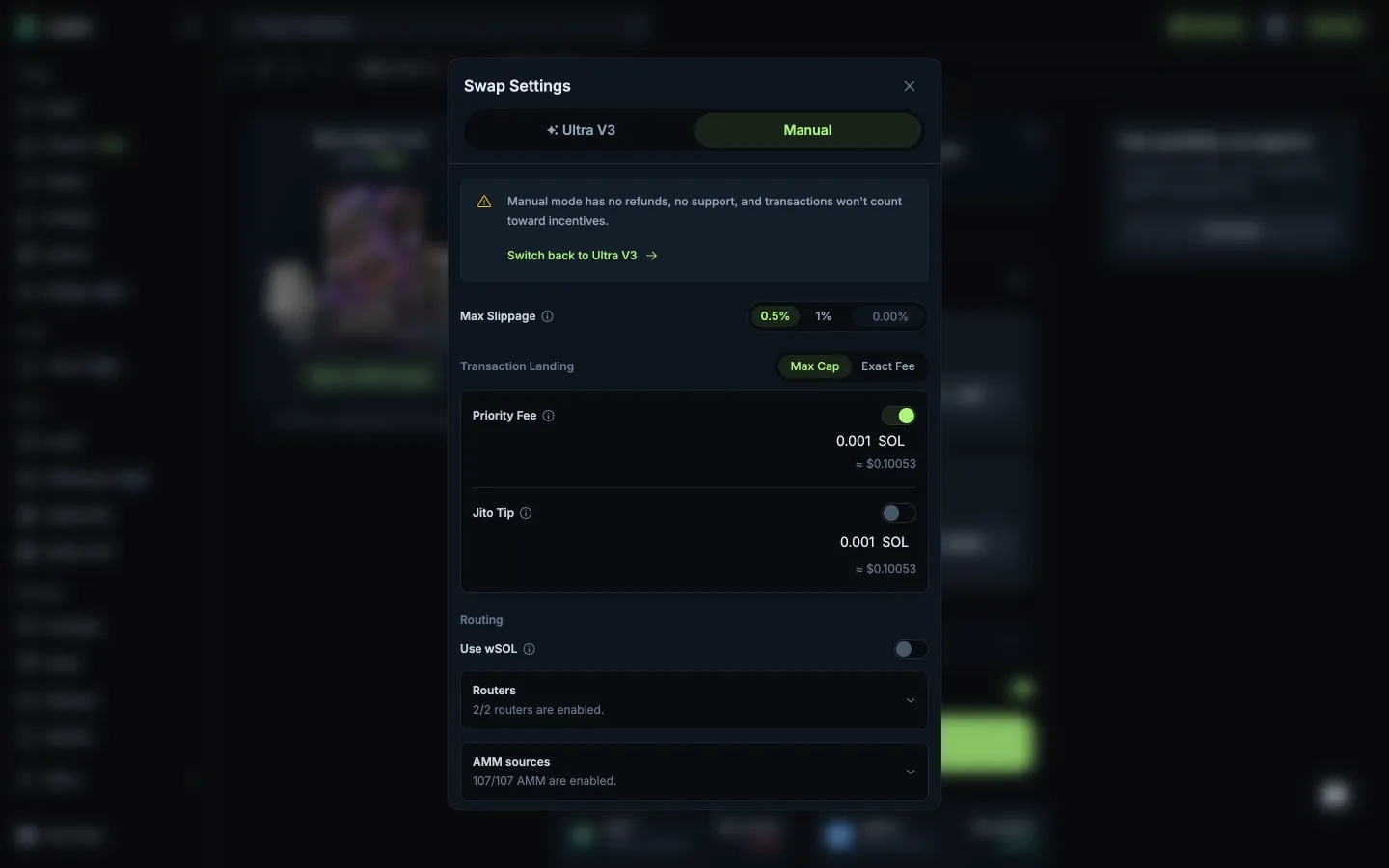
Manual mode warns no refunds or support
 Sablier