Managing Portfolio

Reviewing holdings, positions and history across the account. Compare how two apps do it, step by step.

Aave Profomo
Aave ProHome with no positions

5 screens

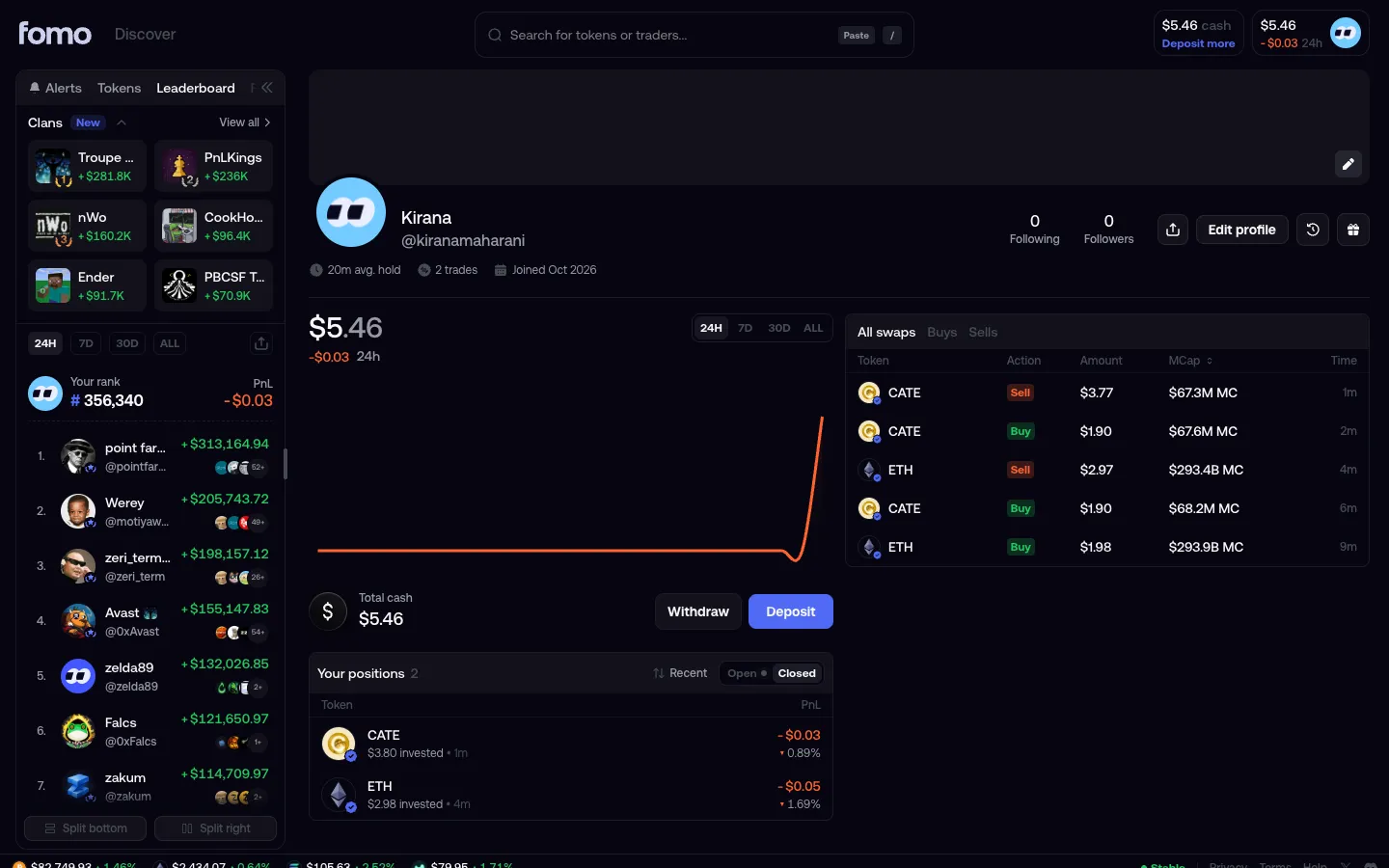
fomoProfile

1 screen3 branches
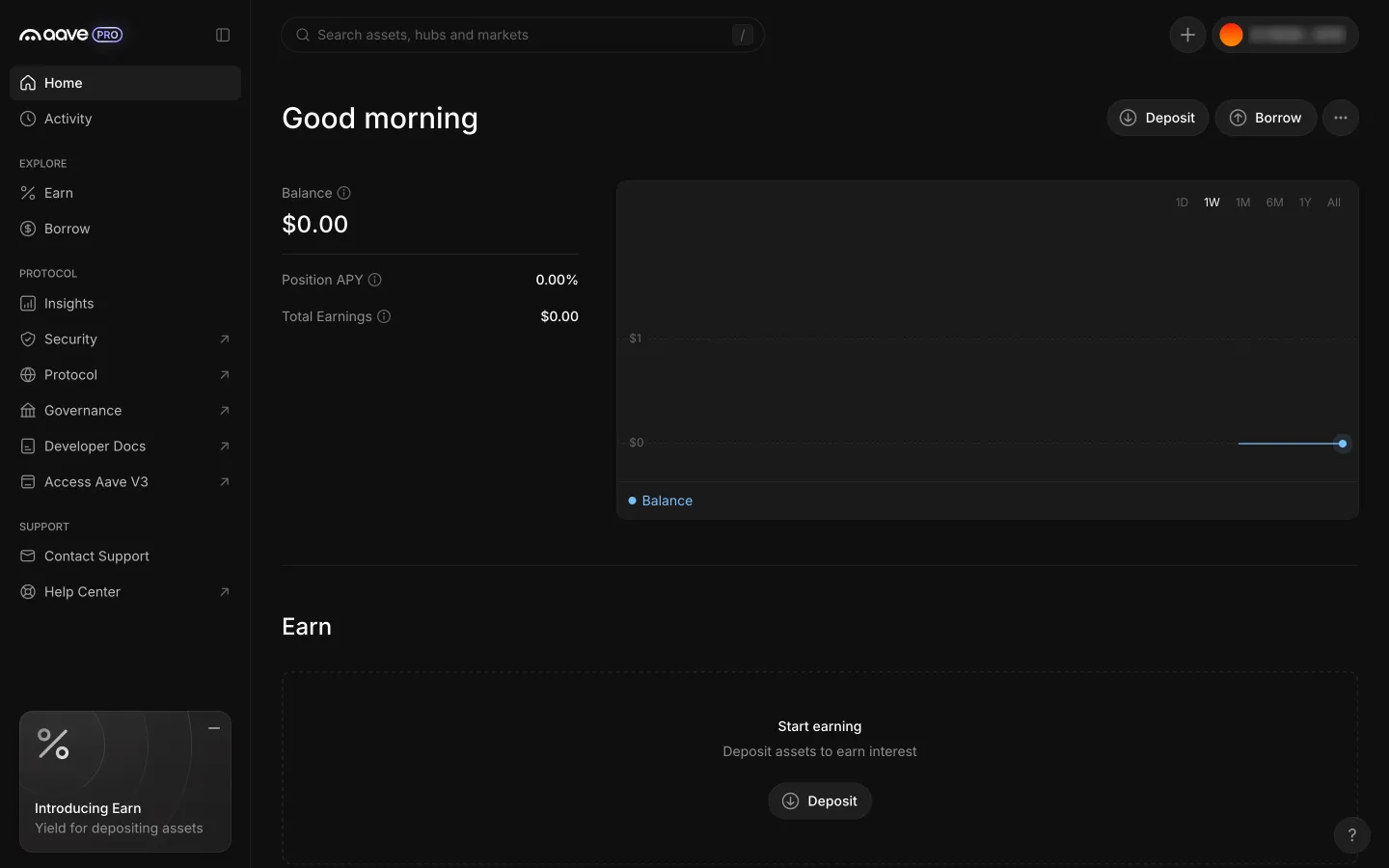
Home with zero balance and an empty chart
1Home with zero balance and an empty chart
Profile with trades and closed positions
1Profile with trades and closed positions
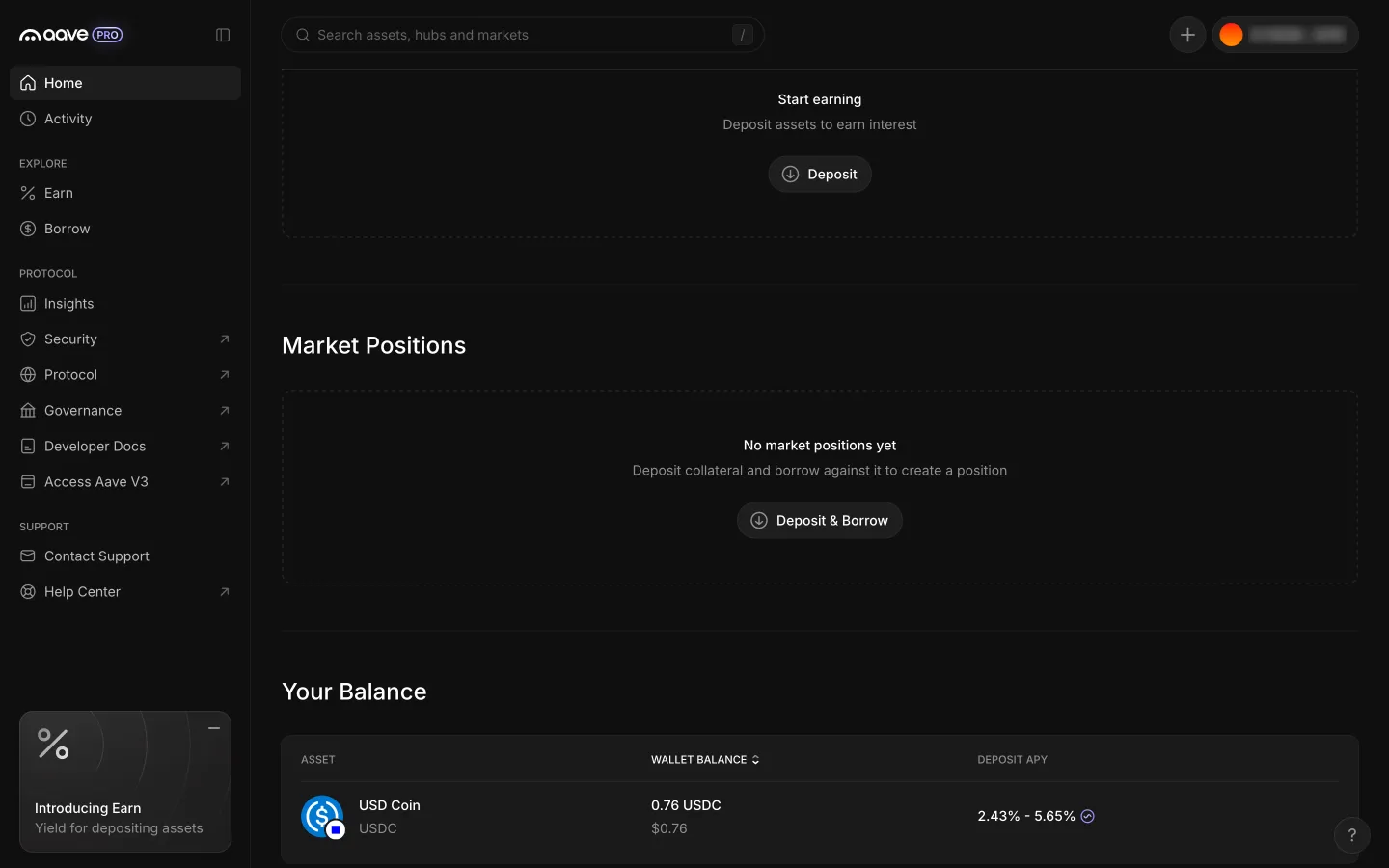
Scrolled to Earn and Market Positions empty states
2Scrolled to Earn and Market Positions empty states
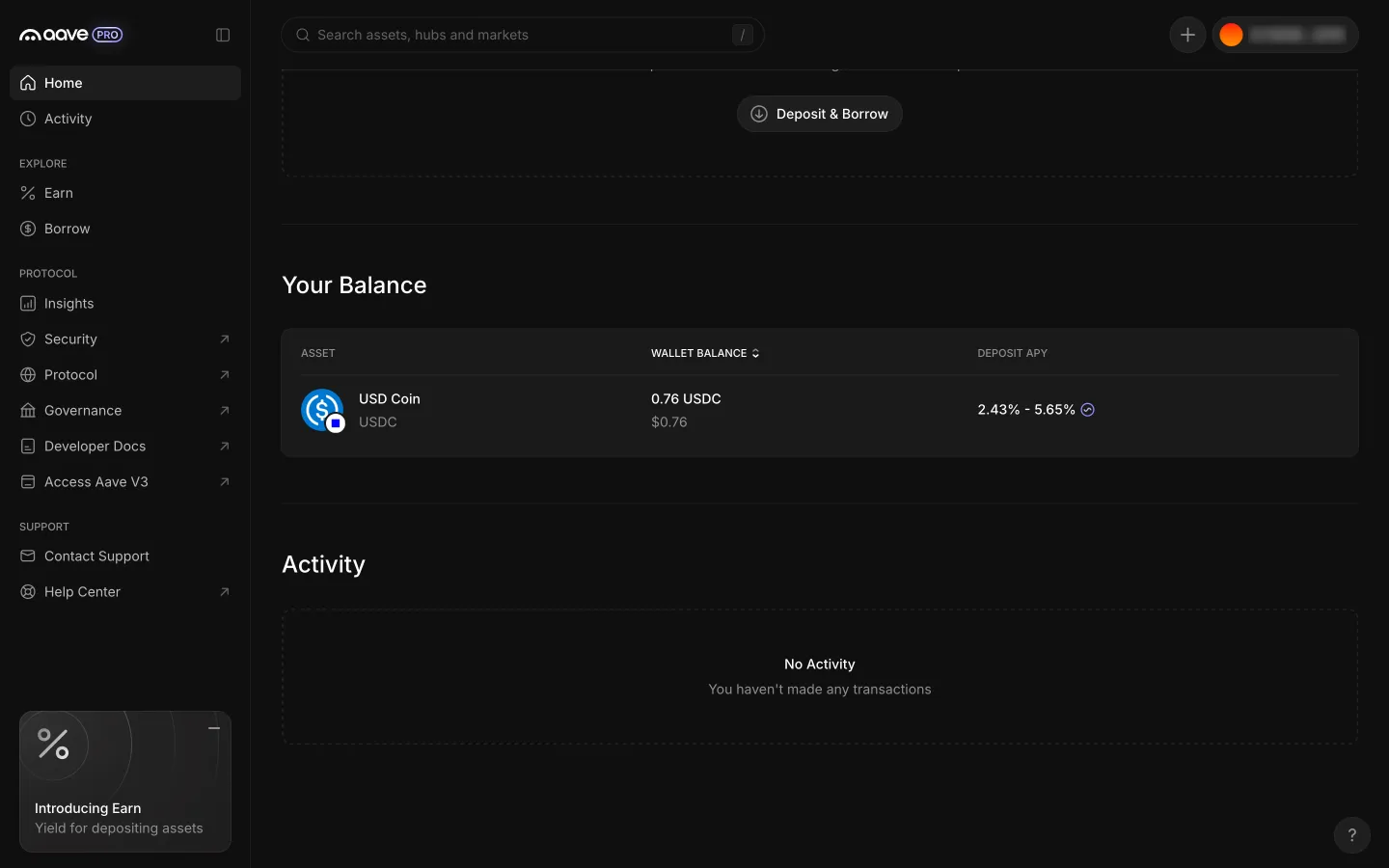
Scrolled to Your Balance and an empty Activity
3Scrolled to Your Balance and an empty Activity

2 more steps

for members

Sign up free to compare every step

You see the first half of each flow. Members see how every app ends it.