Withdrawing

Taking funds out to an external address or account. Compare how three apps do it, step by step.

Aave ProWithdrawing

4 screens1 branch

fomoWithdrawing cash

11 screens4 branches

HyperliquidWithdrawing to a wallet

11 screens
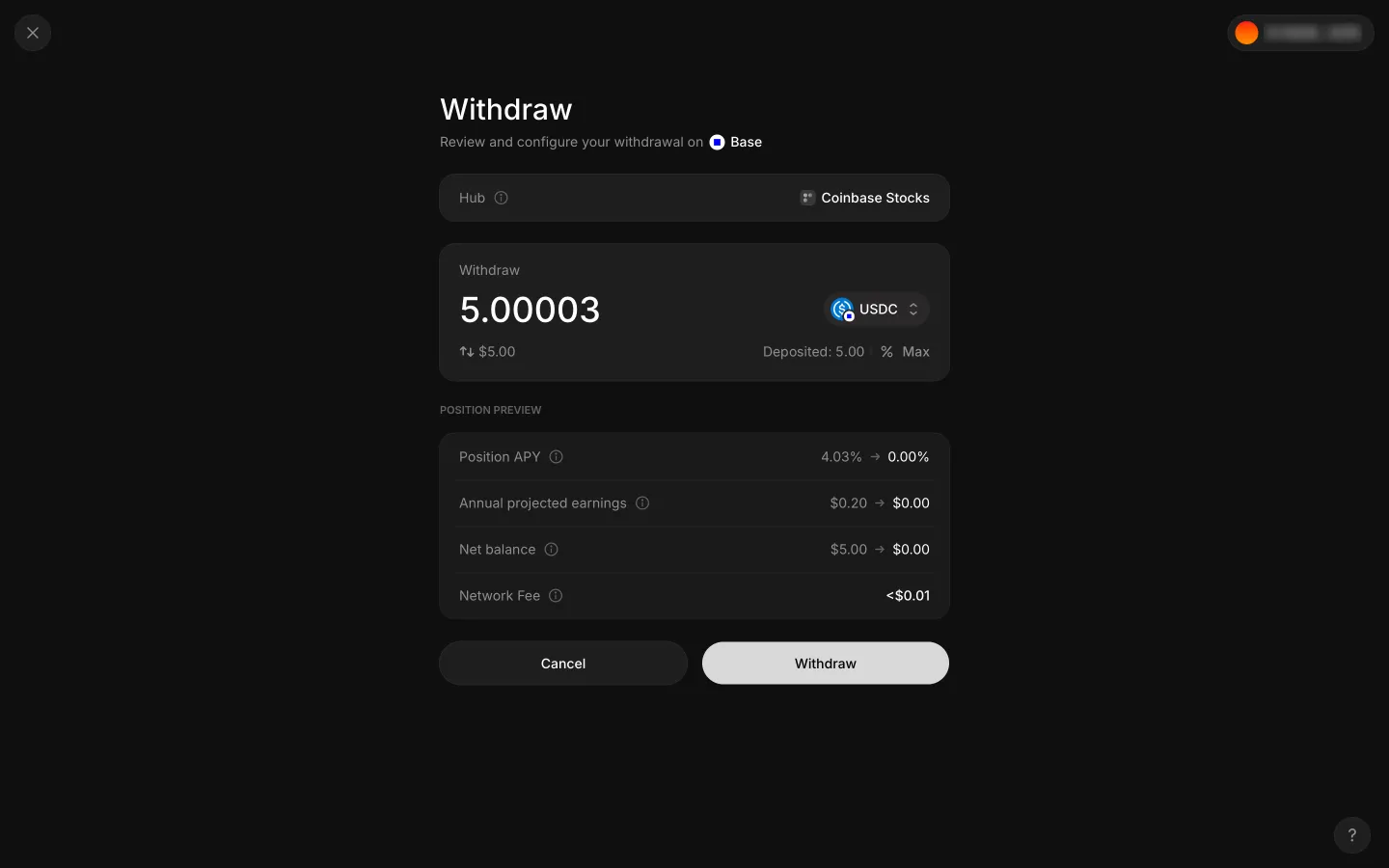
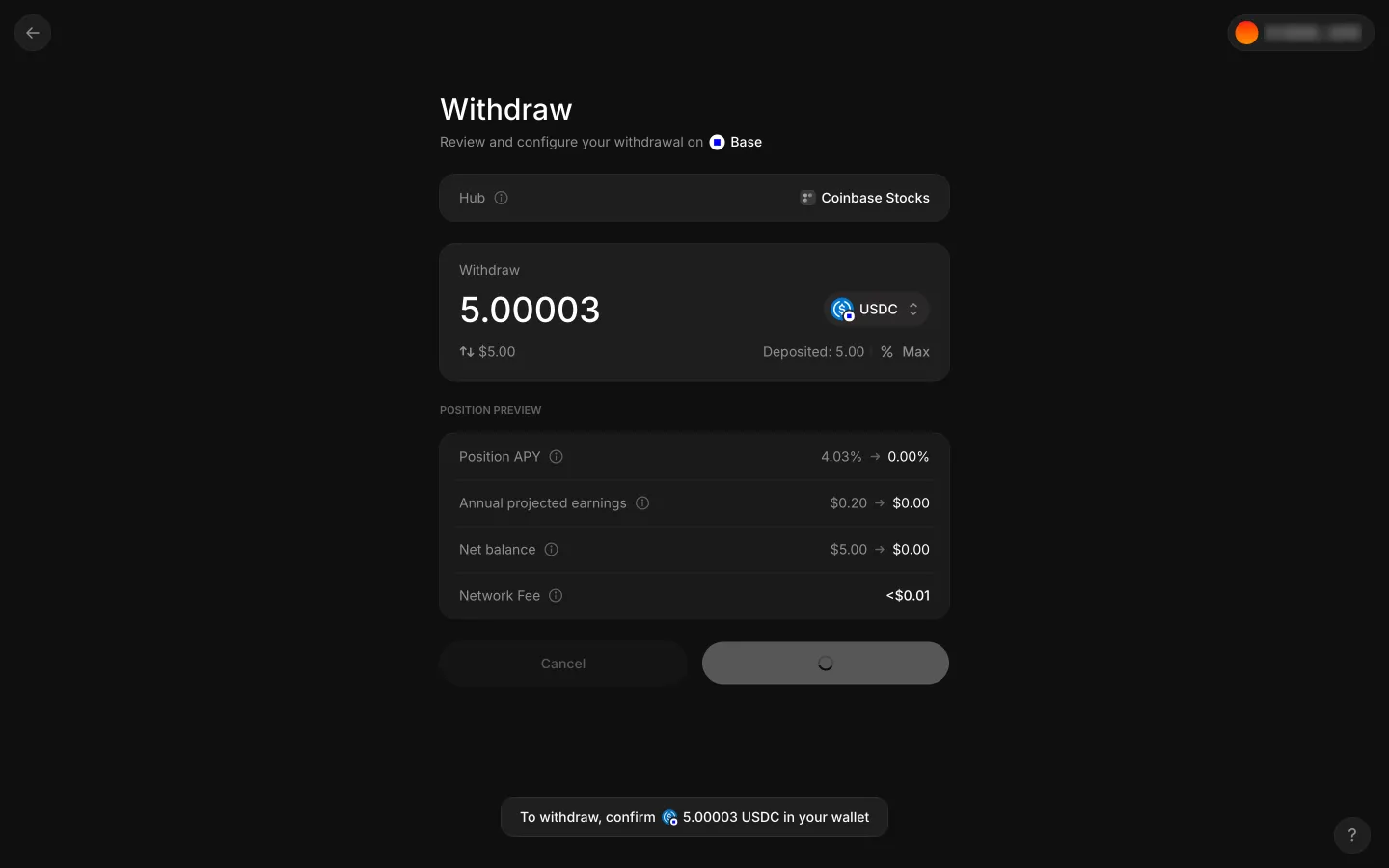
Max fills 5.00003 USDC and closes the whole position in the preview
1Max fills 5.00003 USDC and closes the whole position in the preview
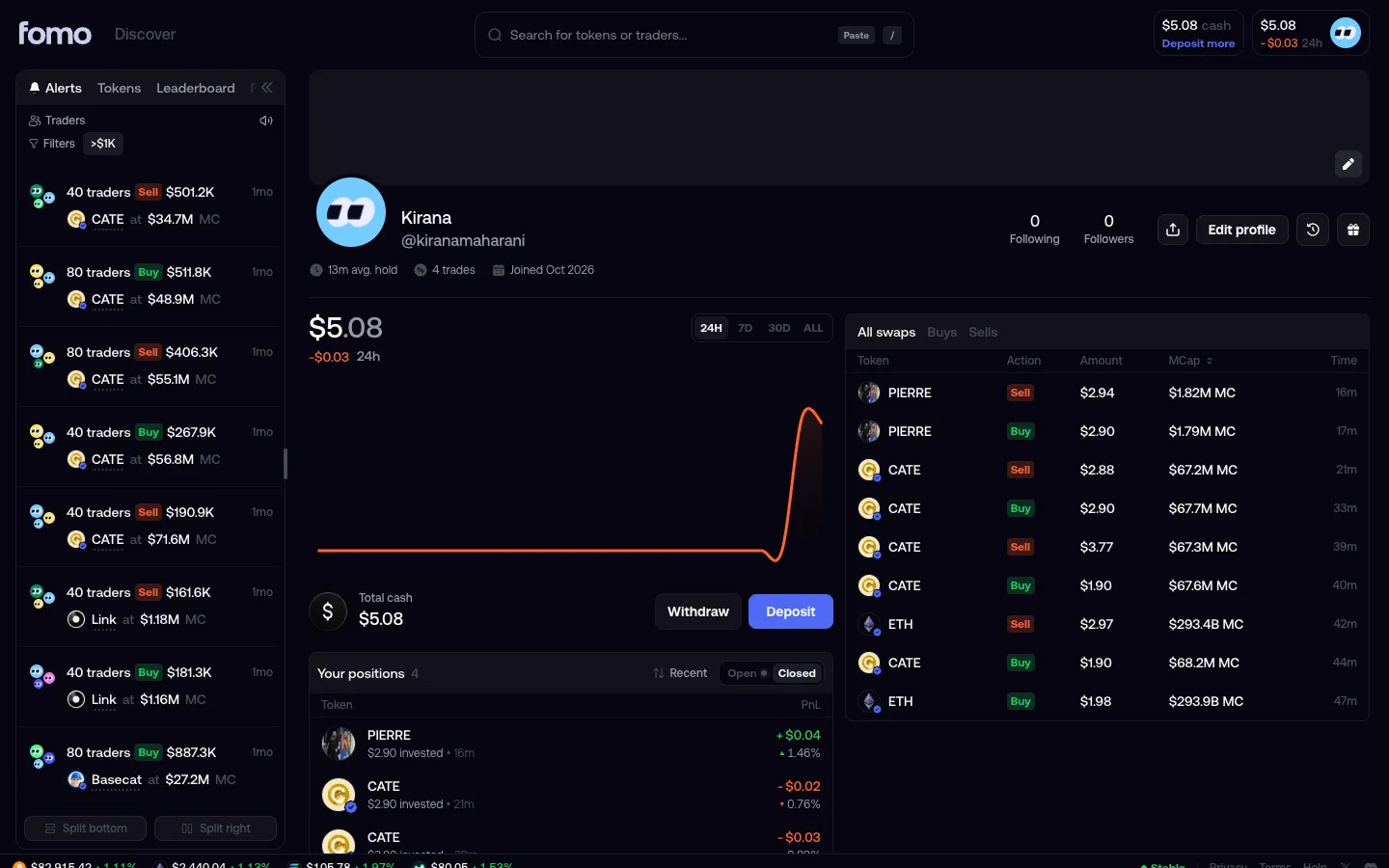
Profile with $5.08 cash
1Profile with $5.08 cash
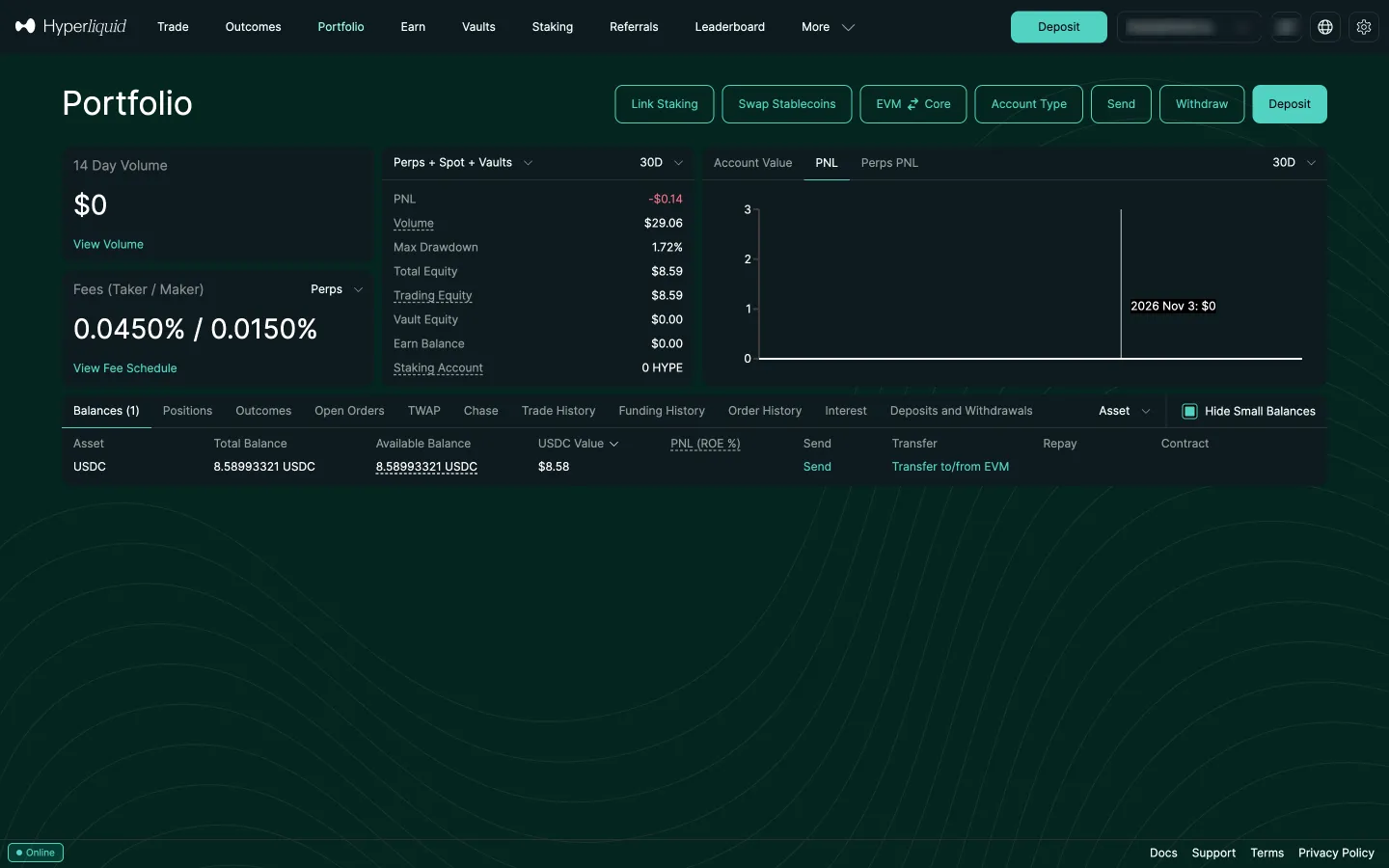
Portfolio with the balance
1Portfolio with the balance
Preparing withdraw
2Preparing withdraw
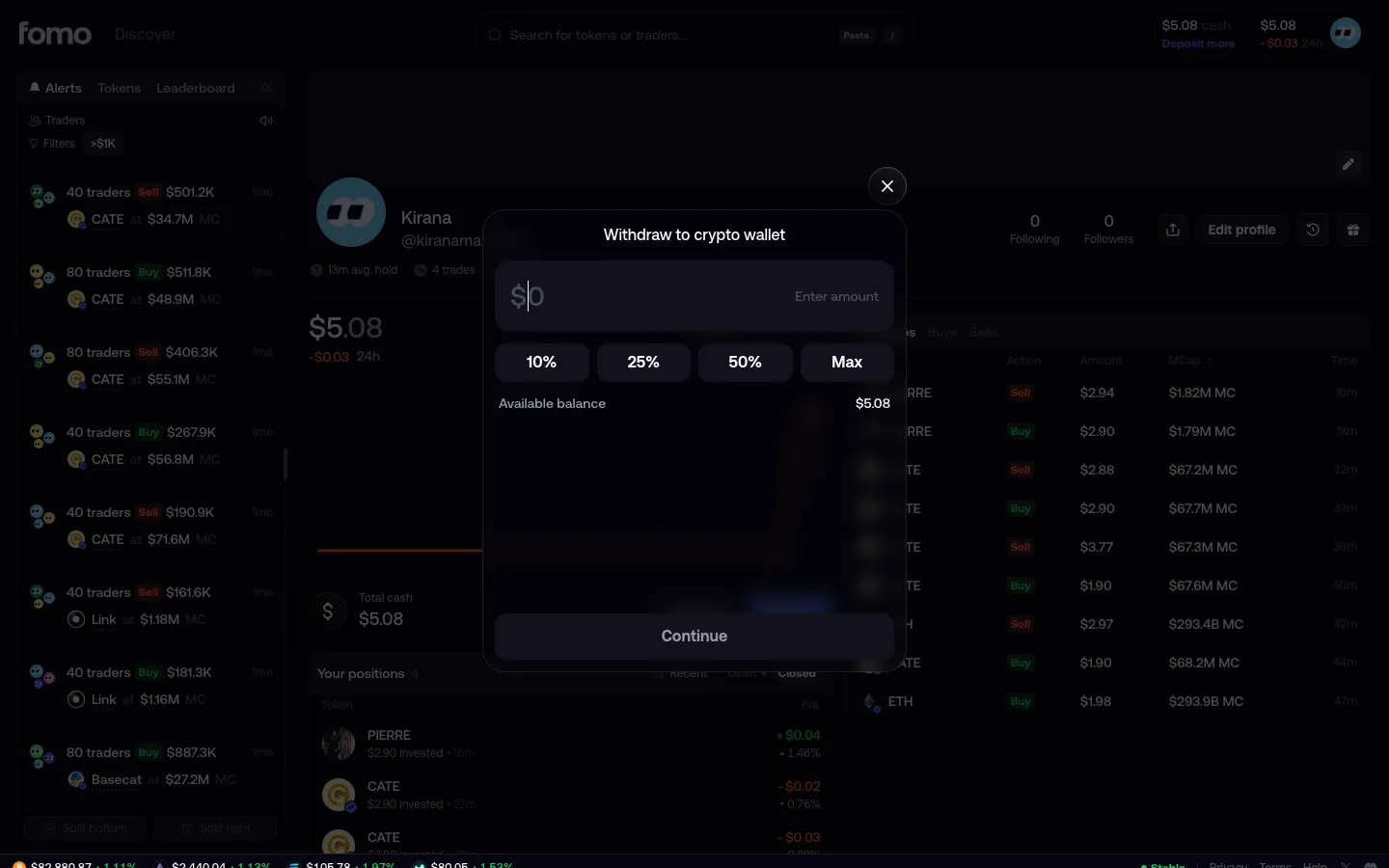
Withdraw shows $5.08 available
2Withdraw shows $5.08 available
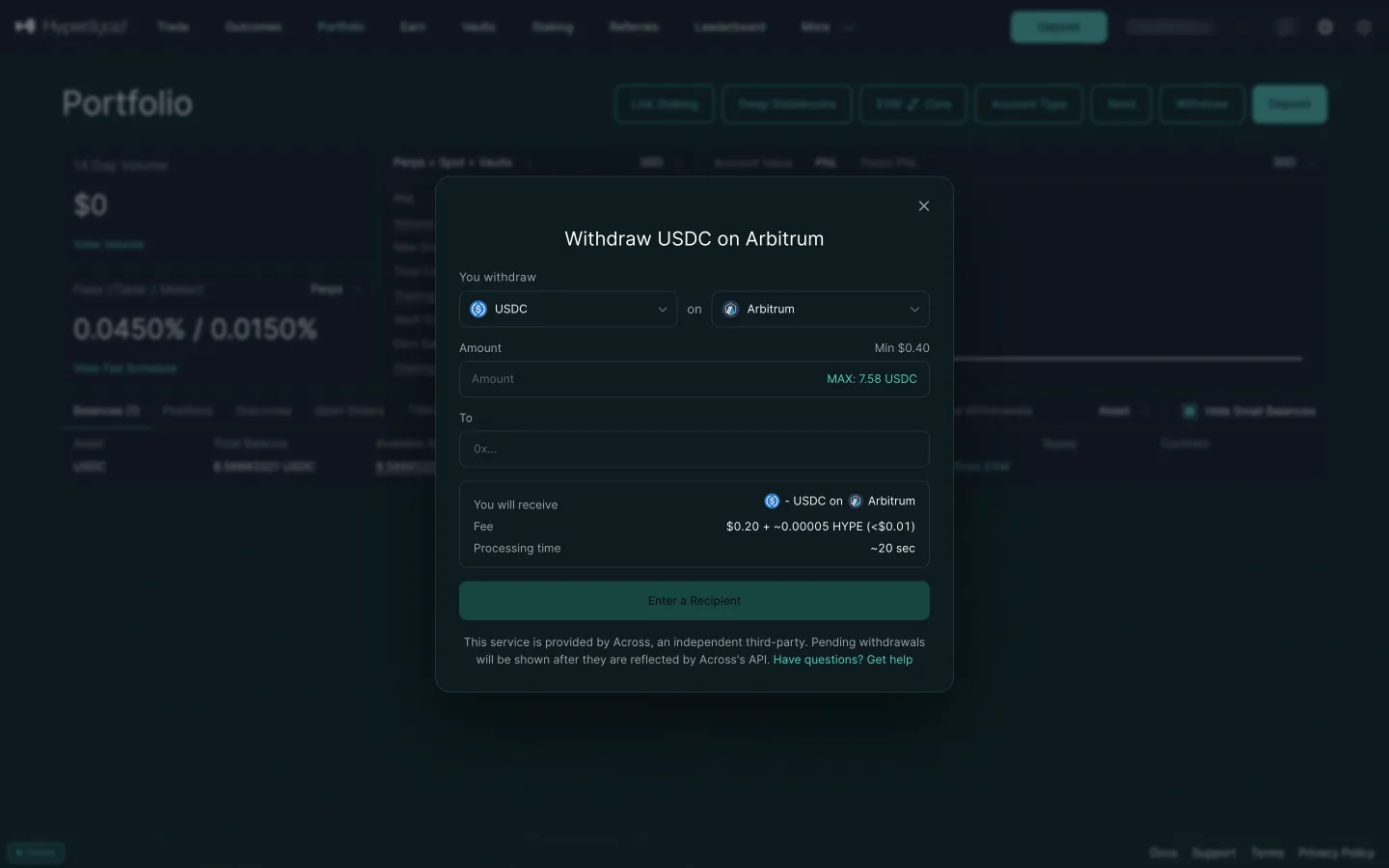
Withdraw USDC on Arbitrum by default
2Withdraw USDC on Arbitrum by default
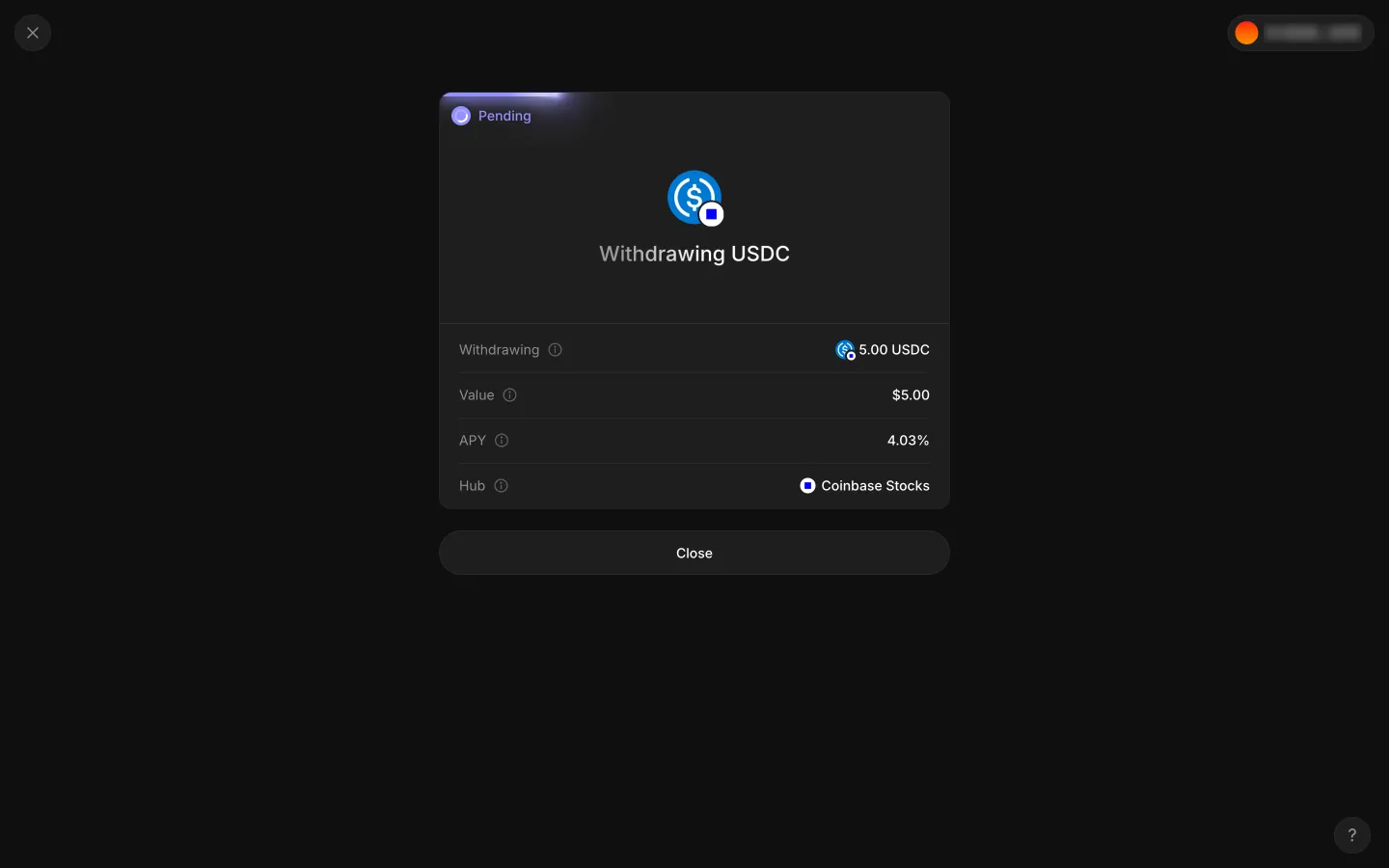
Pending receipt, Withdrawing USDC
3Pending receipt, Withdrawing USDC
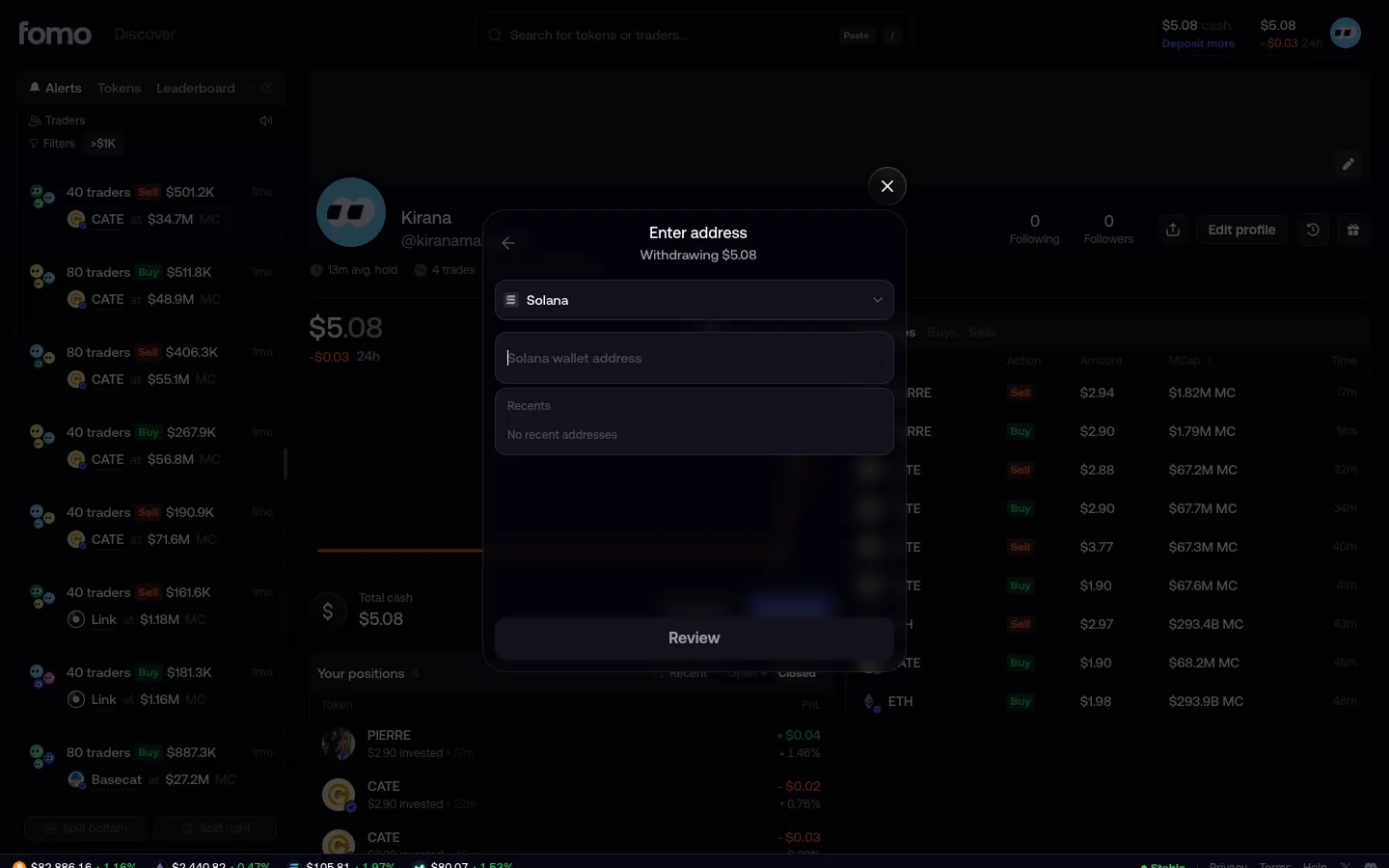
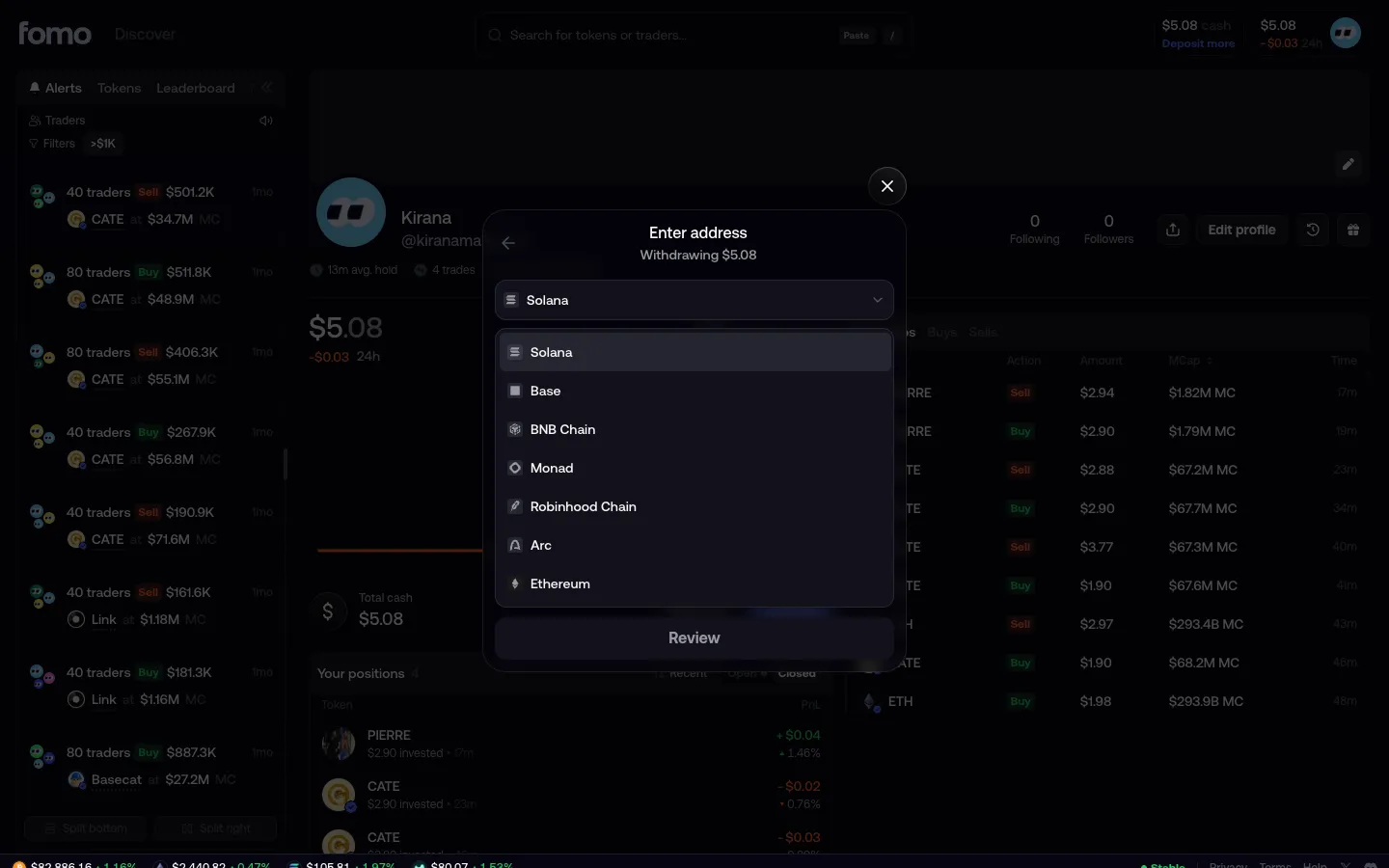
Enter address, Solana preselected
3Enter address, Solana preselected
Choose the network
3Choose the network

1 more step

for members

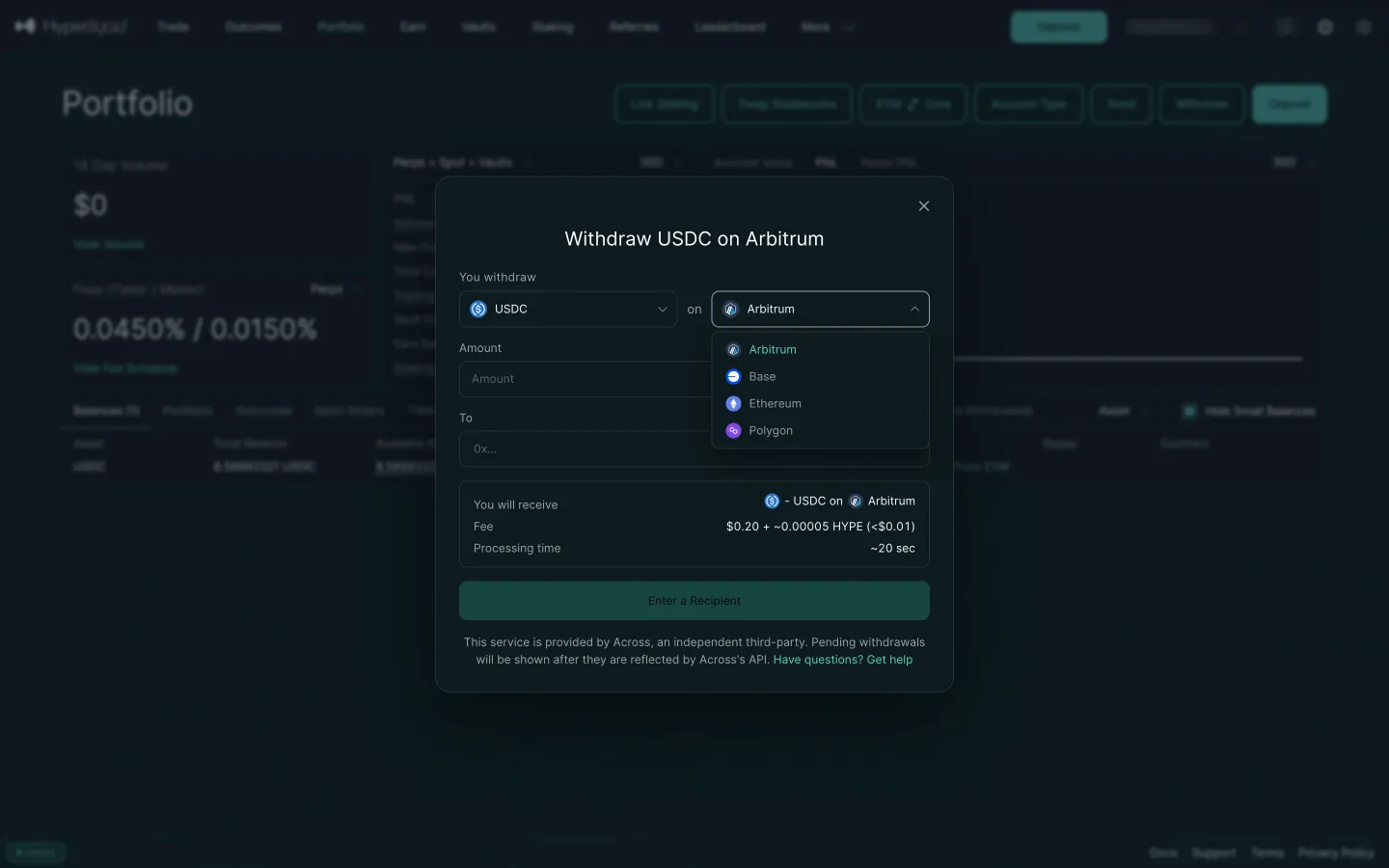
Pick a network, seven chains
4Pick a network, seven chains
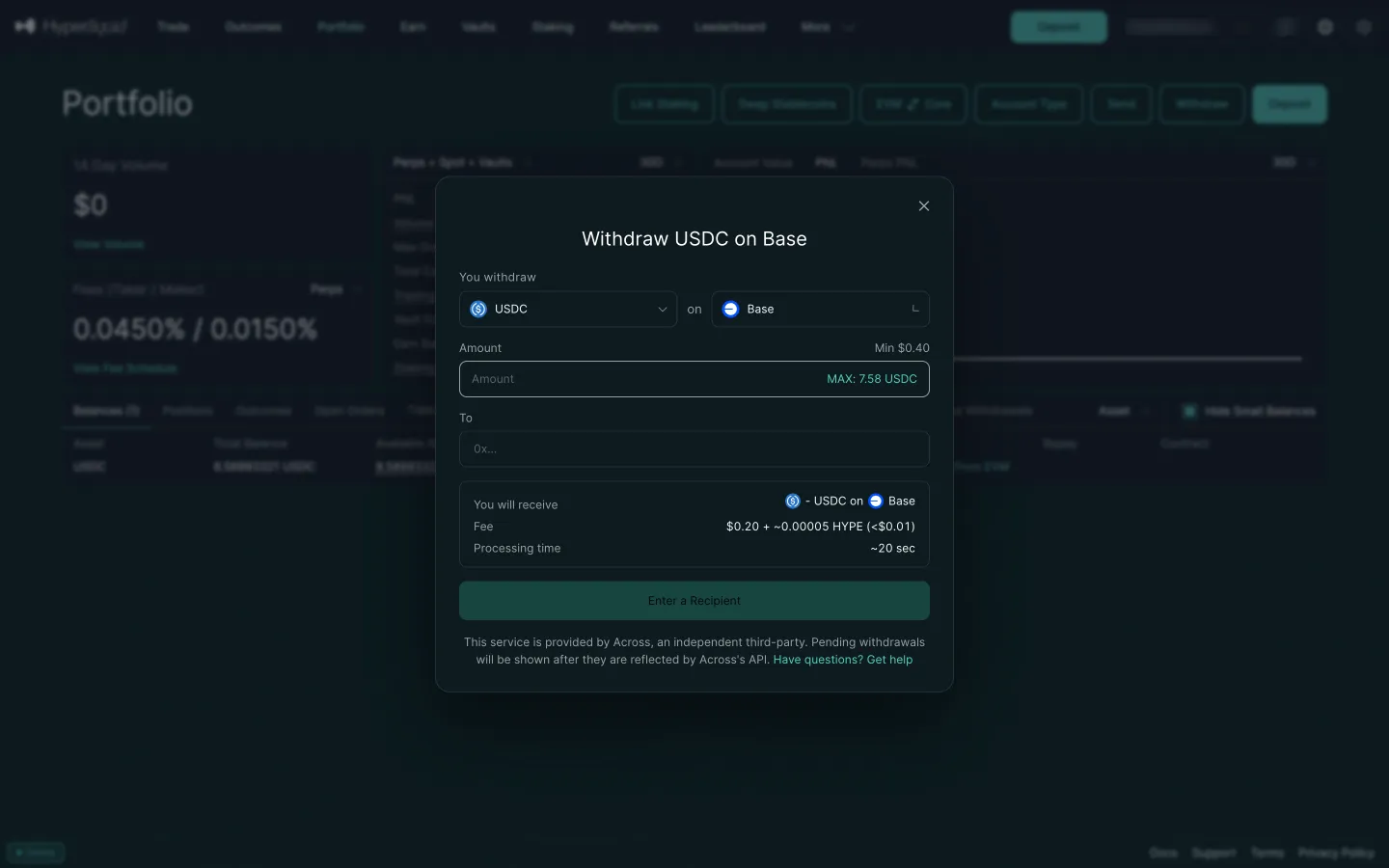
Withdraw USDC on Base
4Withdraw USDC on Base
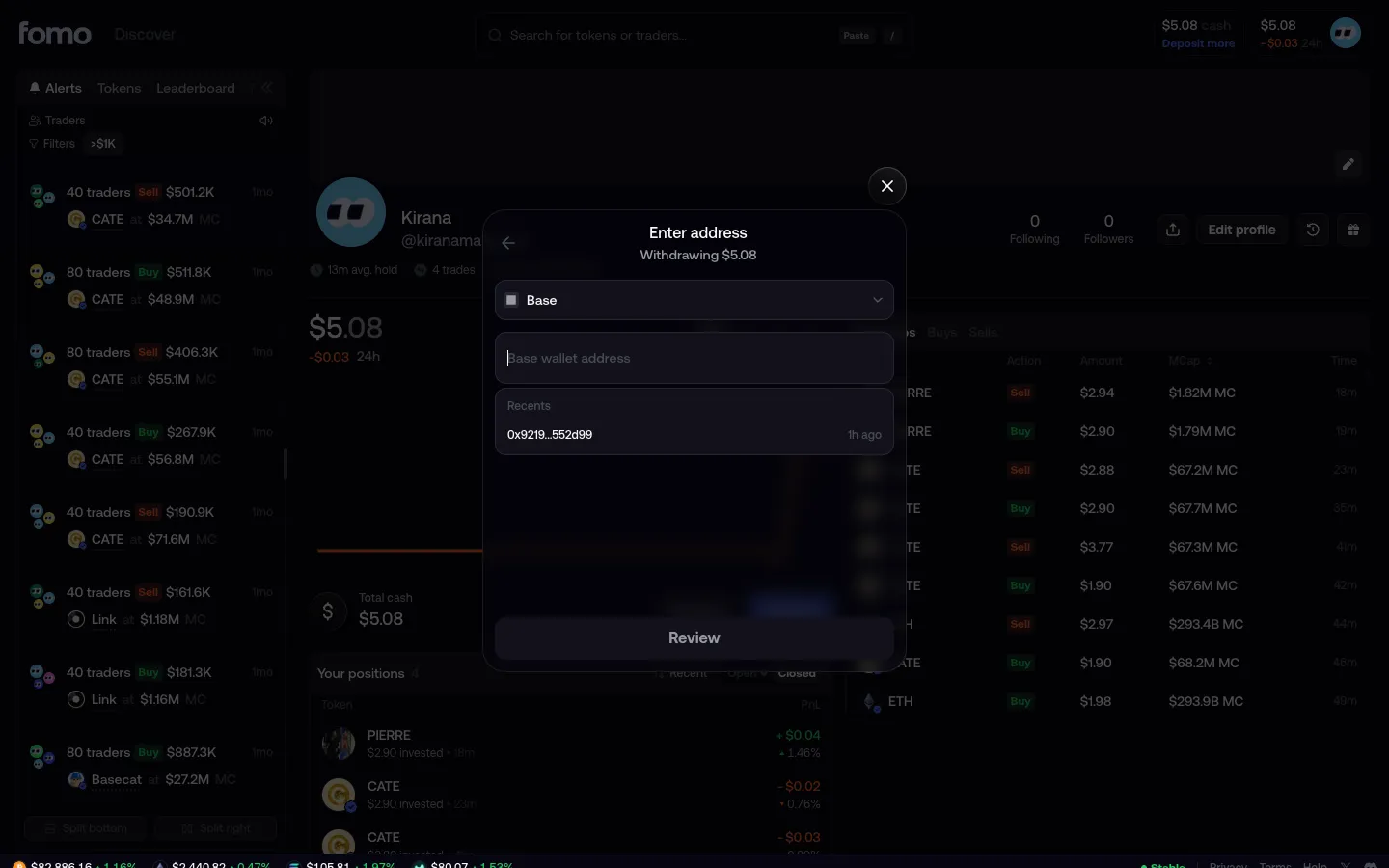
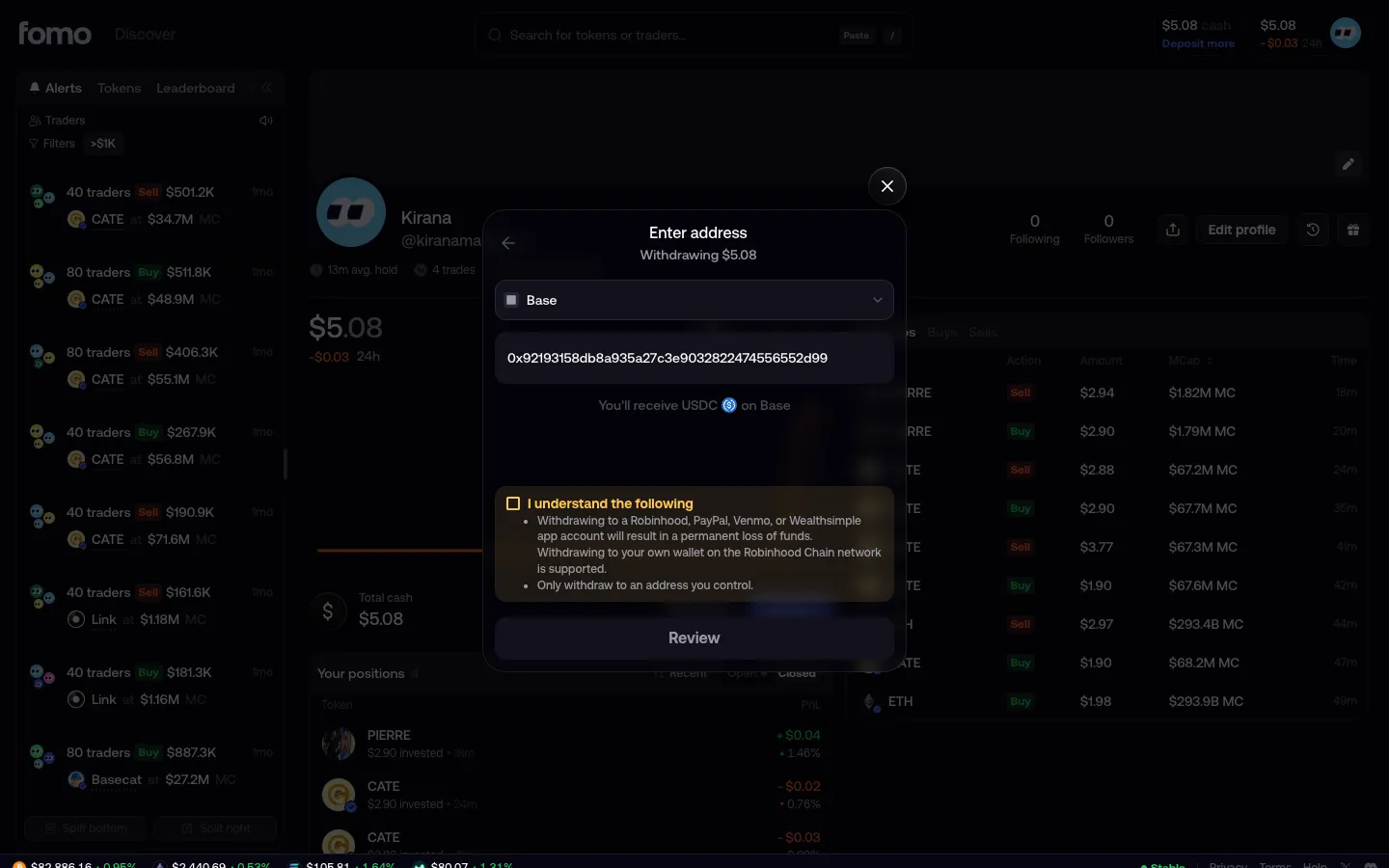
Base address field shows a recent address
5Base address field shows a recent address
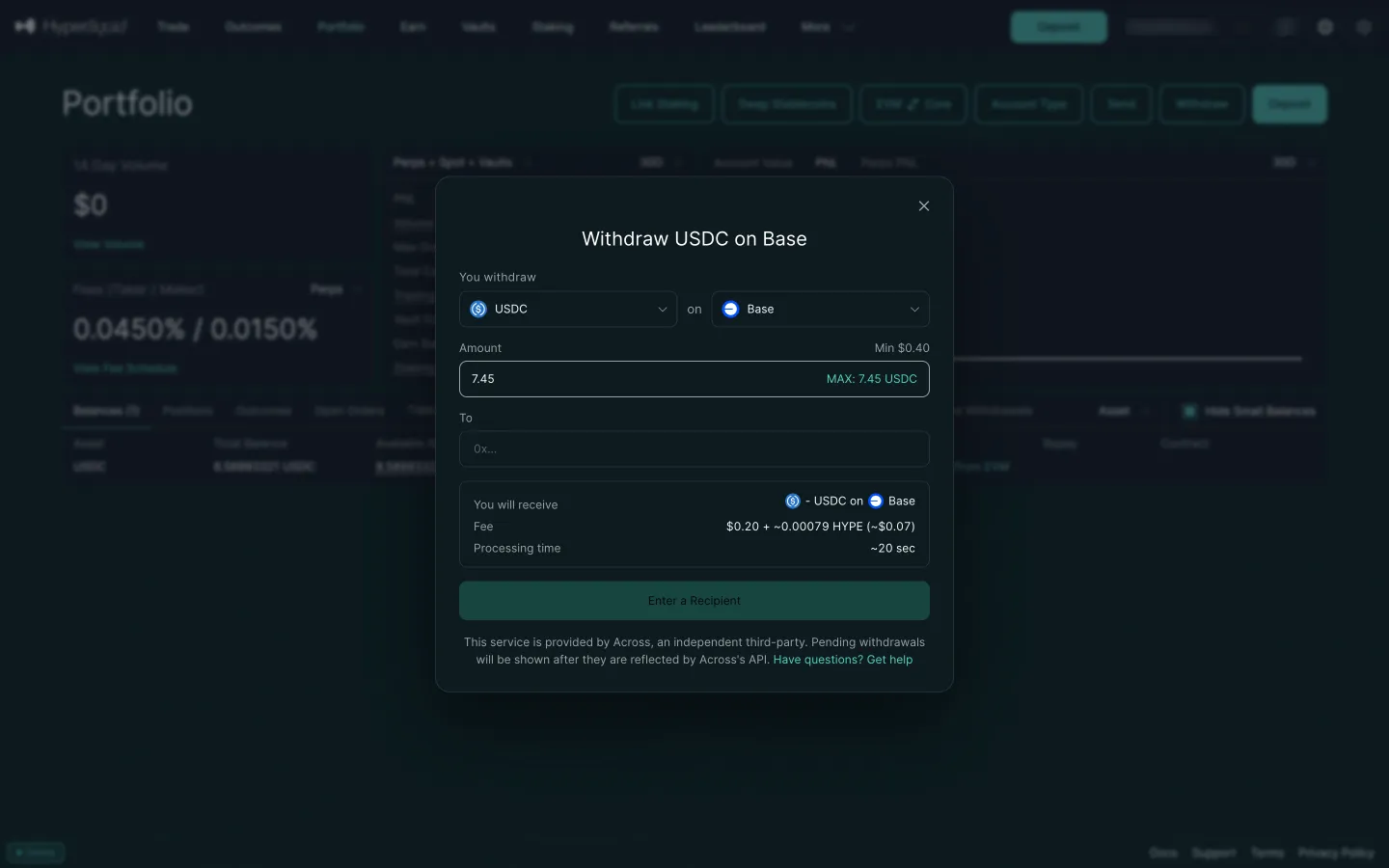
Max filled in, the fee shifts
5Max filled in, the fee shifts
Address filled, warning to acknowledge
6Address filled, warning to acknowledge
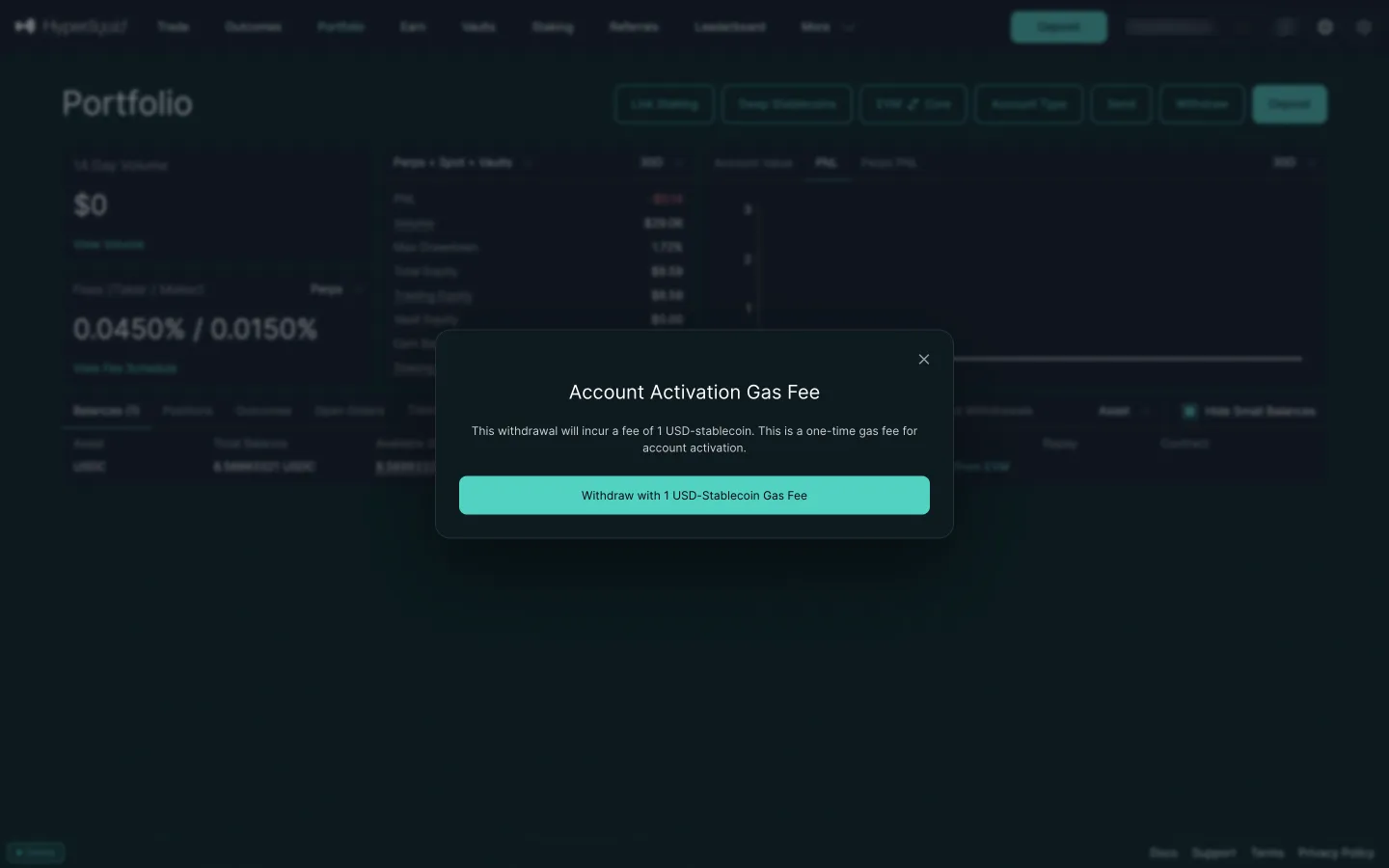
Account activation gas fee
6Account activation gas fee

5 more steps

for members

5 more steps

for members

Sign up free to compare every step

You see the first half of each flow. Members see how every app ends it.