Managing Portfolio
Reviewing holdings, positions and history across the account. Compare how two apps do it, step by step.
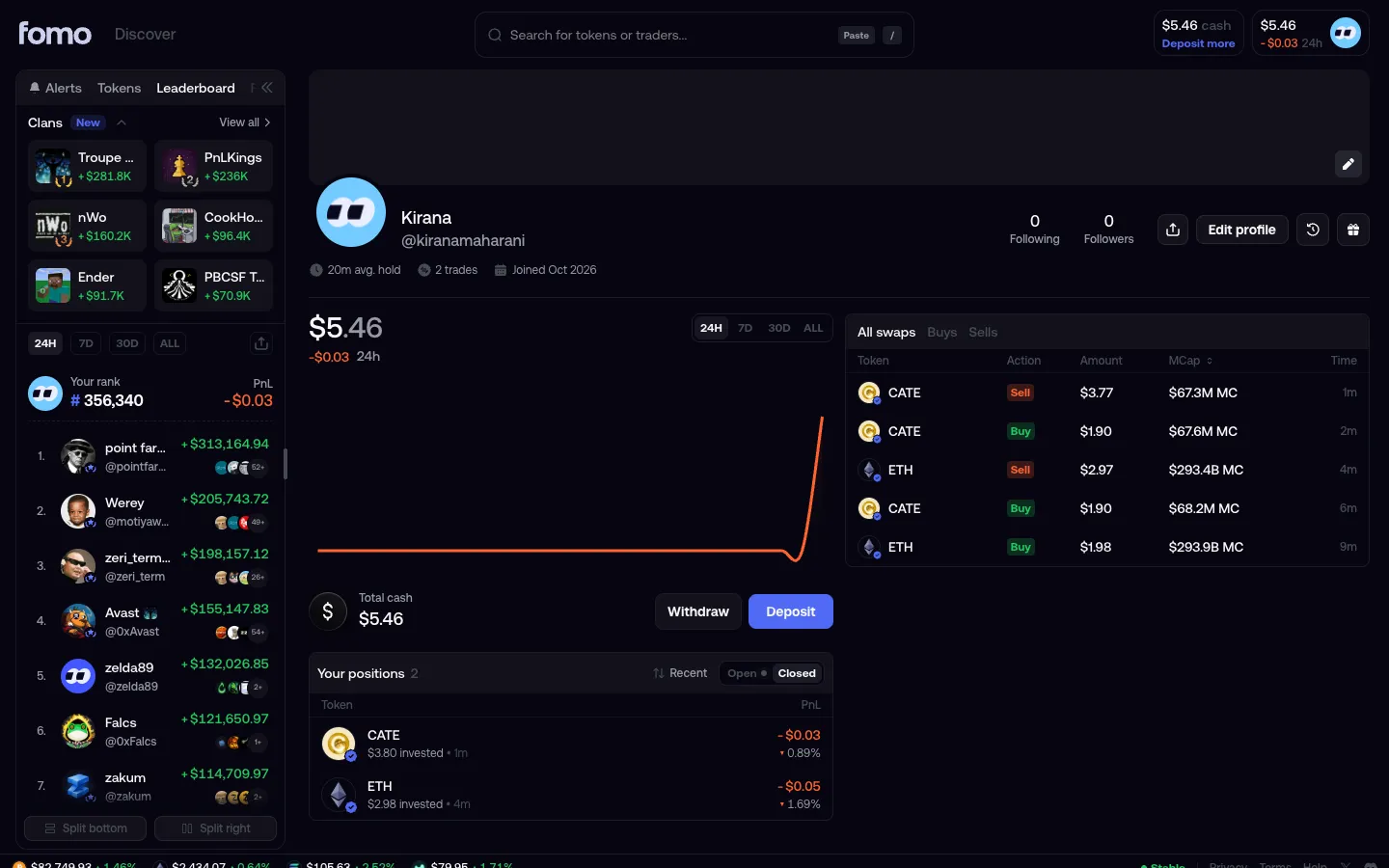
 fomoProfile
1 screen3 branches
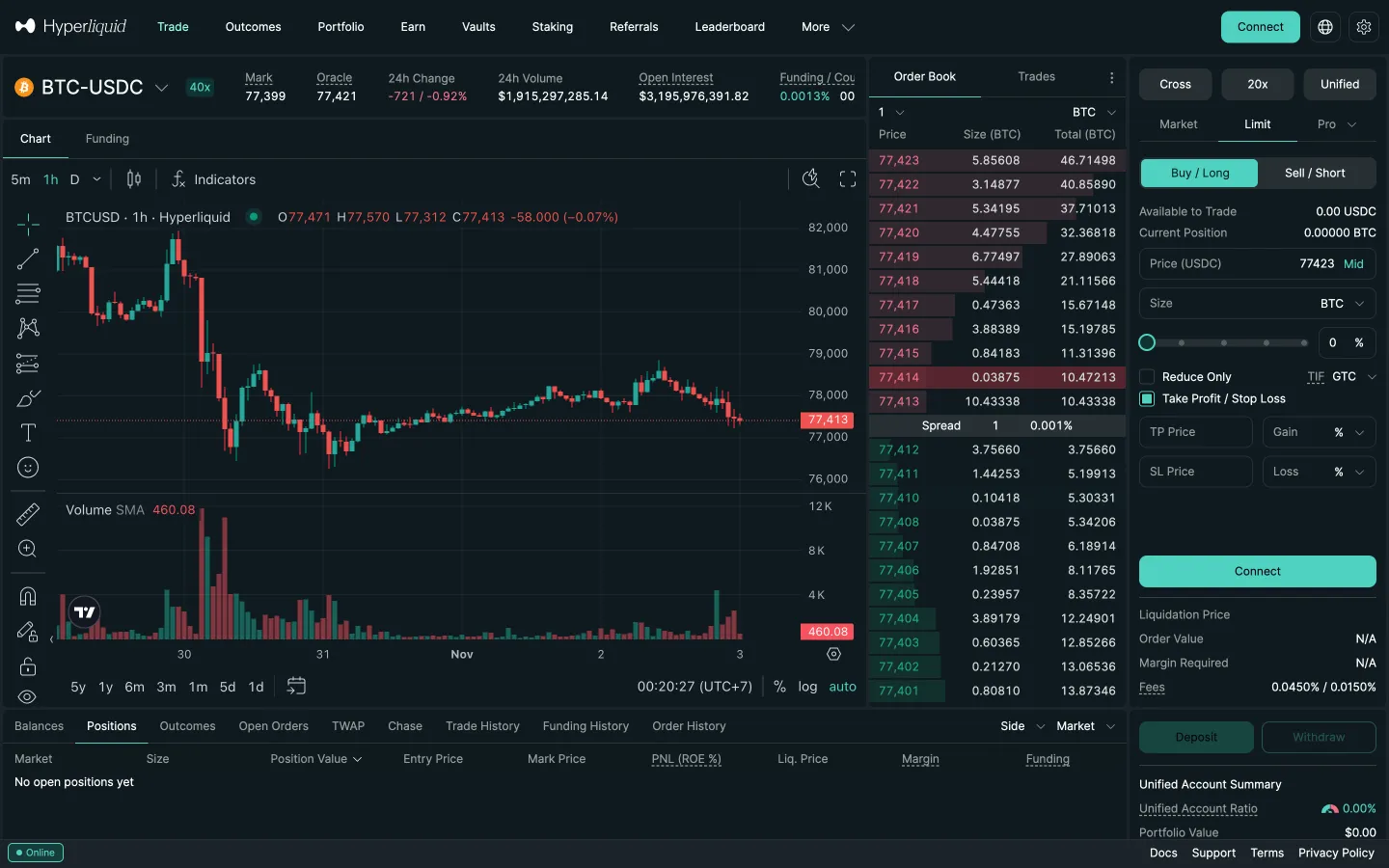
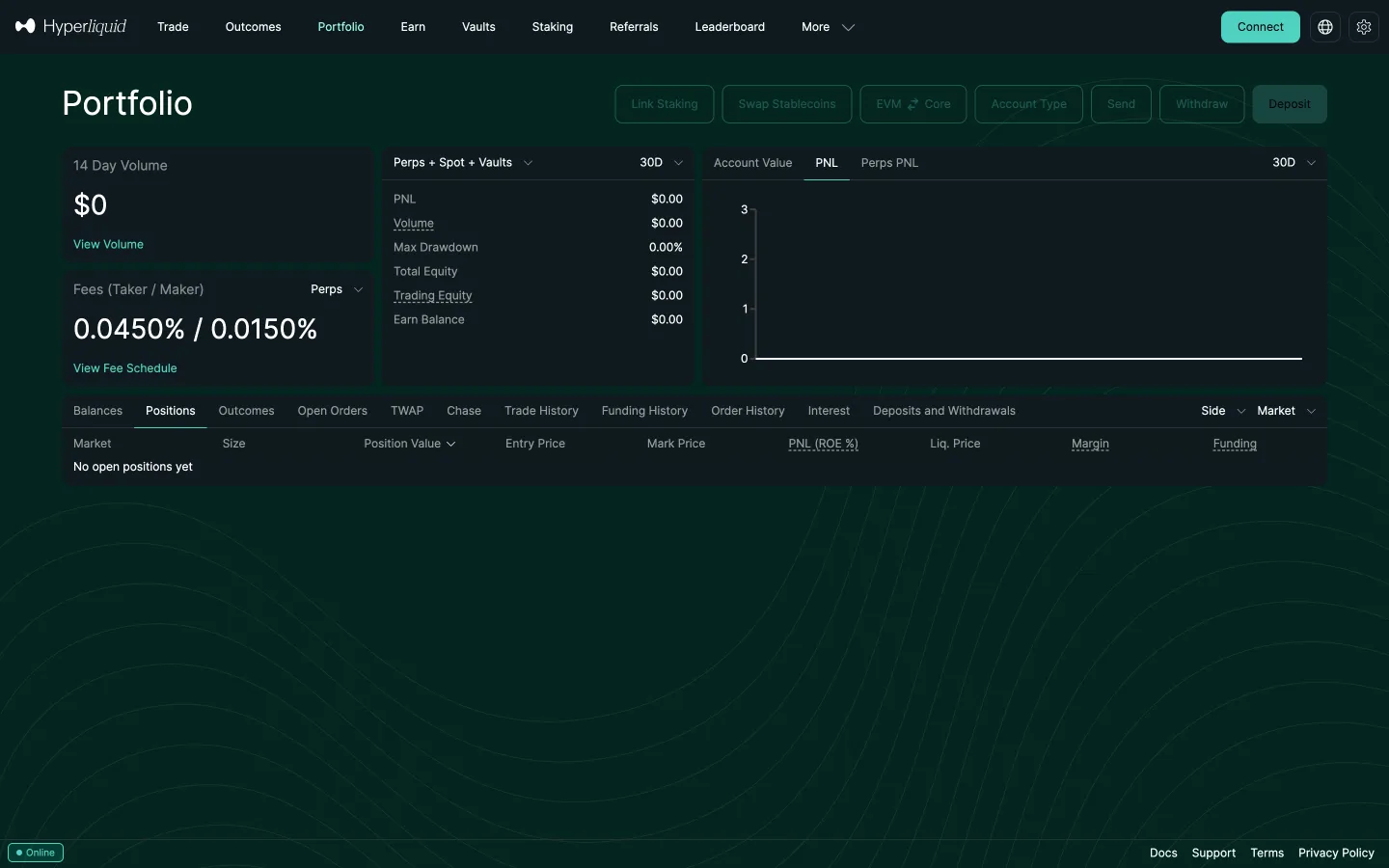
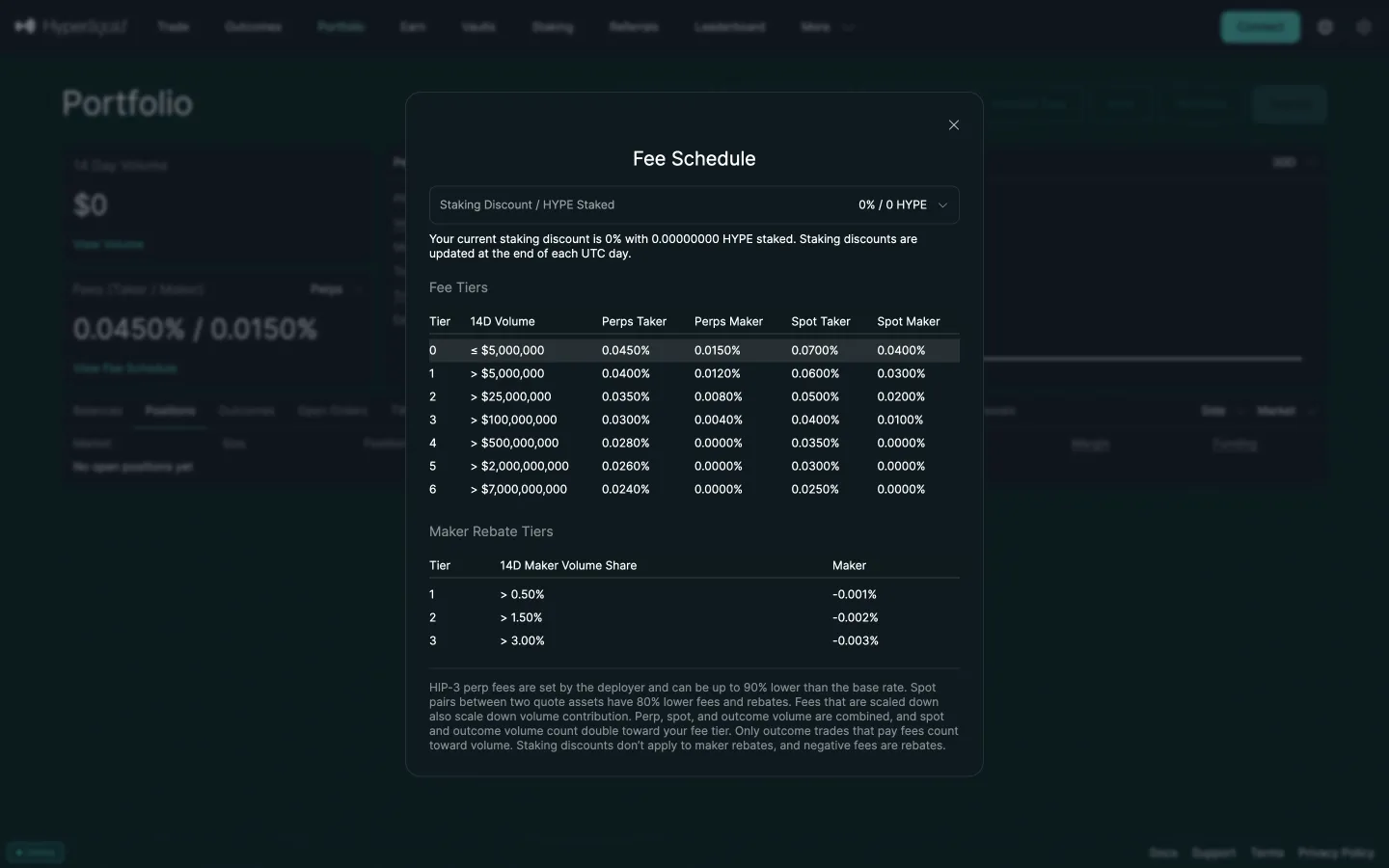
 HyperliquidPortfolio signed out
5 screens
2 more steps
for members
Sign up free to compare every step
You see the first half of each flow. Members see how every app ends it.