Signing Up
Creating an account, from the first screen to the signed-in home. Compare how two apps do it, step by step.
 HyperliquidLogging in with email
8 screens1 branch
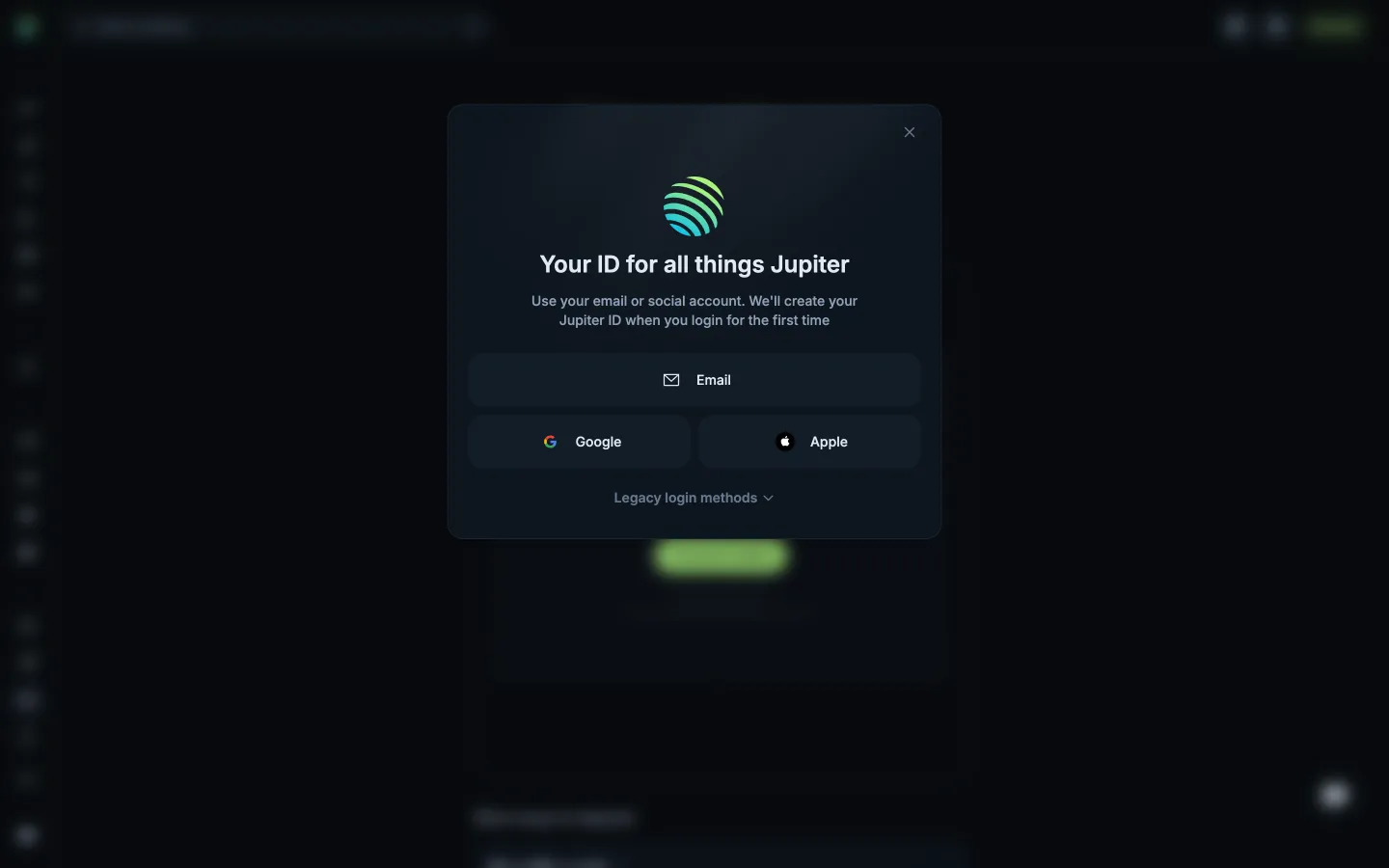
 JupiterPreviewing Jupiter ID sign-up
3 screens1 branch






4 more steps
for members
Sign up free to compare every step
You see the first half of each flow. Members see how every app ends it.