Sharing

Sending a token, trade, position or referral to someone else. Compare how three apps do it, step by step.

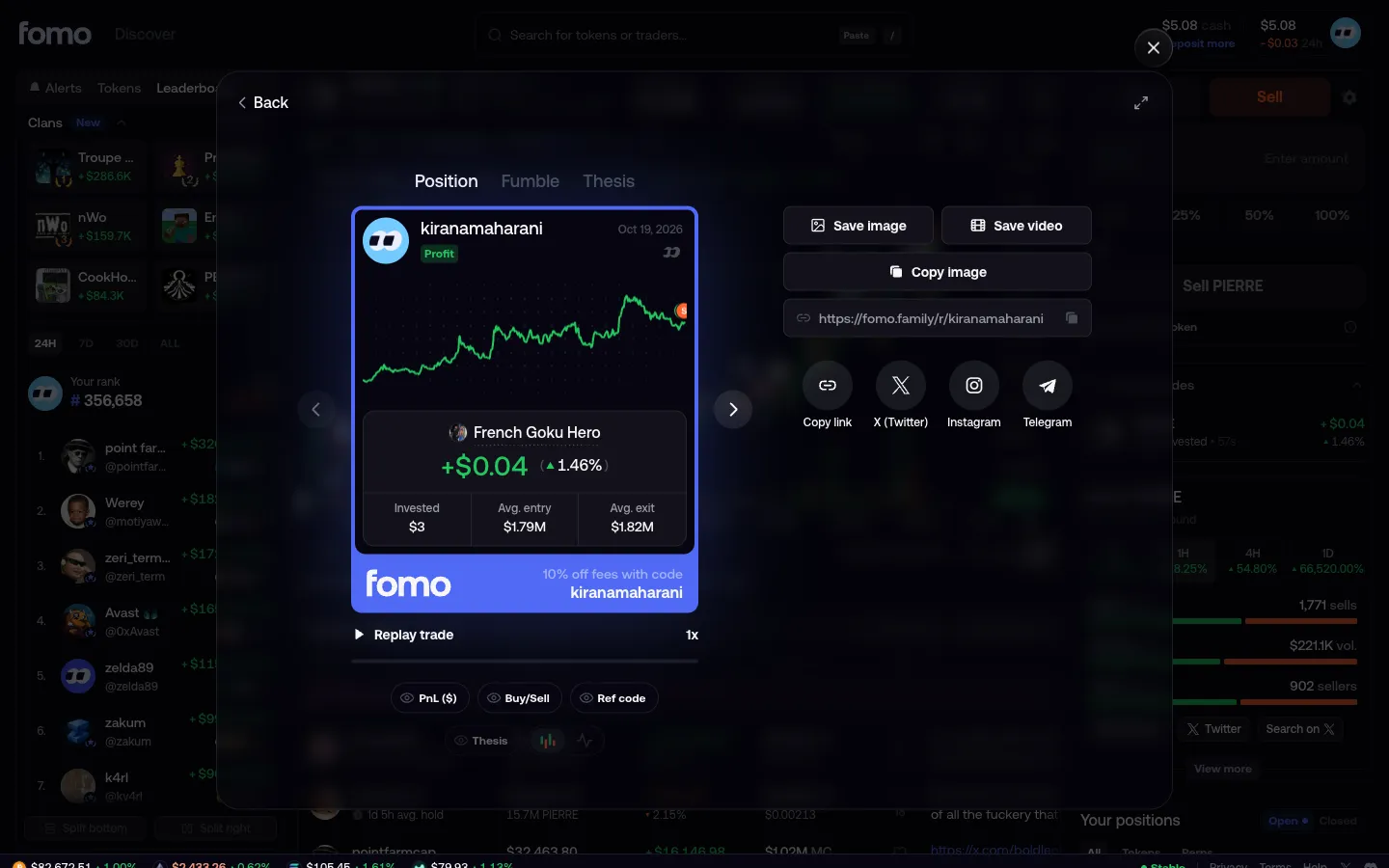
fomoSharing a win

3 screens

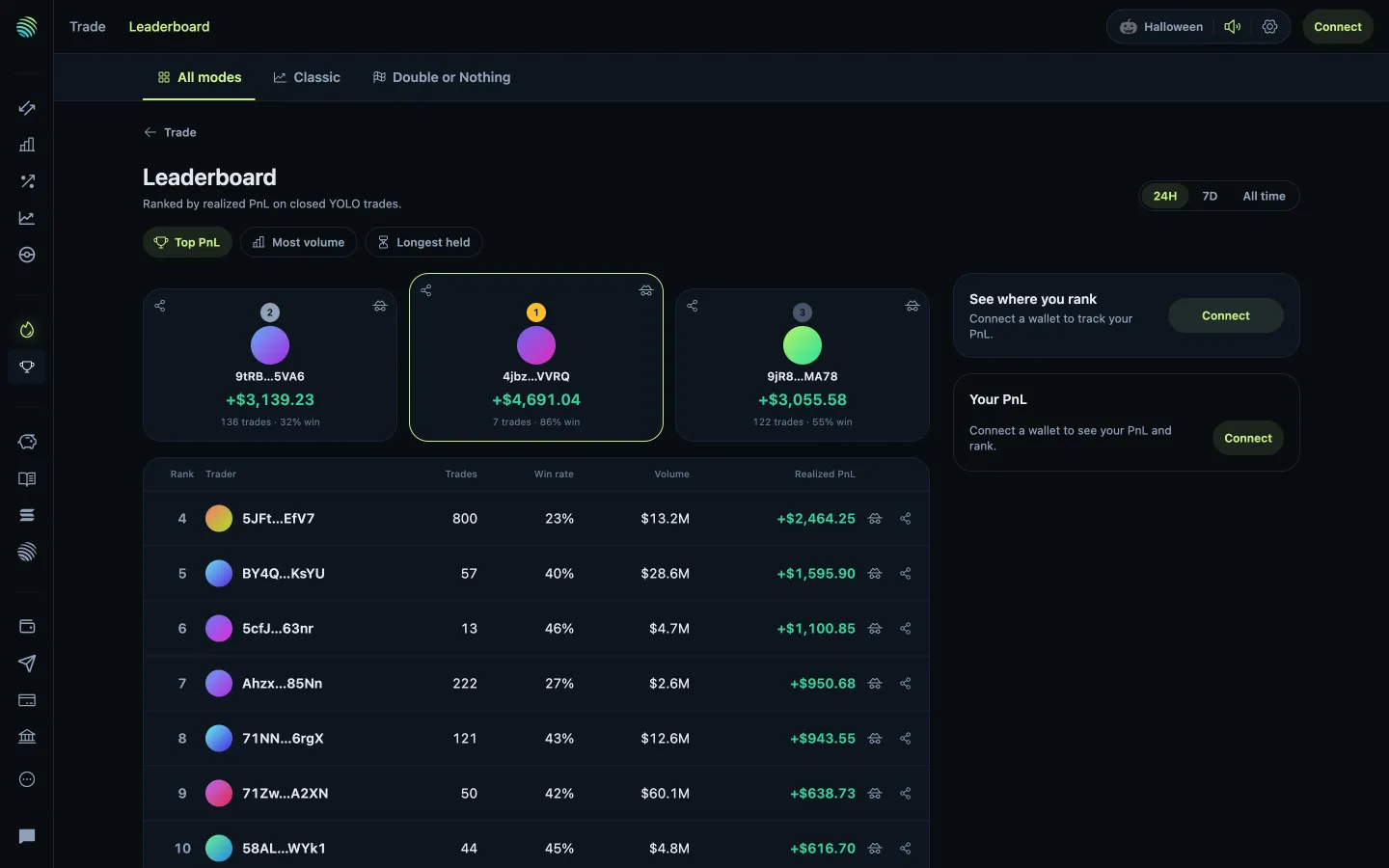
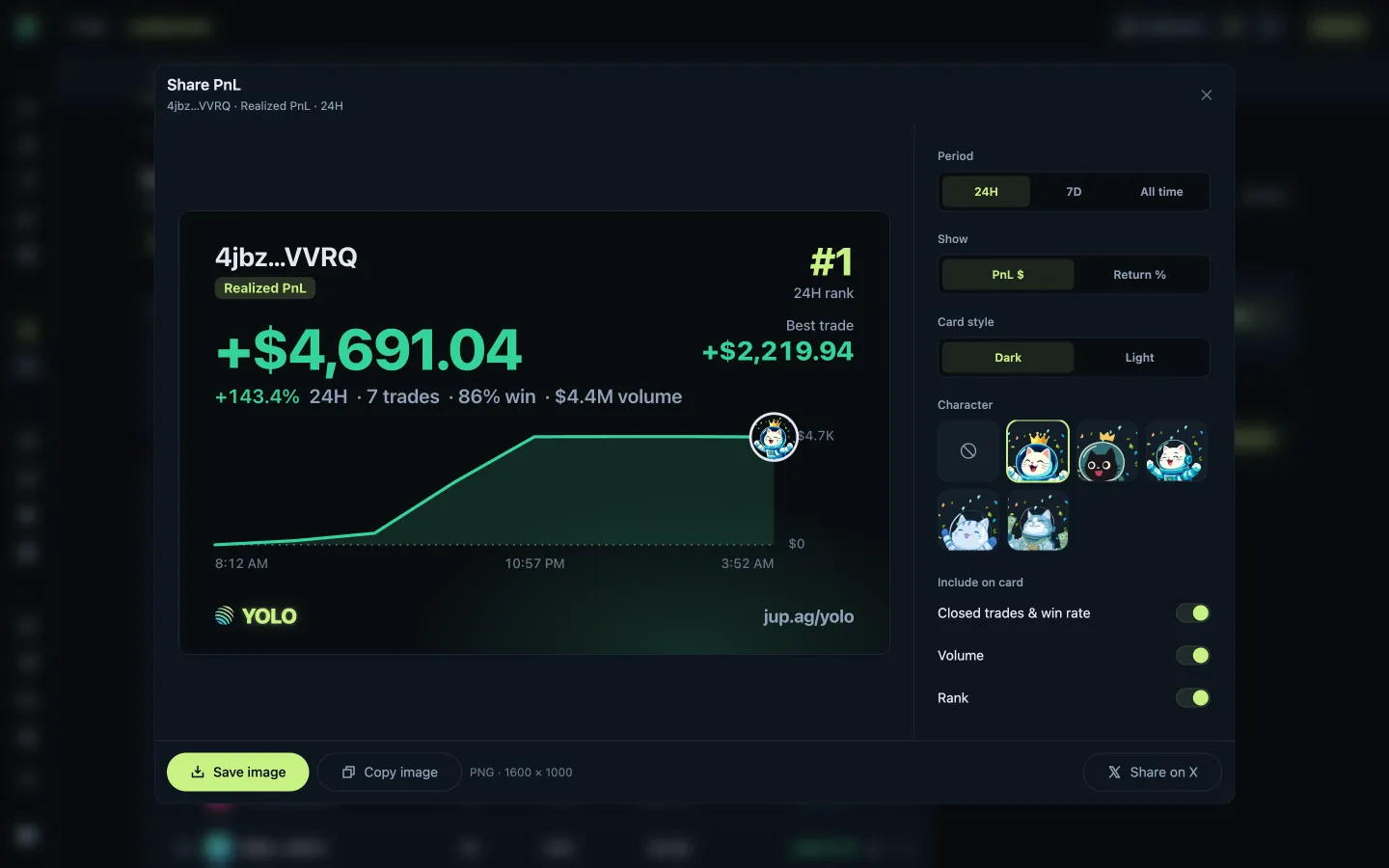
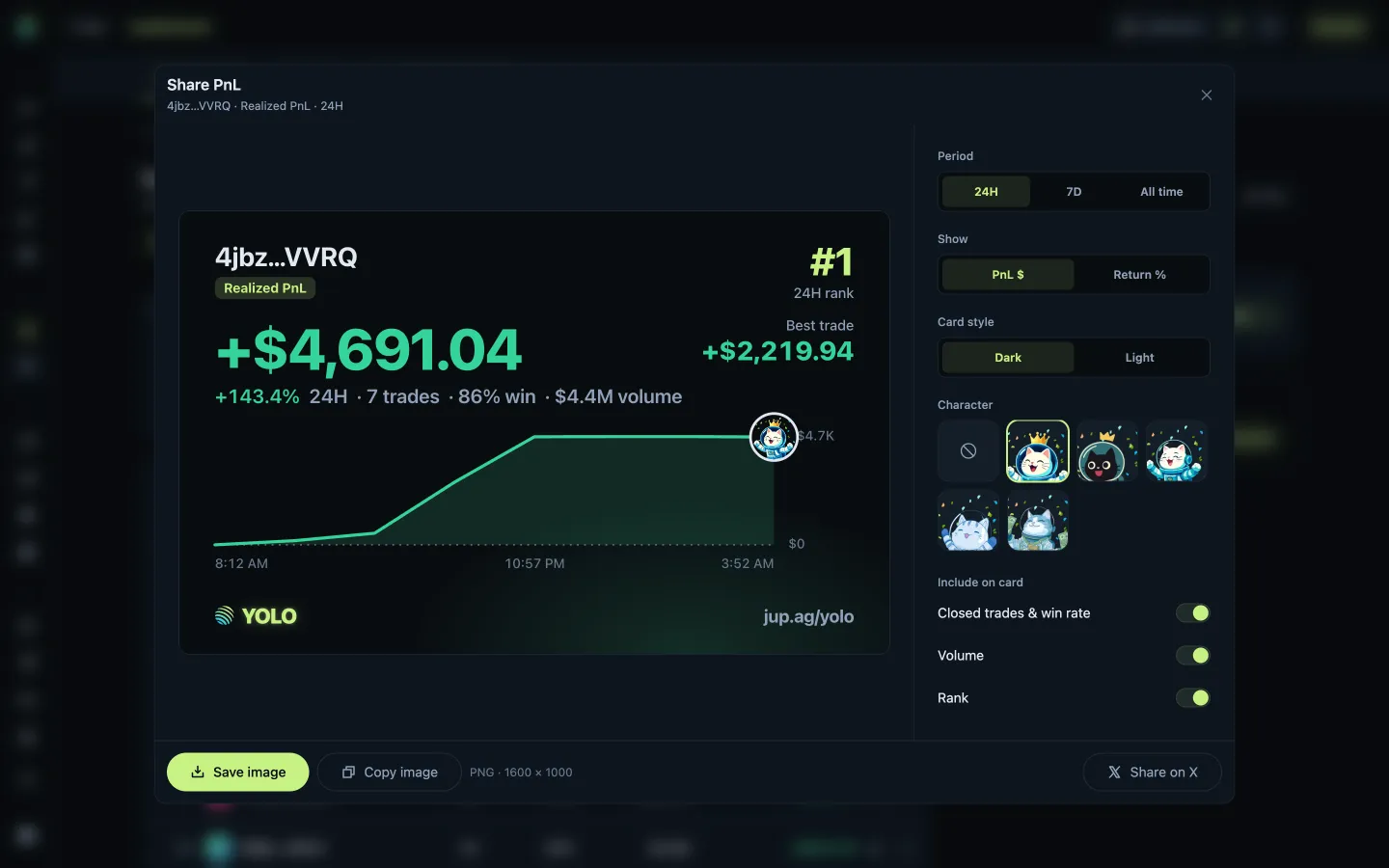
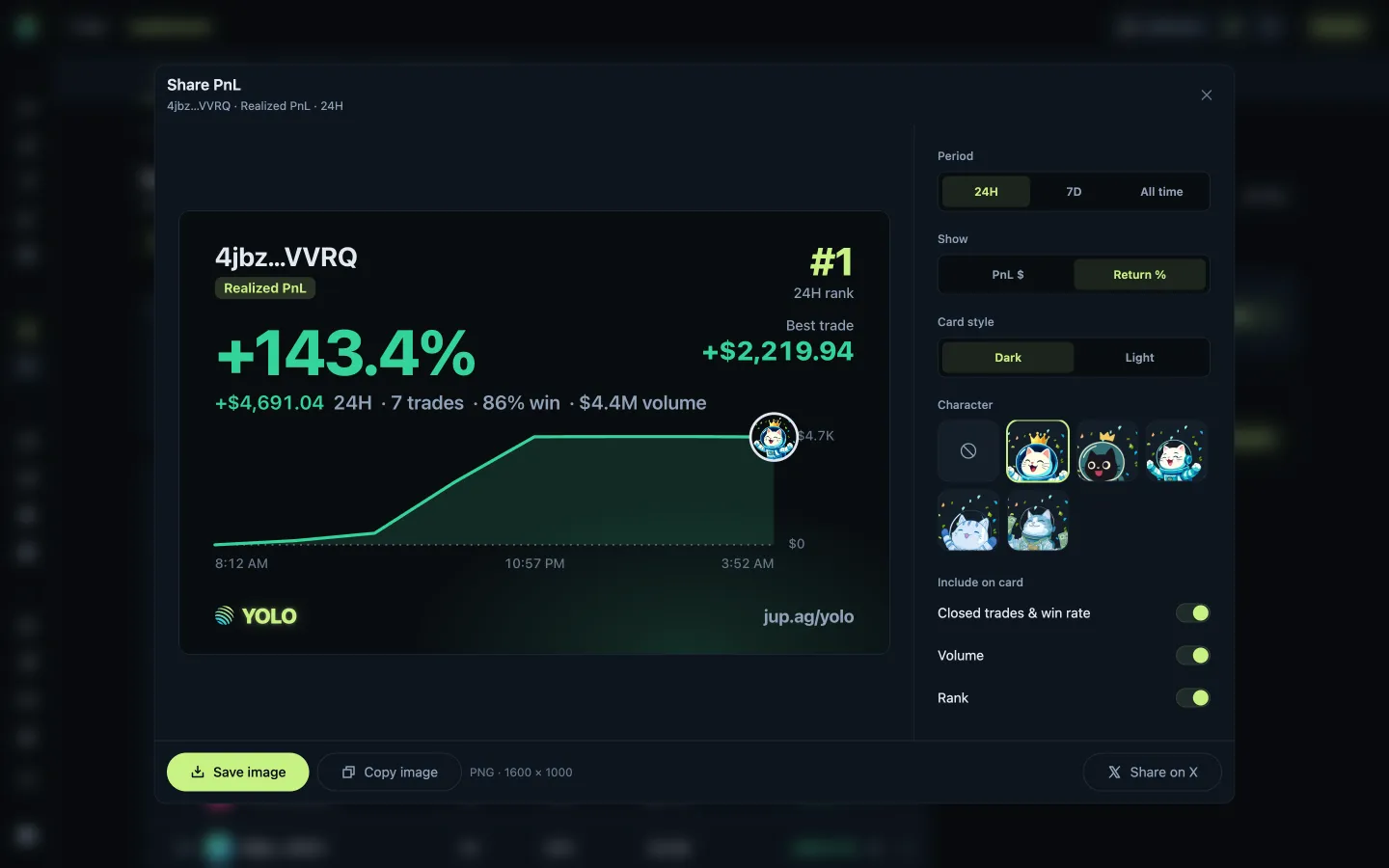
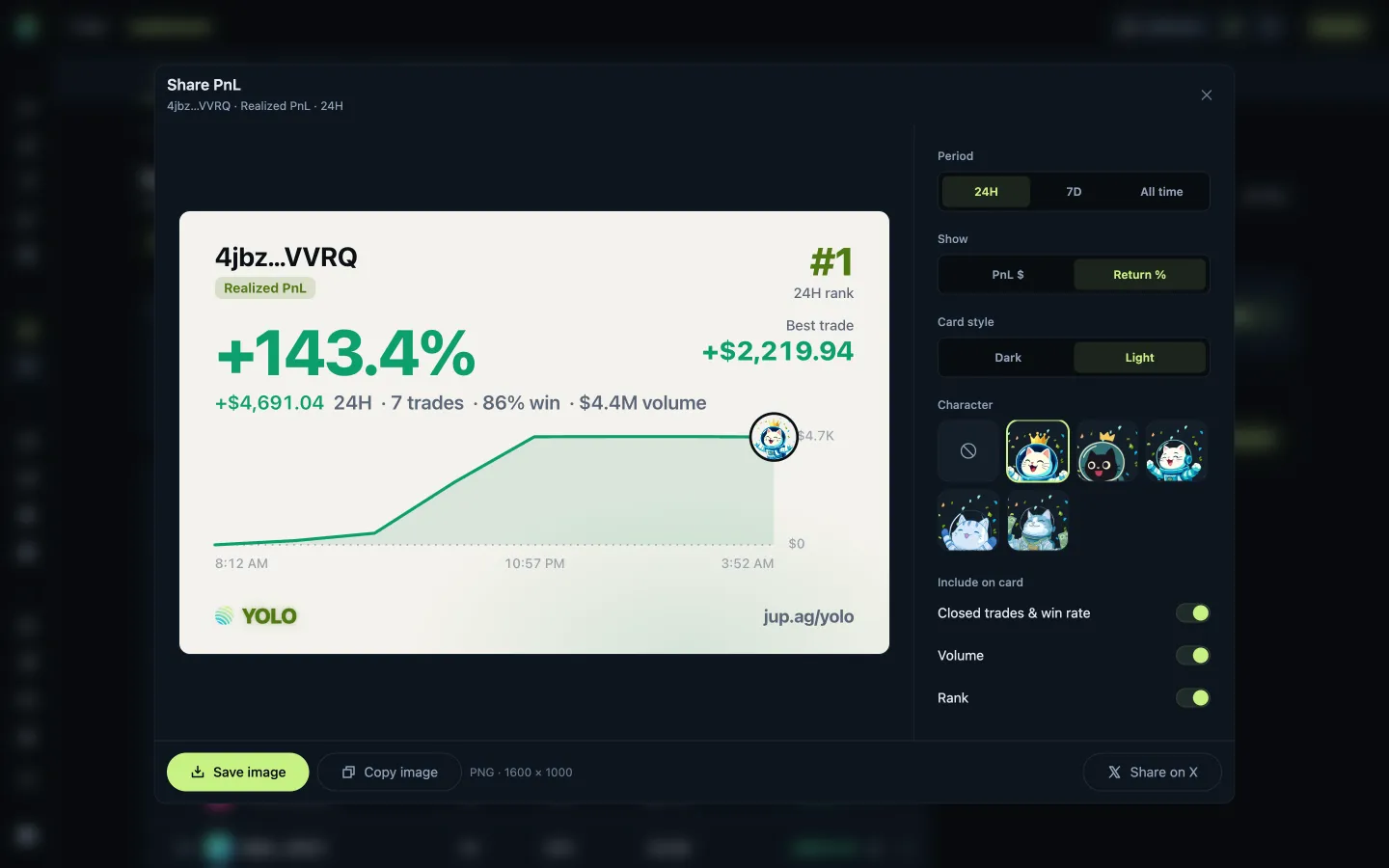
JupiterPreviewing a trader PnL card

14 screens

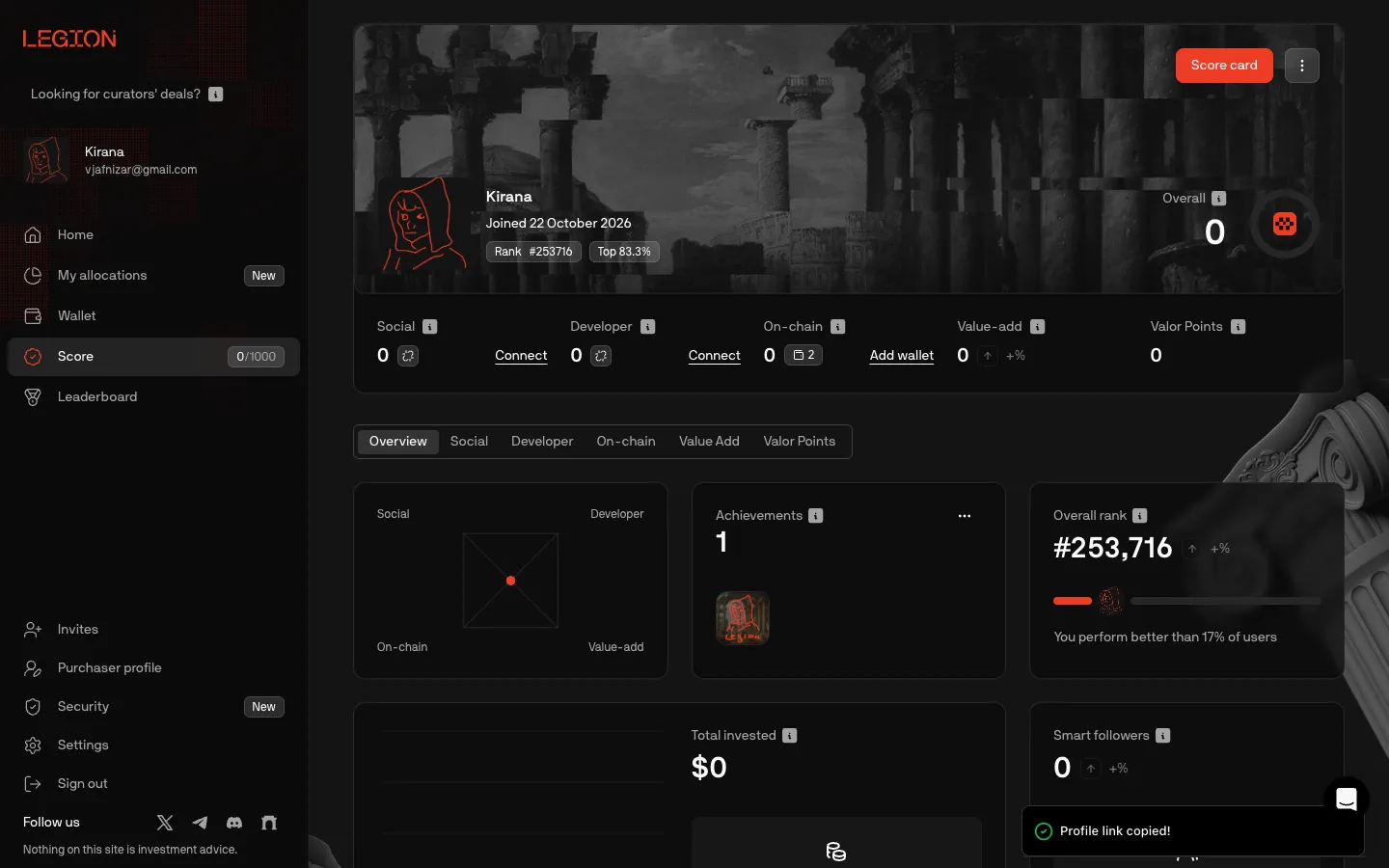
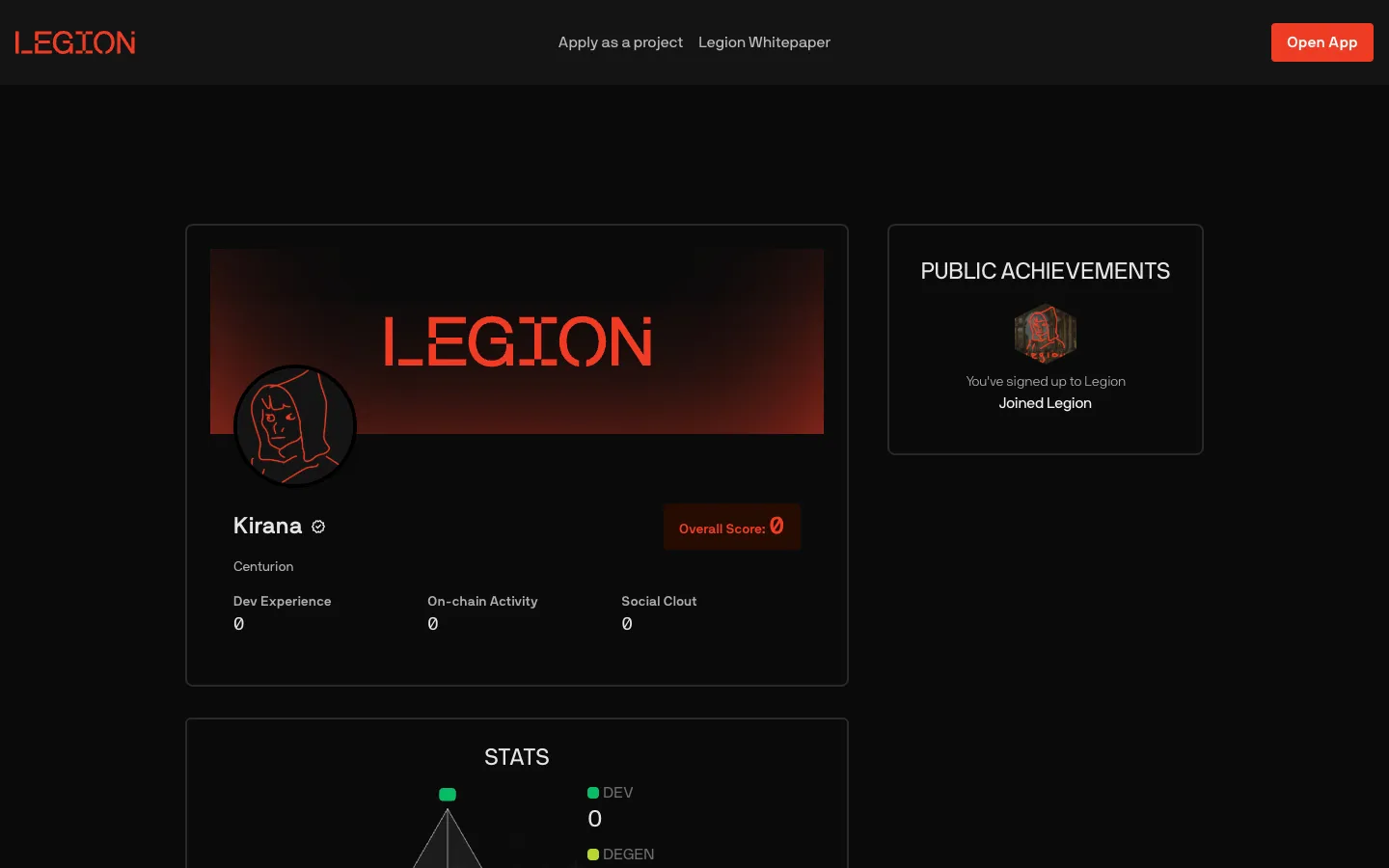
LegionPublic profile

2 screens
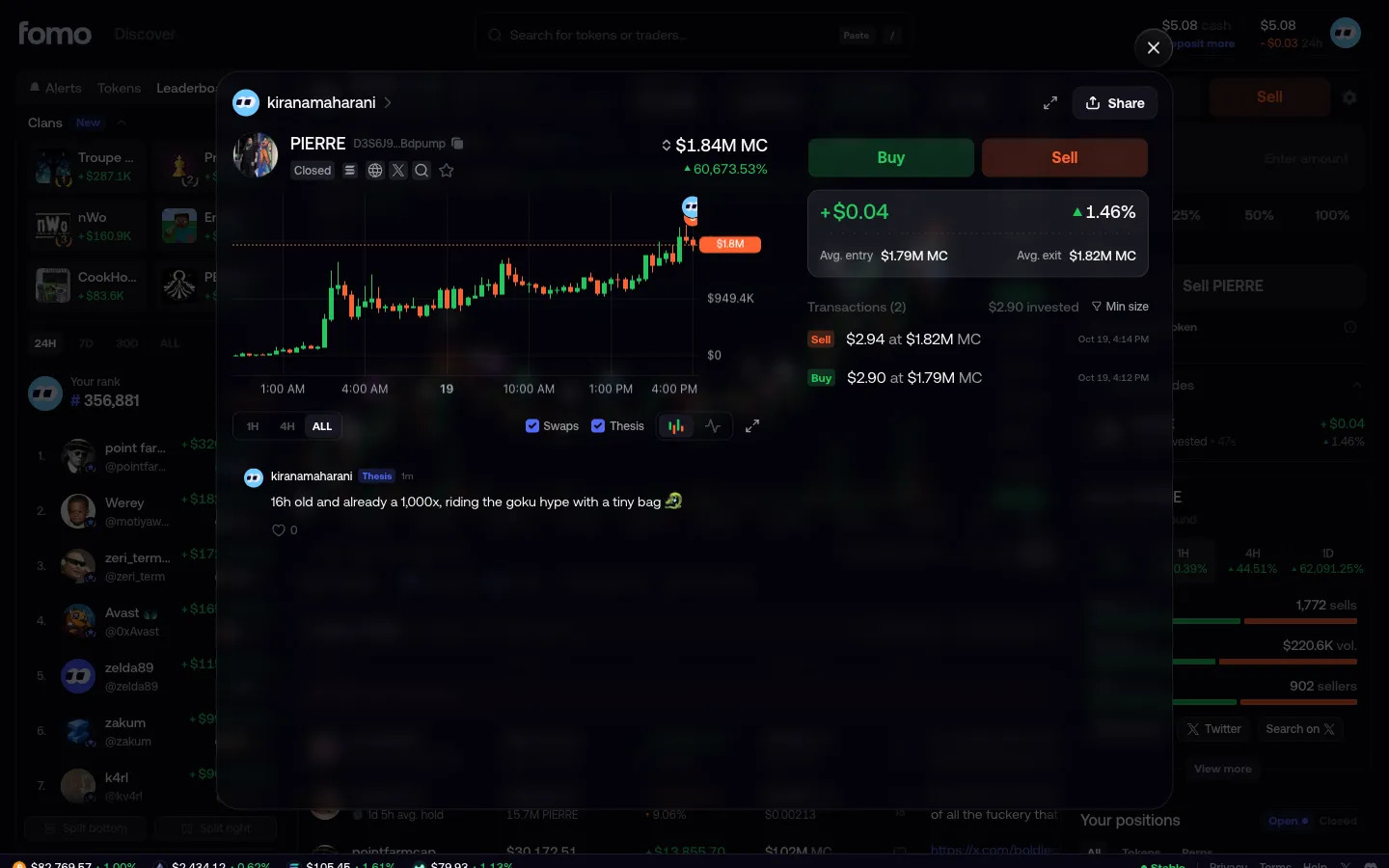
Your closed position in profit
1Your closed position in profit
Open the PnL card preview
1Open the PnL card preview
Profile link copied
1Profile link copied
Share card with a Profit badge
2Share card with a Profit badge
Preview daily PnL
2Preview daily PnL
Public profile from the copied link, tier Centurion
2Public profile from the copied link, tier Centurion
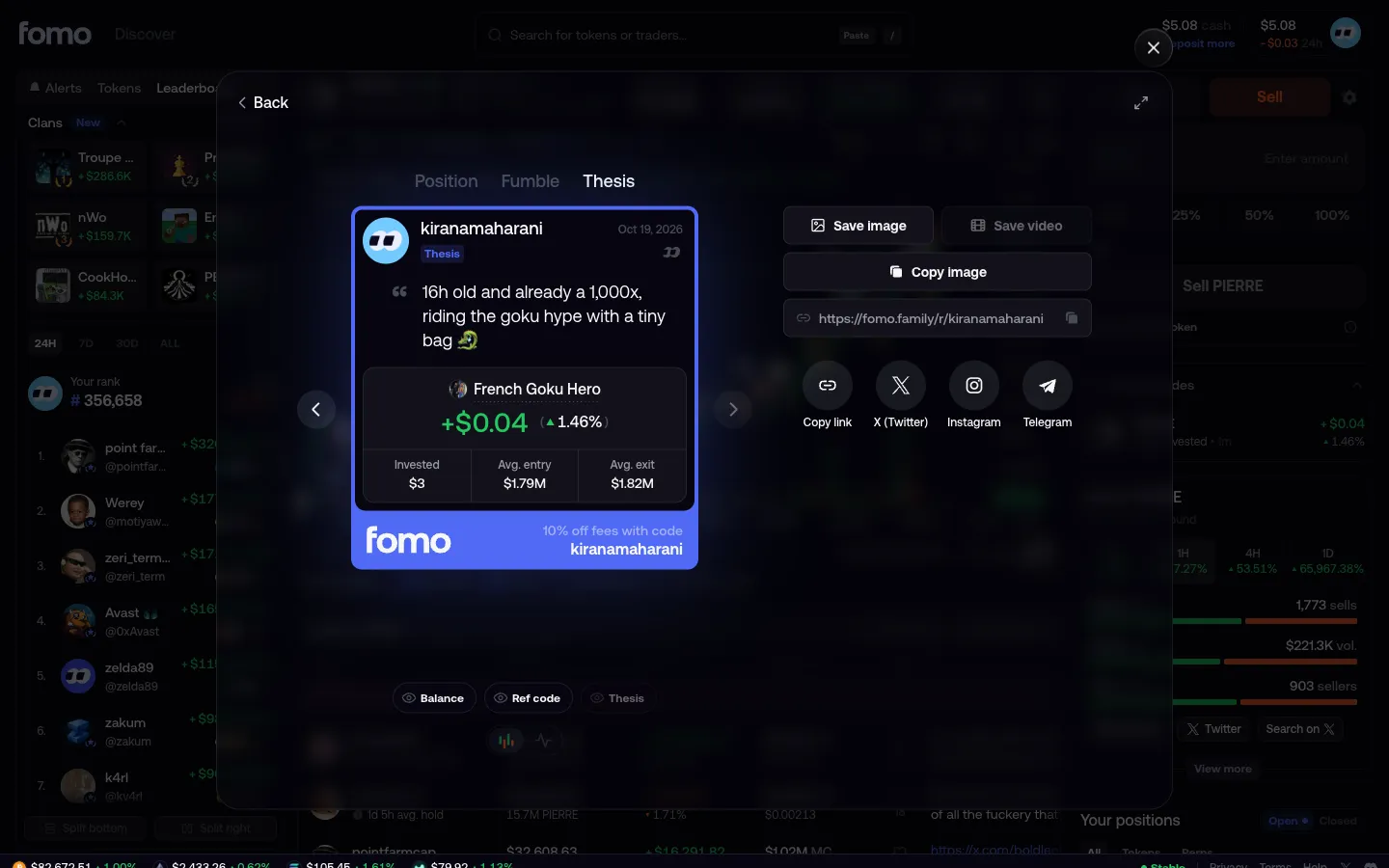
Thesis card with your words and result
3Thesis card with your words and result
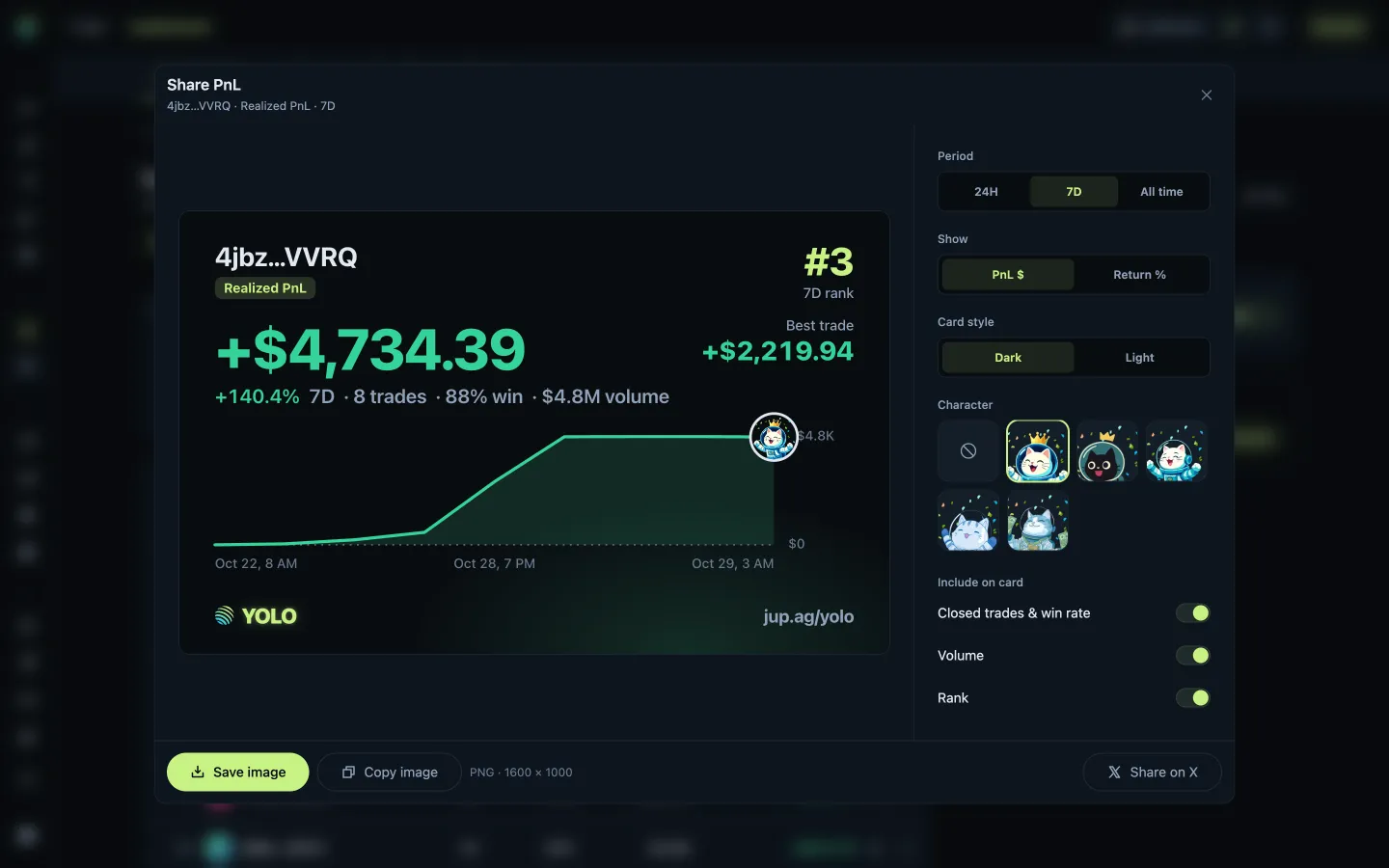
Preview seven-day PnL
3Preview seven-day PnL
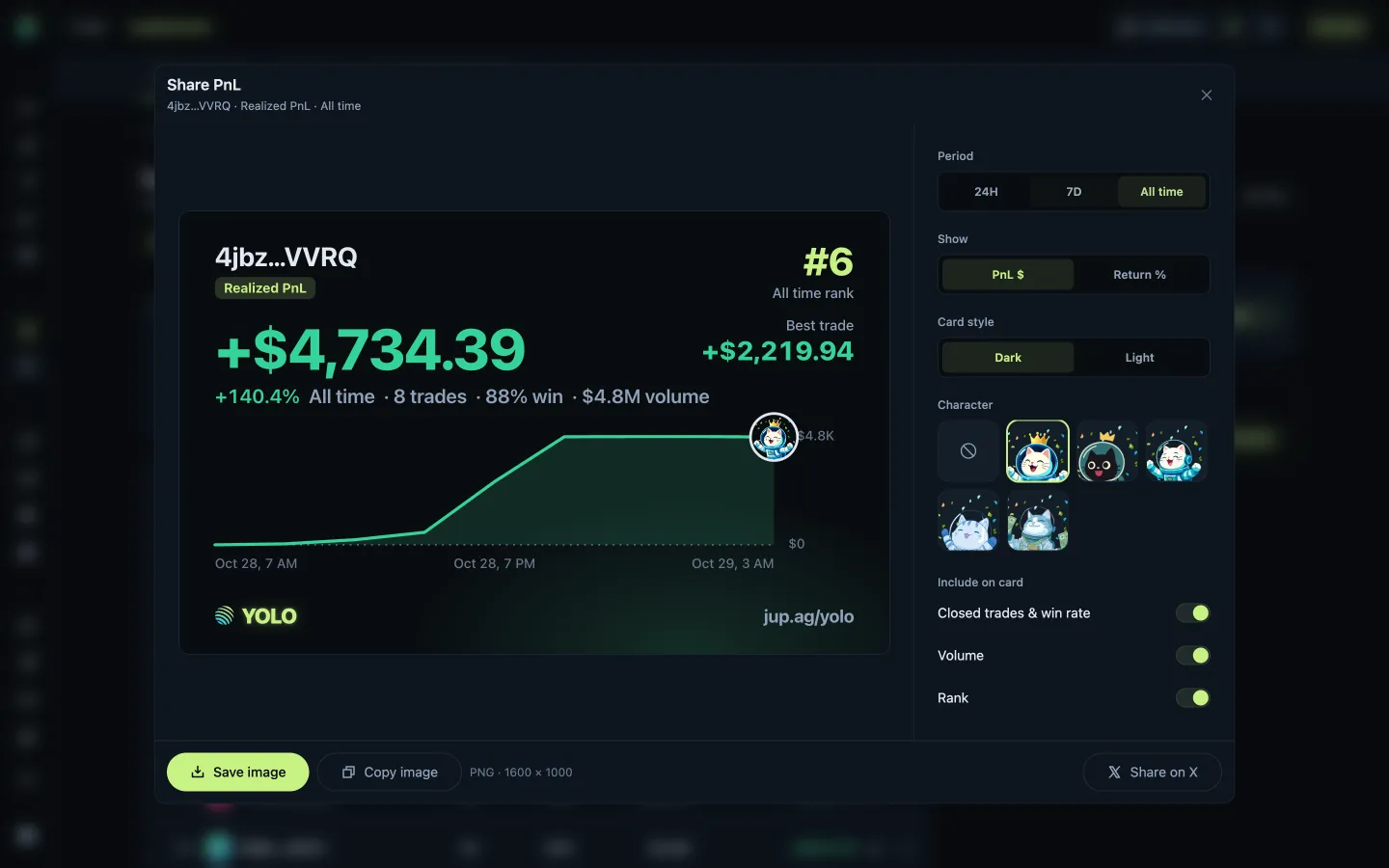
Preview all-time PnL
4Preview all-time PnL
Restore the daily period
5Restore the daily period
Show percentage return
6Show percentage return
Use the light card style
7Use the light card style

7 more steps

for members

Sign up free to compare every step

You see the first half of each flow. Members see how every app ends it.